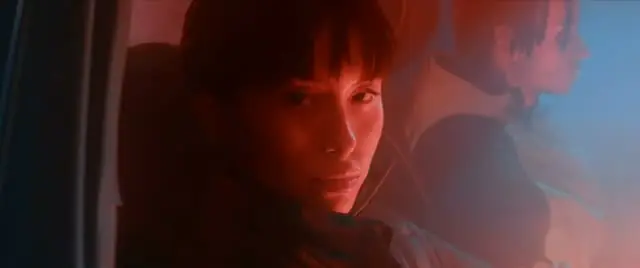
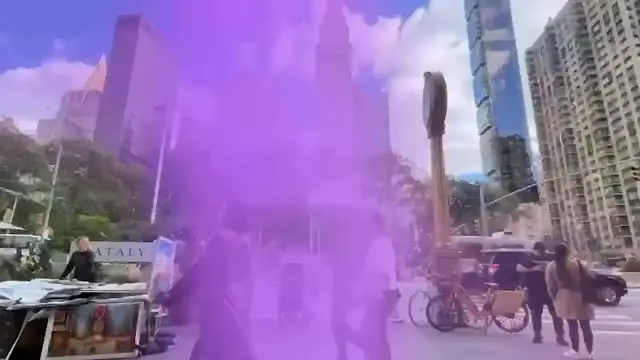
AI video generator

Every model you've heard of.
One editor.

  • Veo 3
  • Sora 2
  • Kling 3.0
  • Seedance 2.5
  • Hailuo 2.3
  • Wan 3.0
  • Luma Ray 3.2
  • Veo 3 Fast
  • Sora 2 Pro
  • Kling O3
  • MiniMax H3
  • Pika 2.2
  • PixVerse V6
  • LTX 2.5
  • Grok Imagine Video
  • Gemini Omni Flash
  • FLUX 3
  • Seedance 2.0 Fast
  • Higgsfield Genjutsu

Pick the model for the shot, switch for the next one. Every shot lands on the same timeline.

$0.92 a clip here · $2.31 on fal · five seconds at 720p, billed yearly

Seedance 2.5 price check

Seedance 2.5.Under half fal's price.

One five-second clip at 720p

  • Selects

    Starter or Pro Max, billed yearly

    $0.92

  • Higgsfield

    Plus, billed yearly ($39/mo)

    $1.36

    32% less on Selects

  • fal

    API, pay as you go

    $2.31

    60% less on Selects

  • 60%

    less than fal

  • 32%

    less than Higgsfield Plus

  • 0%

    markup on Seedance 2.5

What your plan makes

17 clips

five-second Seedance 2.5 clips at 720p, every month

The same money makes about 8 on fal.

Prices checked November 2, 2026. Sources: fal, Seedance 2.5 model page · Higgsfield, Seedance 2.5 pricing

Made with Seedance 2.5 in Selects

Every clip here was generated in Selects, with the prompt under it.

  • “A colossal humpback whale glides slowly through golden clouds above a sleeping coastal city at dawn, god rays piercing the mist, a flock of birds crossing, cinematic slow drift”

    Seedance 2.5 · 720p · 5s

  • “A rusted vintage convertible races across a cracked salt flat at sunset, kicking up a long trail of golden dust, low tracking shot alongside the wheels”

    Seedance 2.5 · 720p · 5s

  • “A ballerina spins alone on the stage of an empty gilded opera house under a single spotlight, her white tutu flaring, dust floating in the beam, slow motion”

    Seedance 2.5 · 720p · 5s

  • “Macro shot of espresso pouring into a clear glass cup, rich crema swirling and blooming, warm morning light, slow push-in”

    Seedance 2.5 · 720p · 5s

  • “An astronaut in a white suit walks through a field of tall glowing blue flowers on an alien planet, two moons hanging in a violet sky, wide cinematic shot”

    Seedance 2.5 · 720p · 5s

  • “A surfer crouches inside a turquoise barrel wave, the camera riding just behind them, sunlight sparkling through the curling water”

    Seedance 2.5 · 720p · 5s

  • “A red fox bounds through deep fresh snow in a pine forest at golden hour, snow spraying up, backlit, slow motion tracking shot”

    Seedance 2.5 · 720p · 5s

  • “A chef tosses vegetables in a flaming wok at a busy night-market stall, fire leaping and sparks flying, steam rising, slow motion close-up”

    Seedance 2.5 · 720p · 5s

  • “A skateboarder launches a kickflip over a concrete gap at a sunset skatepark, fisheye lens, low angle, warm lens flare”

    Seedance 2.5 · 720p · 5s

  • “Glowing jellyfish drift through deep blue water, bioluminescent tendrils trailing, tiny particles floating, slow dreamy camera drift”

    Seedance 2.5 · 720p · 5s

  • “A lone lighthouse on a cliff during a violent storm, enormous waves exploding against the rocks, lightning flashing, slow aerial orbit”

    Seedance 2.5 · 720p · 5s

Every shot you didn't film,
made where you're editing

Veo, Sora, Kling, Seedance and more

Pick the model for the shot, from Google Veo 3 and OpenAI Sora 2 to Kling 3.0 and Seedance 2.5, and start from a prompt, an image or a clip you already have. Every model runs on the same Selects credits, and Seedance 2.5 carries no markup: your credits pay for the model, not a margin on top.
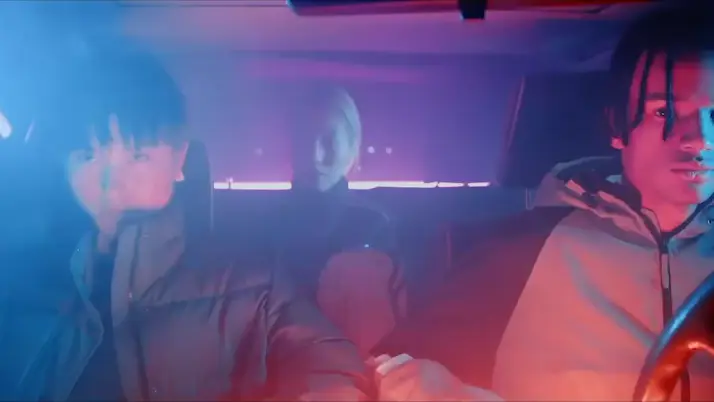
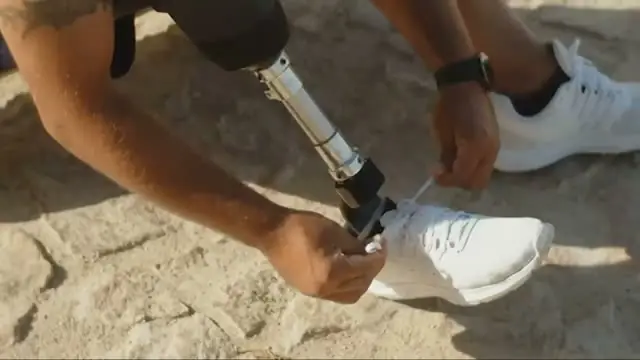
On the timeline, next to your footage

The shot lands above your video at the playhead, and in your project. Ask chat for a cutaway and Selects checks what you filmed first, so you generate only what isn't there.

Edit, extend, reframe, upscale

Open the Edit tab on a clip you already have, generated or filmed. Change it from a description, like make it snow, add footage to its end, turn 16:9 into 9:16 and fill the new edges, or raise it to up to 4K.

Start from an example

Open Explore in Generate video, pick an example made with AI and click Recreate. Its prompt, model and settings fill in, and nothing is charged until you generate.

Works great for

FAQ

Which video models can I use?

The major video models, in one place:

  • Google Veo 3 and Veo 3 Fast
  • OpenAI Sora 2 and Sora 2 Pro
  • Kling 3.0, Kling O3 and Kling 2.6, including native 4K and start-and-end-frame shots
  • Seedance 2.5, up to 30 seconds, and Seedance 2.0 Fast, up to 15
  • MiniMax Hailuo 2.3 and MiniMax H3
  • Wan 3.0
  • Luma Ray 3.2, Pika 2.2, PixVerse V6, LTX 2.5, Grok Imagine Video 1.5, Gemini Omni Flash 1.1 and FLUX 3
  • Higgsfield Genjutsu to restyle a clip you already have from 1 to 7 images, keeping its motion
Can I turn an image into a video?

Yes. In the Create tab of Generate video, add the image under Add references, then describe what happens and point at it, like @Image1 walks through the rain.

To start from a frame of your edit, choose Add current frame and Selects grabs the frame under the playhead.

What can I do to a clip I already have?

The Edit and Copy motion tabs of Generate video work on any clip, generated or filmed:

  • Edit video changes a clip from a description, like make it snow, and keeps its motion. Clips of about 2 to 30 seconds
  • Extend video adds footage to the end of a clip. Describe what happens next
  • Reframe changes a clip's shape, like 16:9 to 9:16, and fills in the new edges. Clips up to 60 seconds
  • Upscale raises a clip's resolution, up to 4K depending on the model
  • Copy motion moves the motion from one video, 3 to 30 seconds, onto a character from your image
Can I start from an example?

Yes. The Explore tab of Generate video shows example videos made with AI. Click Recreate on one and Selects fills in its prompt, model and settings. Add your own images if it needs them. Nothing is generated, and no credits are used, until you click Generate.

Can I make a whole video from an idea?

Yes. Start from an idea or a link to an article, and Selects writes the script, generates the shots and the voiceover, and cuts them on a timeline you can change. That's text to video, under Works great for.

How long can a generated video be?

It depends on the model. Seedance 2.5 goes up to 30 seconds and Seedance 2.0 Fast up to 15. To go longer with any of them, use Extend video on the result and describe what happens next.

Can I ask for a video in chat?

Yes. Click the + in the chat box, choose AI video and describe it. Before chat spends credits it shows the cost on a card, and several shots for one request come on one card, so you approve them together.

Does generating video use credits?

Yes. The cost shows above the Generate button before you start, or as an approximate figure when it depends on length or resolution. Selects holds the credits when you click Generate and settles the amount when the video is done.

Selects adds no markup to Seedance 2.5. On the $20 Starter plan, that's about 17 five-second clips at 720p, about half what the same clips cost on fal.

Where does the generated video go?

Onto your draft, above your other video, where the playhead was when you clicked Generate. It's also added to your project and saved to your Downloads folder, or the folder you set in Save media to.

Leave that file where it is. Your project reads the shot from it, so moving or deleting it takes the clip offline.

Explore our help center for all articles

Video anything.

Download Selects and make your first edit today.