Selects Blog
Everything about video editing and tech
Practical guides to video editing, AI workflows, and the tools worth your time.
YouTube and vlogs
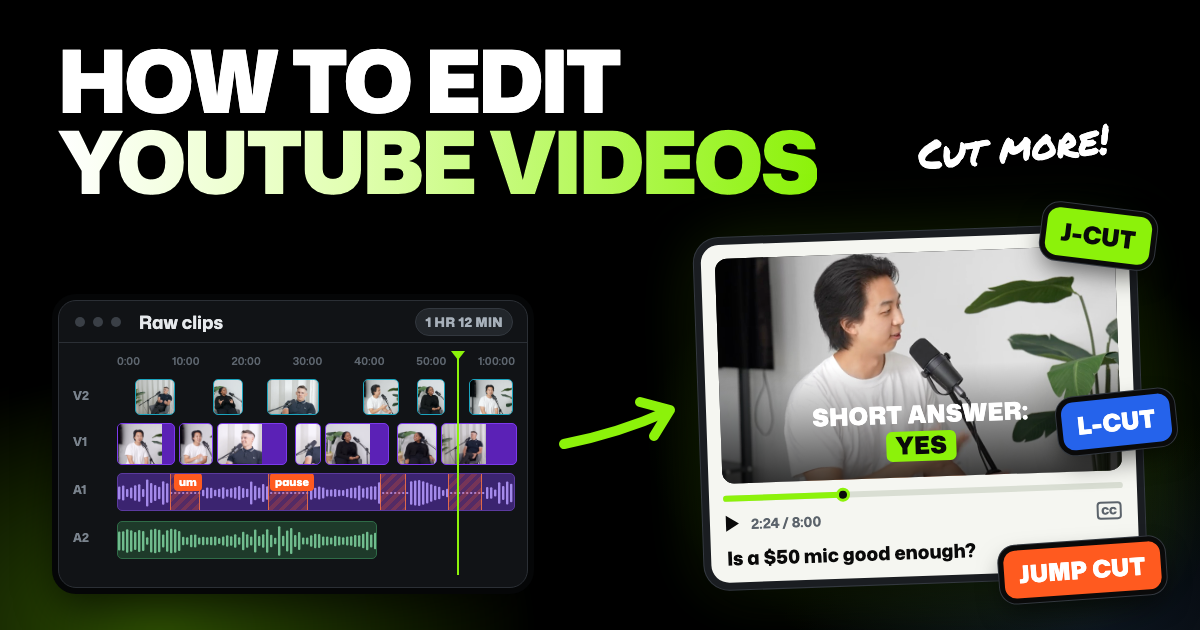
How to Edit YouTube Videos: Steps, Cuts and Common Mistakes
How to edit YouTube videos, step by step: find the story, trim pauses and filler, pick J-cuts, L-cuts or jump cuts, then add B-roll, music and captions.
Podcasts and multicam
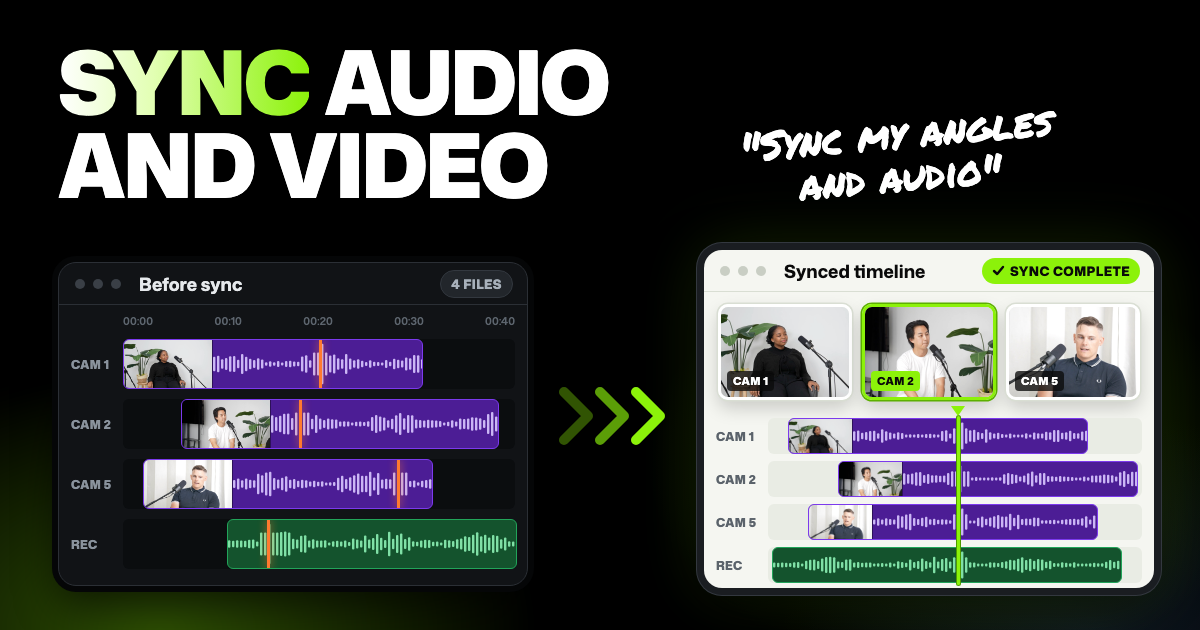
How to Sync Audio and Video (and the Best PluralEyes Alternatives)
How to sync audio and video by waveform or timecode, what replaced PluralEyes, where sync tools fail, and two real multi-camera shoots synced in minutes.
Editing workflows
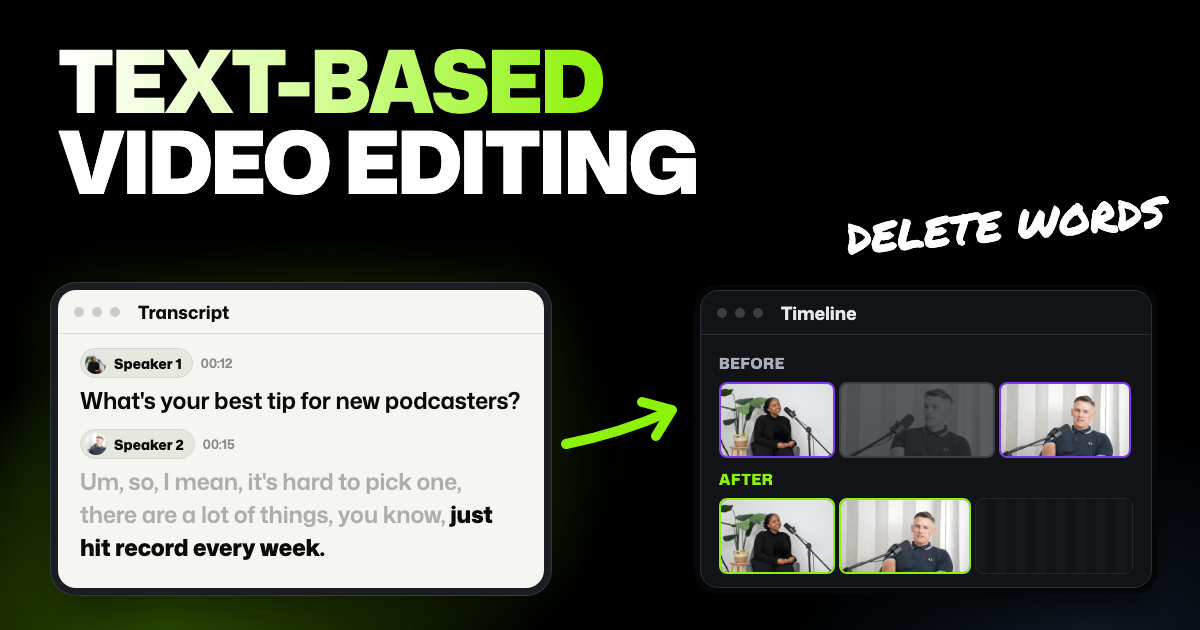
Text-Based Video Editing: Edit a Video by Editing Its Transcript
Text-based video editing lets you cut a video by deleting words from its transcript. How it works, where it falls short, top tools and how to try it.
AI editing guides
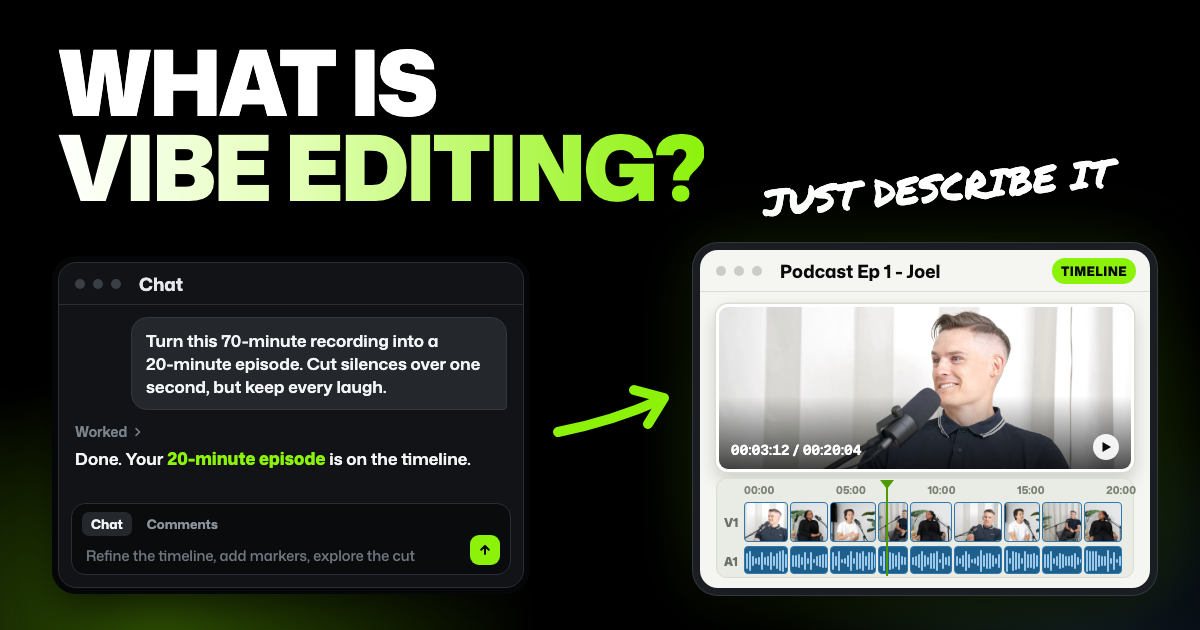
What Is Vibe Editing? How It Works, Where It Breaks and How to Try It
Vibe editing is describing the video you want in plain words and letting an AI video editor cut it. Where it works, where it breaks, and how to try it.
Editing basics
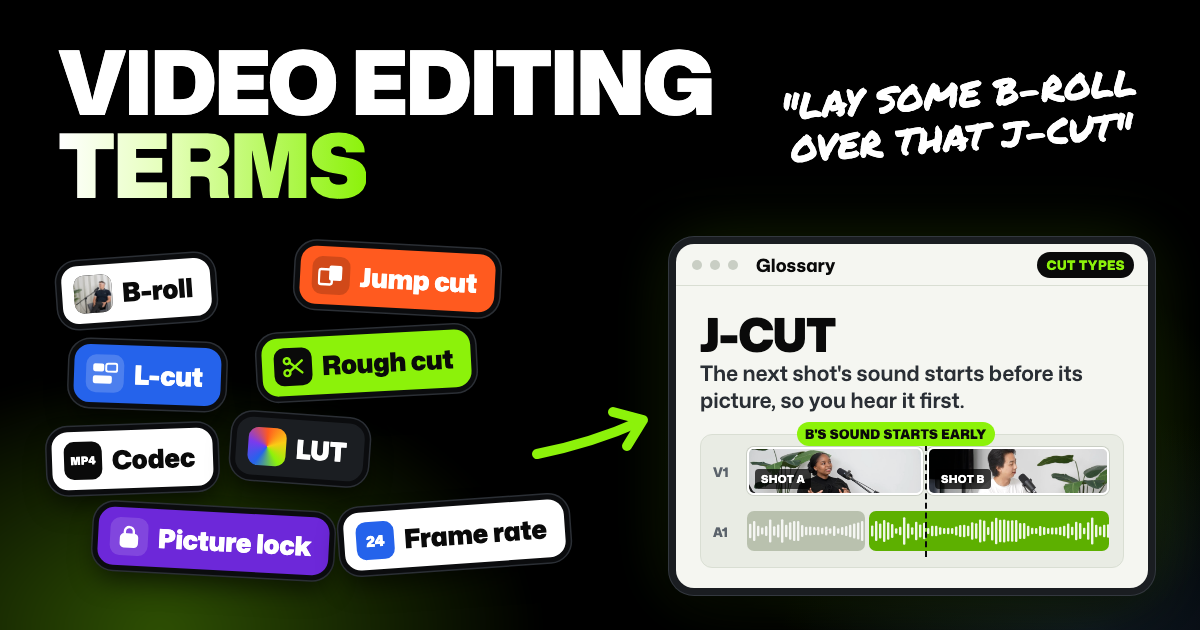
Video Editing Terms: A Plain-English Glossary for Beginners
Video editing terms explained in plain English: B-roll, jump cuts, J-cuts, rough cuts, codecs, LUTs and AI editing words, grouped by job.
Editing basics
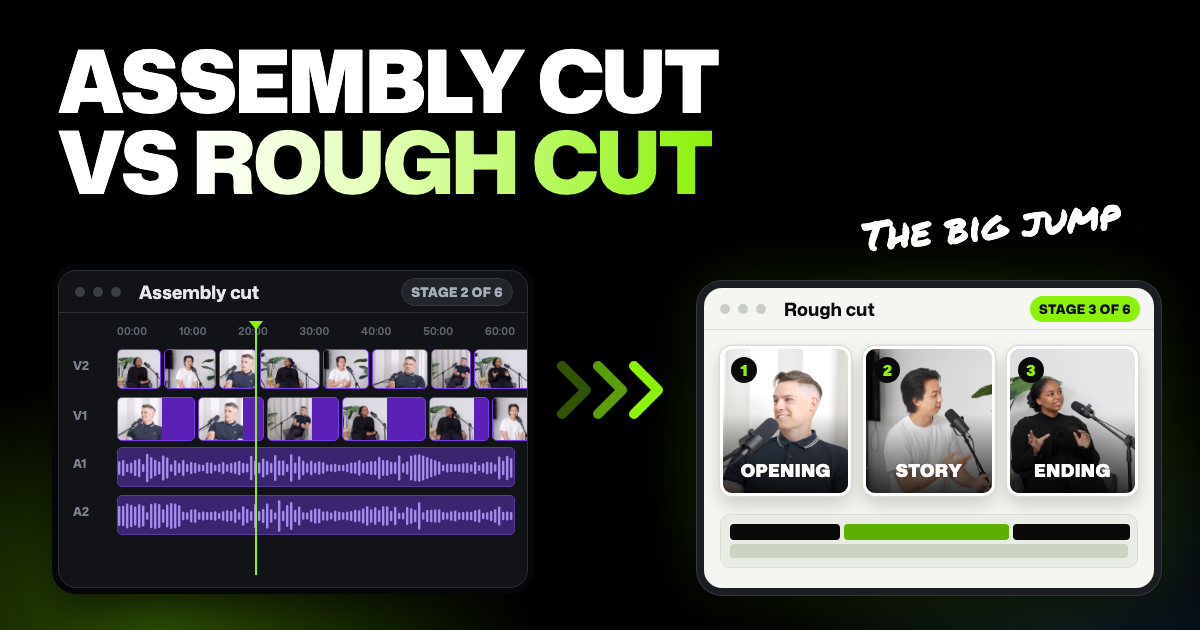
Assembly Cut vs Rough Cut: What Each Means and Every Editing Stage in Order
Assembly cut vs rough cut: what each stage means, how they differ, and the full video editing process, from selects to fine cut, picture lock and export.
Editing basics
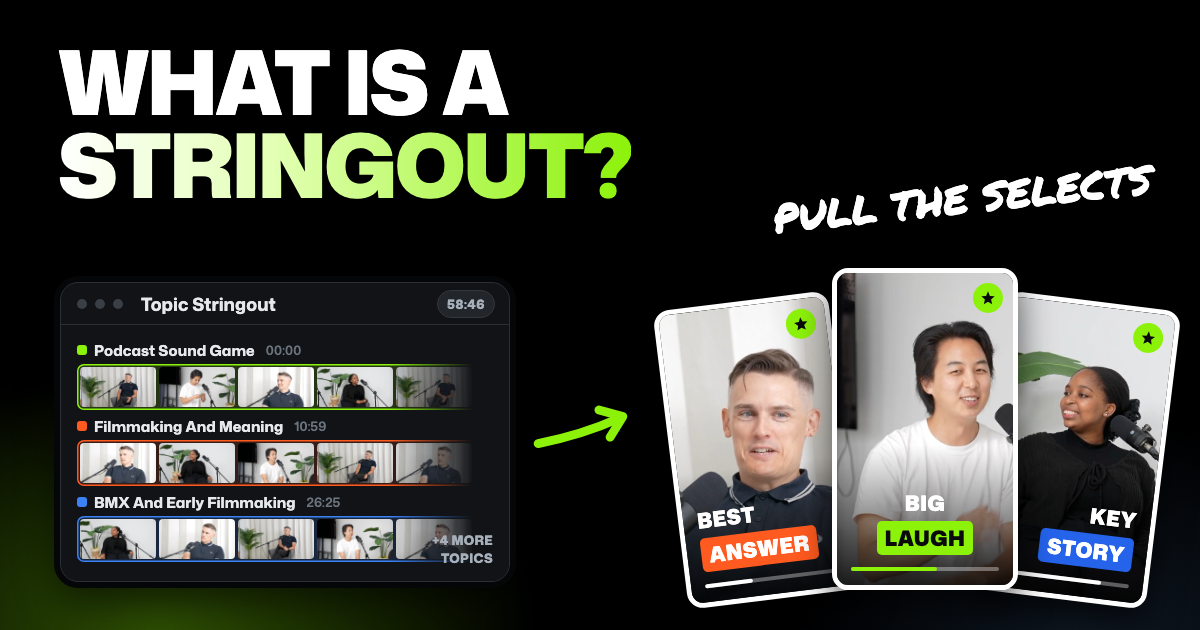
What Is a Stringout? Stringouts vs Selects in Video Editing
A stringout is all your usable footage laid end to end. Learn what selects are, where both fit in the edit, and how to make each by hand or with AI.
Captions and subtitles
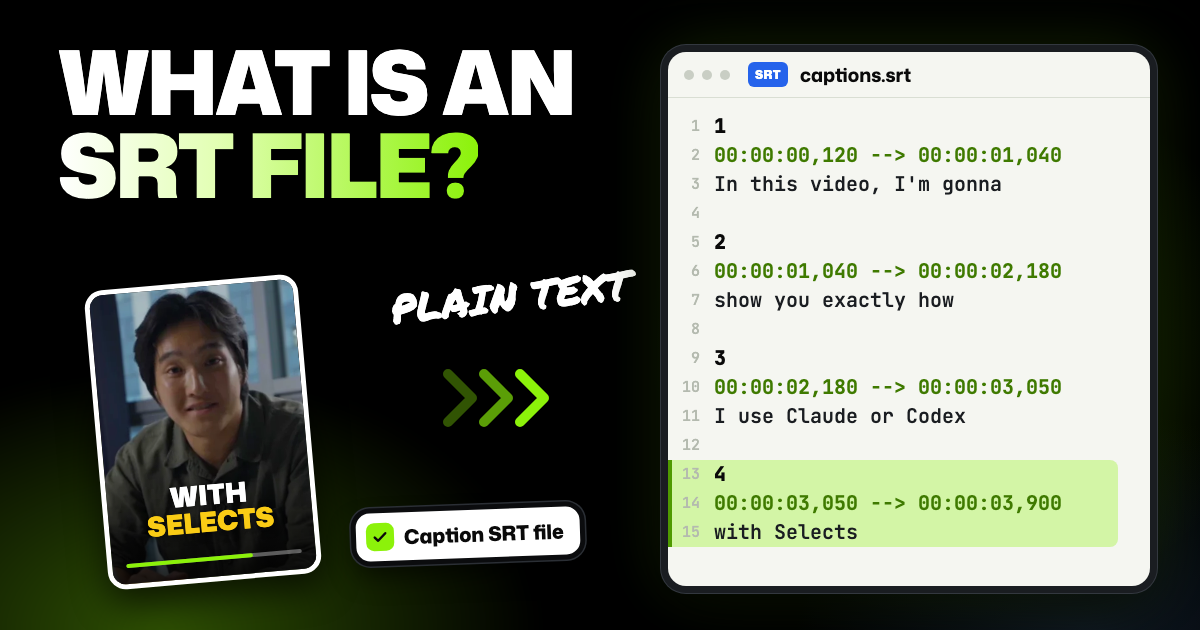
What Is an SRT File, and How to Create One
An SRT file is a plain-text subtitle file. See the format with an example, how to open, edit and create one, and how SRT differs from VTT.
Captions and subtitles
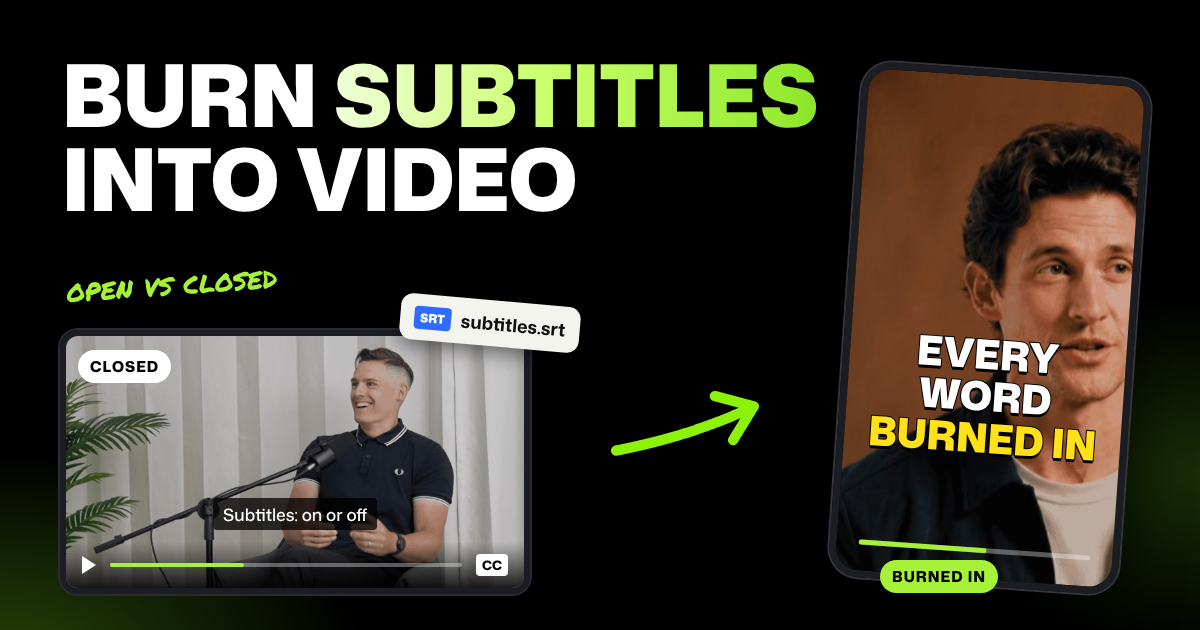
Burn subtitles into video
How to burn subtitles into video so they always show, plus open vs closed captions and which to pick for TikTok, Reels, YouTube or a client.
AI editing guides
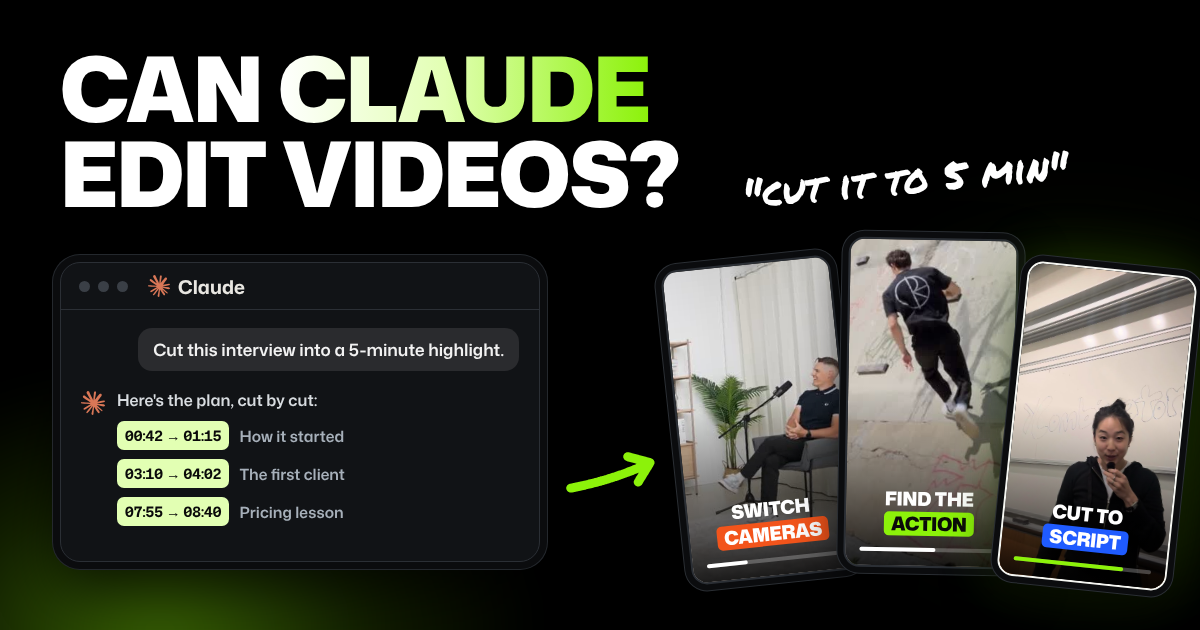
Can Claude Edit Videos? What It Can Watch, Analyze and Cut
Can Claude edit videos? What Claude can watch, analyze and cut today, what our editor's tests showed, and how people get accurate cuts on real footage.
Podcasts and multicam
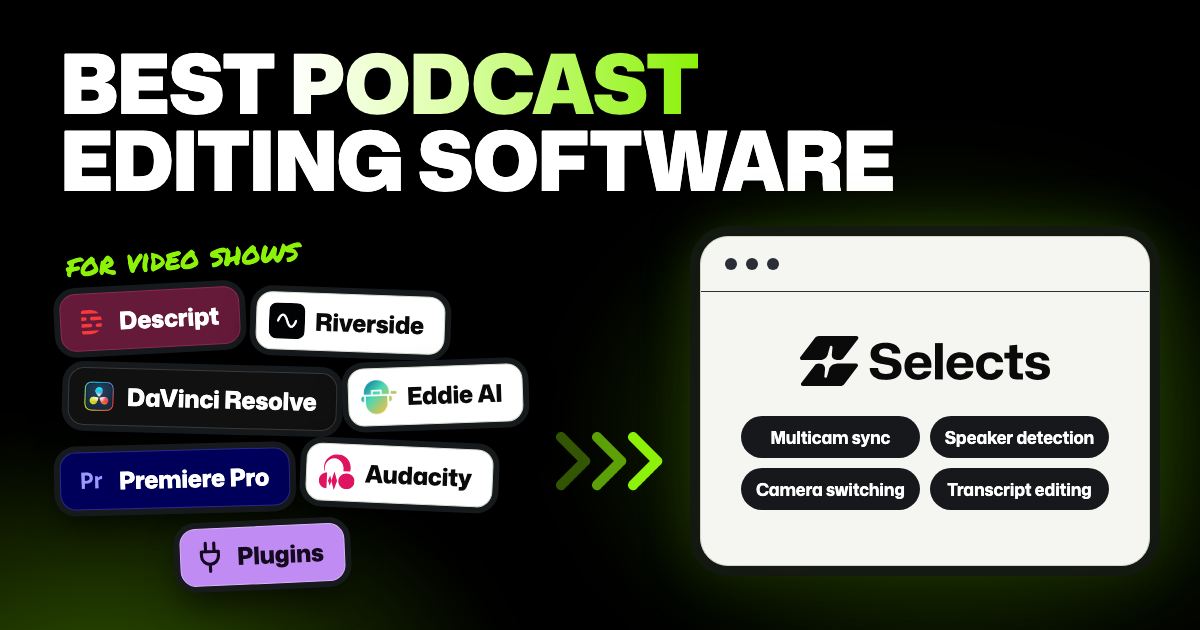
The 7 Best Podcast Editing Software Tools for Video in 2026
The best podcast editing software for a video show: Descript, Riverside, Premiere, Resolve, Eddie AI, Audacity and Selects on price and limits.
Podcasts and multicam
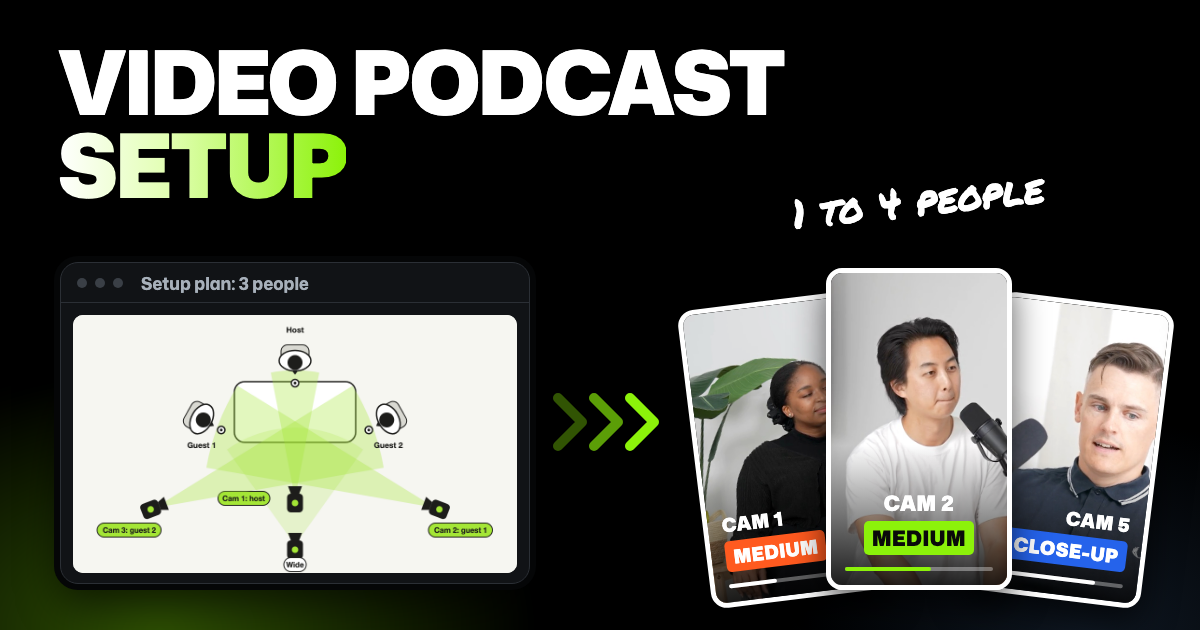
Video Podcast Setup for 1 to 4 People: Cameras, Angles and Lighting
Video podcast setup diagrams for 1 to 4 people: where cameras, mics and lights go, which camera angles cut best, and mistakes that slow the edit.
AI editing guides
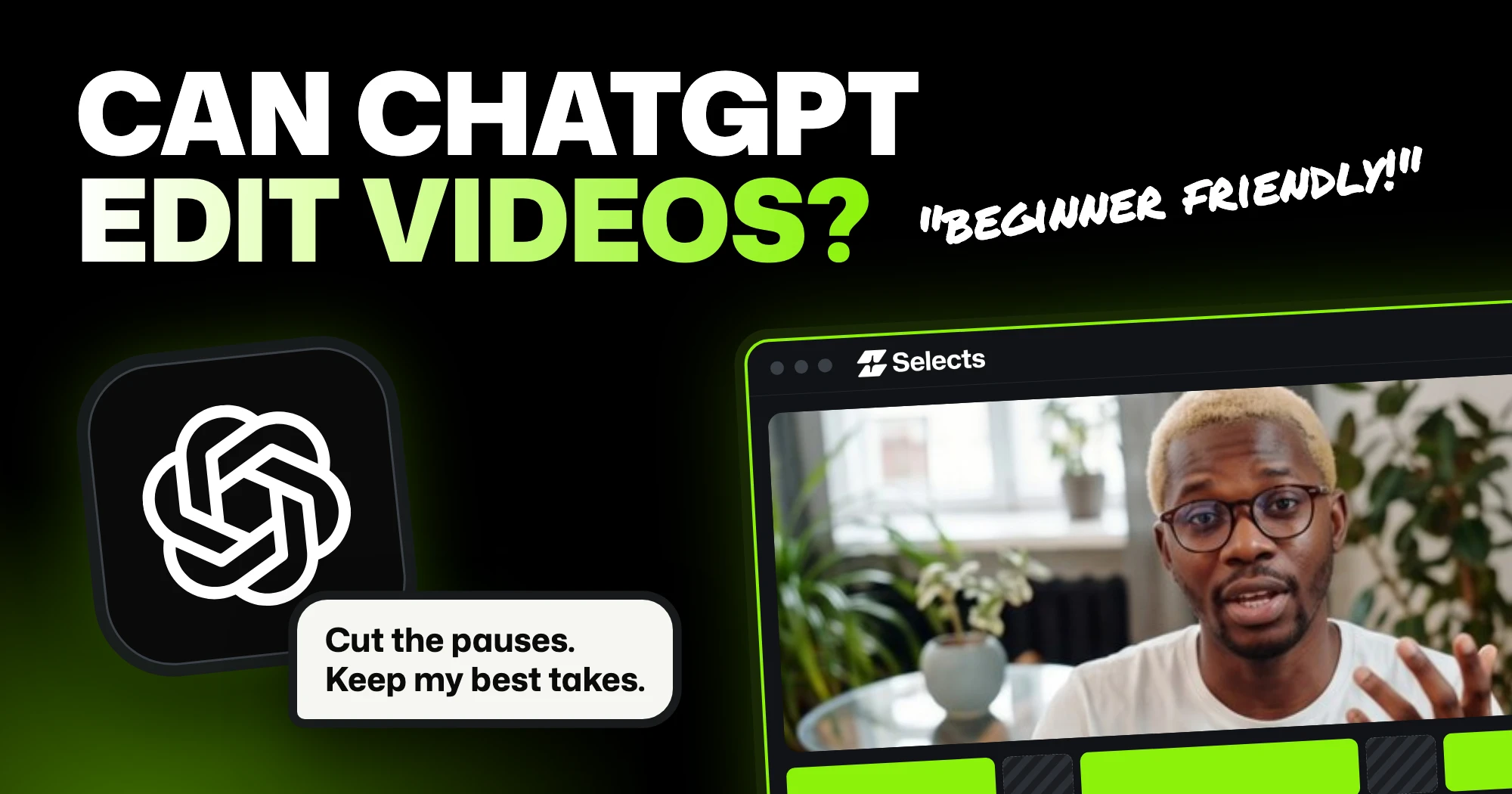
Can ChatGPT Edit Videos? Yes, Without Any Code
Can ChatGPT edit videos? Yes, once it's connected to an AI video editor, no code needed. What it can't do alone and a prompt for each step.
AI editing guides
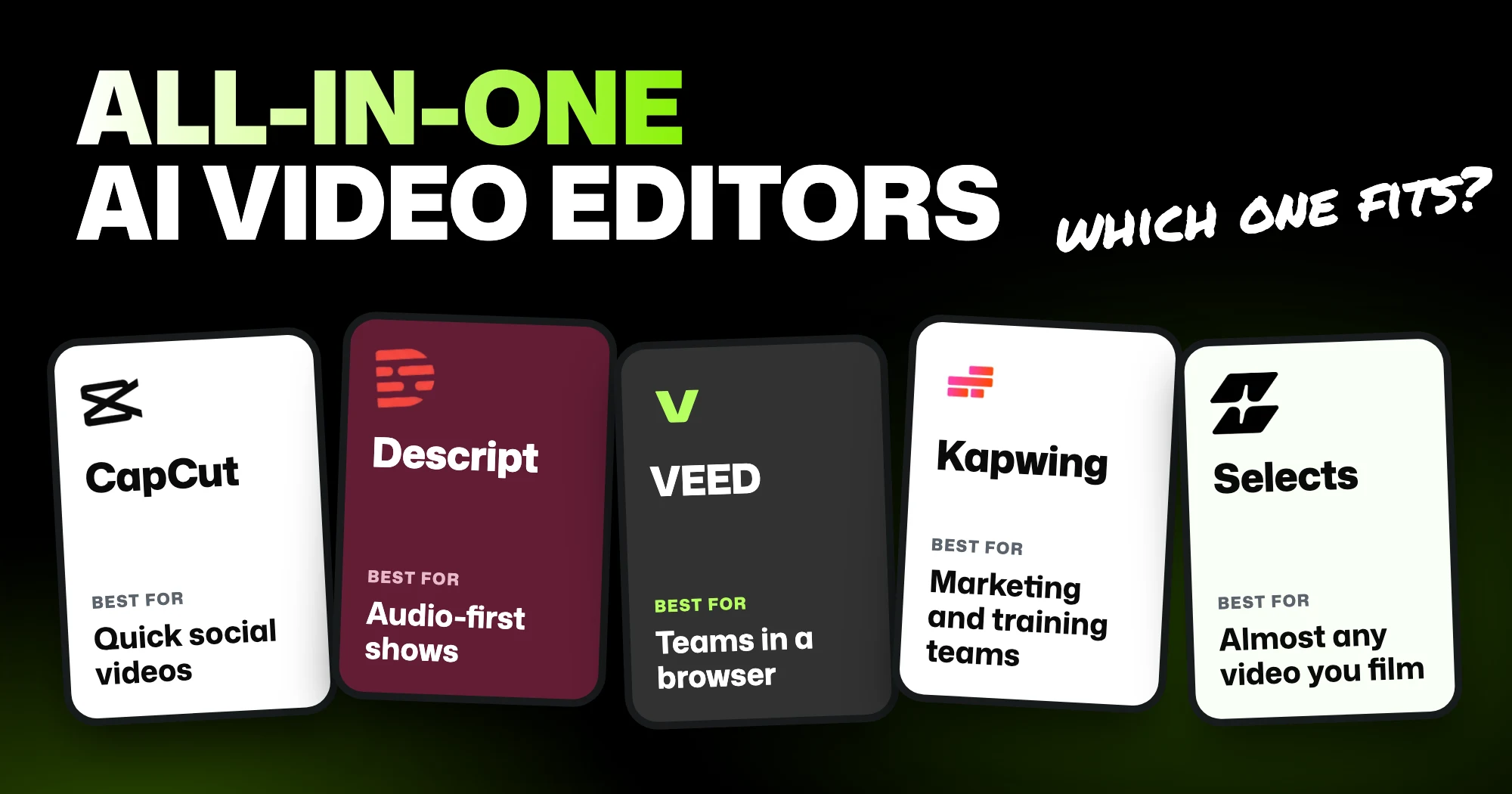
All-in-one AI video editors: can one replace your stack?
Paying for clip, caption, AI video and voice tools? See which tool does each job best, how 5 all-in-one AI video editors compare, and when to keep one.
Editing workflows
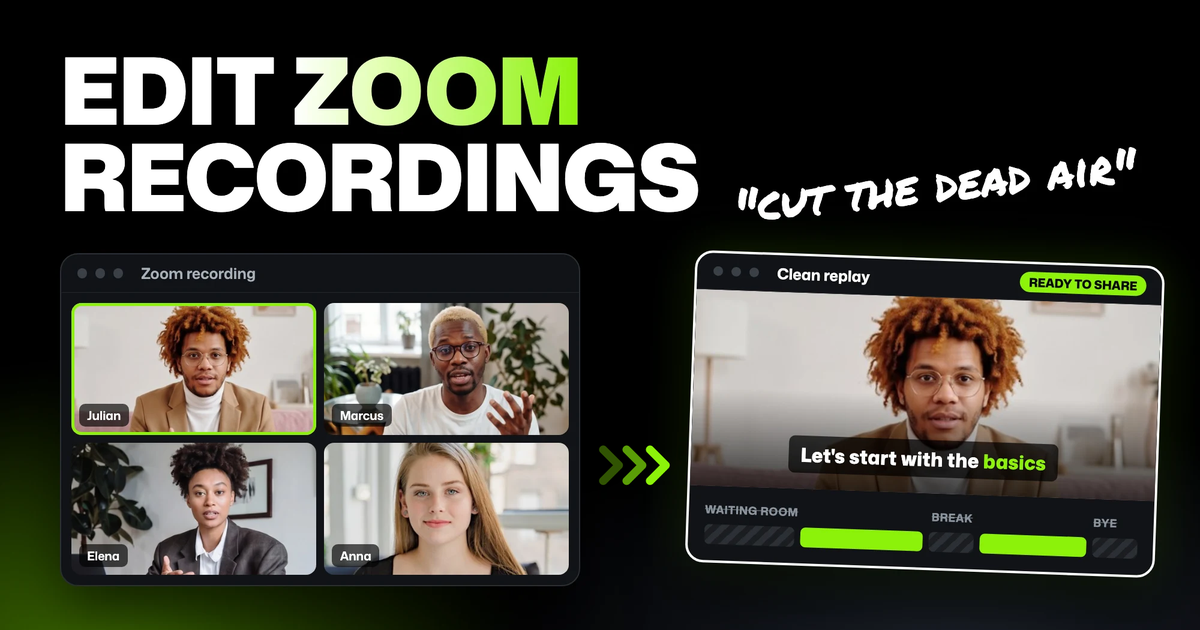
How to edit a Zoom recording before you share it
Cut the waiting room, dead air and long Q&A from a Zoom class or webinar recording. See when Zoom's trim is enough and how to do the rest.