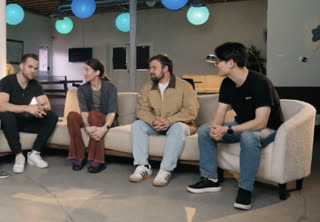
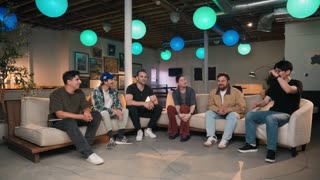
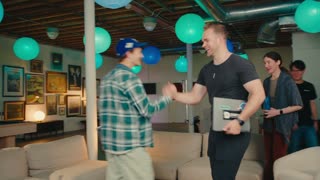
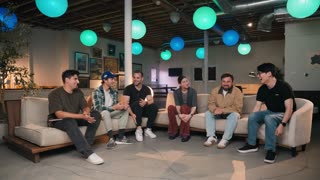

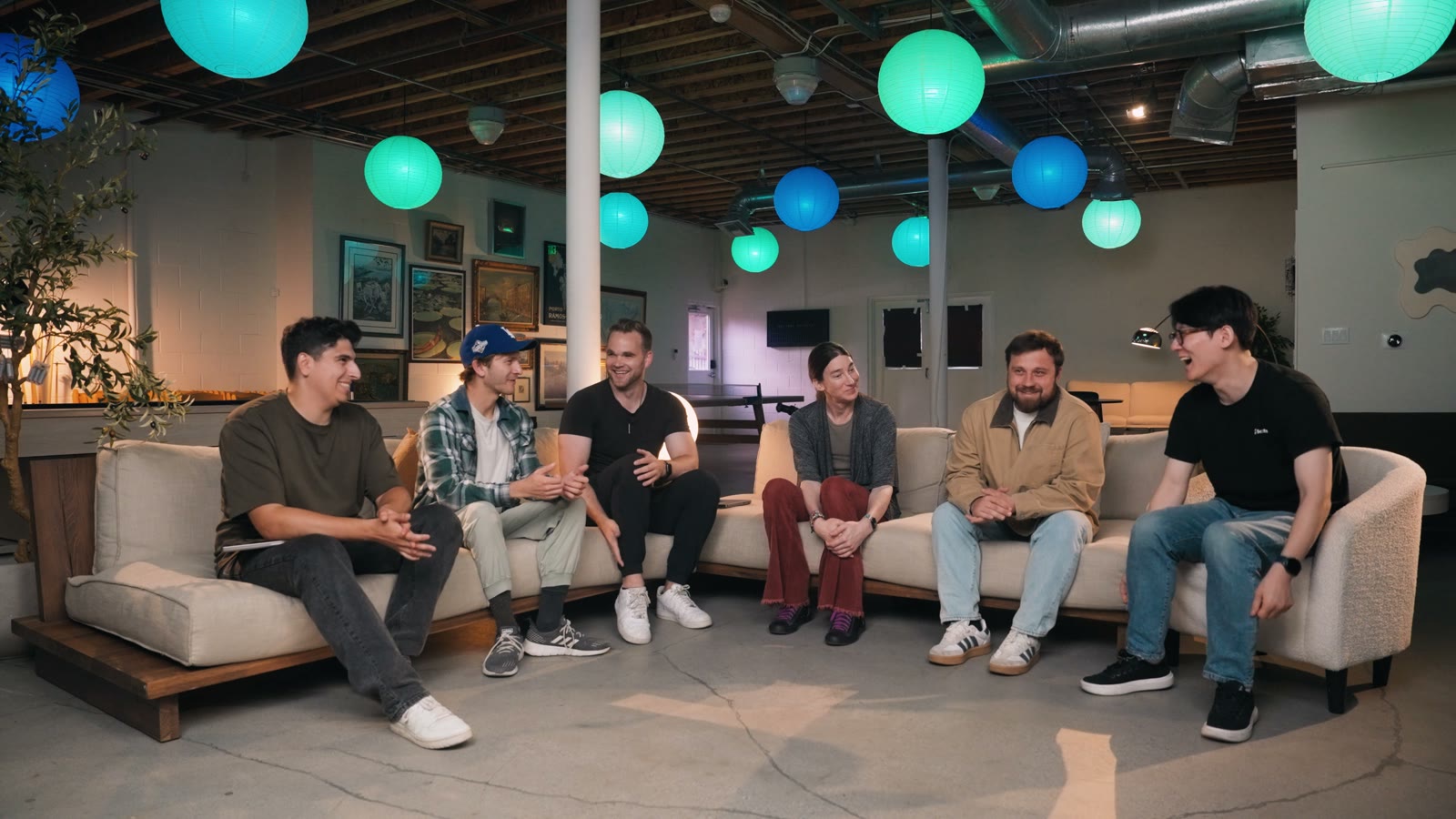





Avoid jump cuts
Seamless transitions that never break the viewer’s eye, even while keeping the video tight.
Selects syncs, sorts and cuts your rushes into a real first edit,
then hands it over as a project file you can finish with.



Selects watches, listens and understands your footage, then edits it the way you’d ask a talented assistant to. You direct it in plain language.
Ask in plain language. Selects syncs, drafts the structure, paces the switching, and plugs into your own tools. Ask for a three-minute highlight that favors the active speaker and Selects assembles the first cut, then keeps taking direction.
Every video and audio source organized and aligned by waveform or timecode. Even when someone forgot the clapboard.
Turn a rough intent into a structured first cut with beats and story order.
Describe the look and Selects lays it across the whole cut. Then it builds the panel to tune what it made, so the next change is a nudge, not another prompt.
Lands in your editor, fully intact. Selects hands off a clean, non-destructive project file. Bins, sequences, sync and cuts preserved, so you keep editing where you already work.
Adobe PremiereFinal Cut ProDaVinci ResolveZach also in
 V2
V2Selects knows what’s happening and who’s talking, frame by frame, so your media become searchable.
understands
what’s happening
Follow speaker
Switches to a speaker’s camera when they talk.
Auto scene mix
Mixes speaker angles, reactions and wide shots based on the conversation.


understands
who’s speaking

00:00:42

00:12:04

00:20:37

00:31:09
and search scenes
Real pacing, no jarring jump cuts, transcript accuracy you can trust, across every angle you shot.
Seamless transitions that never break the viewer’s eye, even while keeping the video tight.
Selects reads the shot, not just the sound: when the subject turns to what they describe, the cut goes too.
Blurry, shaky, out of focus shots automatically flagged so the frames are dropped from the cut.
Studio-grade accuracy for text-based editing or paper cuts, with frontier word timing model in Selects.
Ums, uhs, pauses and dead air trimmed while keeping the pacing natural.
Connect Selects to your own agents and pipelines through the Model Context Protocol.
You shouldn’t have to learn a new editor to stop doing the boring parts of editing. Selects works the way you already do, and automates the rest.
Every take, stacked in one place. Compare takes side by side and swap without scrubbing through the timeline.
The transcript runs under the timeline. Trim a clip and the words move with the edit point, so you can see what you are cutting into.
Reorder topics and the whole timeline follows.
Same keyboard language as the major editors. Your muscle memory just works.
Pull selects and quotes straight from the transcript
See how it works
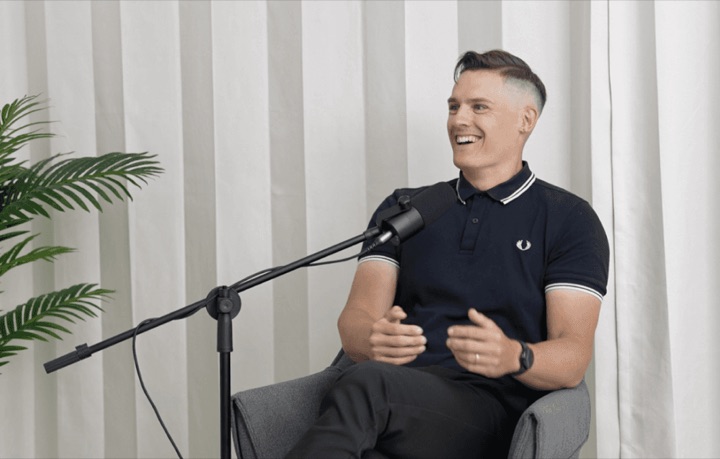
Multicam + multitrack audio, synced automatically
See how it works
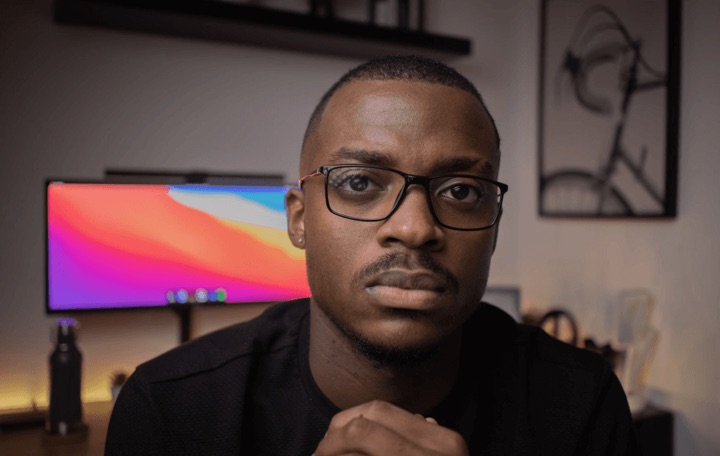
Assemble the cut from your script and best takes
See how it works

Surface the best moments from hours of footage
See how it works
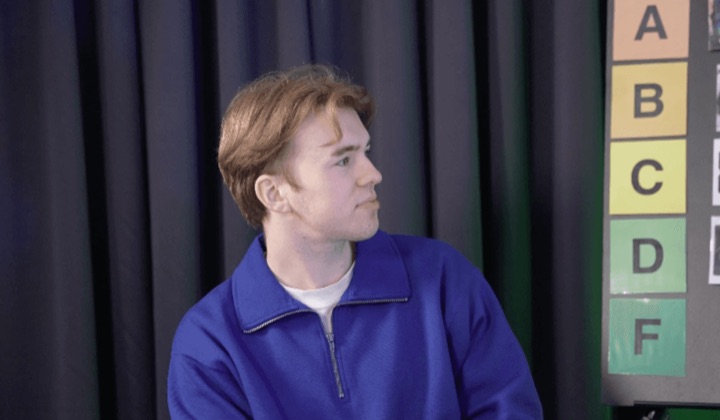
Sync 10+ cameras and per-person mics in one pass
See how it works
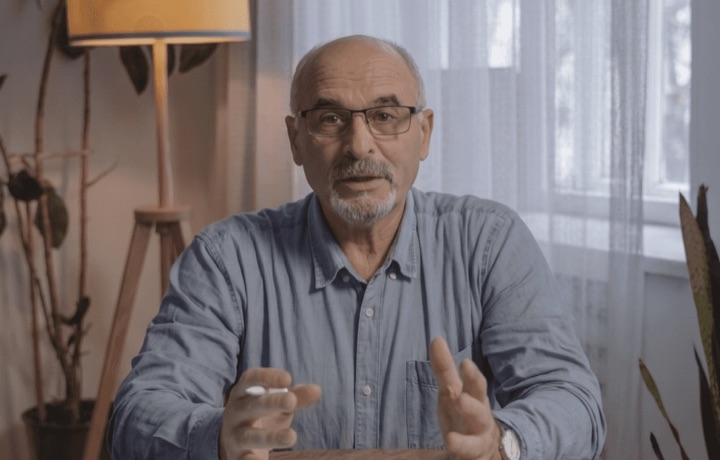
Cut filler and dead air straight from the transcript
See how it works
Professionals are already seeing the payoff.
The client said they wanted it super fast.And the only reason I'm not worriedis because we are using Selects.

The Chef Gal (@dachefgyal)
DP, Producer & Editor based in NYC
This will actually look at the video,and it'll catch those reaction shots,those subtleties that all others are gonna miss.

Brent Pierce
Podcast Studio & Video Production Company Owner
Honestly,this is one of the best editing toolsI've tried in a long time.

Serge Morgotch
Video Editing Educator & Creator
This is what AI should really be about,helping us filmmakersrather than taking our job.

Luca Epifani
Filmmaker & Video Creator
A brand-new AI editing softwarethat has literally changedmy 20-year workflow overnight, permanently.

DJ Kerr
Video Editor / Motion Graphics Artist
The client said they wanted it super fast.And the only reason I'm not worriedis because we are using Selects.
The Chef Gal (@dachefgyal)
DP, Producer & Editor based in NYC
This will actually look at the video,and it'll catch those reaction shots,those subtleties that all others are gonna miss.
Brent Pierce
Podcast Studio & Video Production Company Owner
Honestly,this is one of the best editing toolsI've tried in a long time.
Serge Morgotch
Video Editing Educator & Creator
This is what AI should really be about,helping us filmmakersrather than taking our job.
Luca Epifani
Filmmaker & Video Creator
A brand-new AI editing softwarethat has literally changedmy 20-year workflow overnight, permanently.
DJ Kerr
Video Editor / Motion Graphics Artist
Try Selects on a real project before you pay. Upgrade when it’s part of your workflow.
A full video editor, free to use
$0
For solo creators and smaller projects
Regular price $20 per month$16/month, billed yearly
For editors working on footage every week
Regular price $100 per month$80/month, billed yearly
Team & Enterprise Shared credits, central billing, custom limits, enterprise security and dedicated support.
Contact salesIt assembles the raw footage for you in 1 click.
Use Selects after shooting the video, and before you start your NLE. Get your raw footage prepped with the grunt work already complete, hand off to Adobe Premiere, Final Cut Pro or DaVinci Resolve to continue on the creative work.
What gets done
Great for these videos
A 2-hour multicam shoot typically processes in 20 minutes.
Processing time depends on file size and number of cameras.
Yes, Selects has an editing environment with timeline shortcuts that mirror Adobe Premiere, Final Cut Pro and DaVinci Resolve.
It also includes text-based editing, natural language visual search.
But most professional editors use Selects for the prep and assembly, then hand off a structured project file to Adobe Premiere, Final Cut Pro, or DaVinci Resolve for the final creative cut. It fits into your existing workflow rather than replacing it.
Most AI video editing tools work inside their own environment and produce a finished video you can't easily take further.
Selects is built for professional post-production workflows to handle the part before the edit: syncing multicam, organizing footage into topics, selecting the best audio, and removing dead air. The output is a structured project file that drops straight into your NLE. Editors stay in Adobe Premiere, Final Cut Pro, or DaVinci Resolve. Nothing changes on their end except they're starting from a clean, organized stringout instead of hours of raw footage.
Absolutely.
Selects works for any format where you're dealing with more raw footage than you need, whether that's a 90-second TikTok episode cut from a 2-hour shoot, or a 10-minute YouTube video from a full day of filming.
You can chat about your preferred clip length and pacing, and get a highlight-ready stringout in minutes. The shorter your final output relative to your raw footage, the more time Selects saves you.
Explore our help center for all articles