





Every camera and mic, synced
Three cameras, a boom and two lavs? Selects lines them up by audio waveform or by timecode. One project holds 10 or more cameras, plus separate lav, boom and wireless audio.
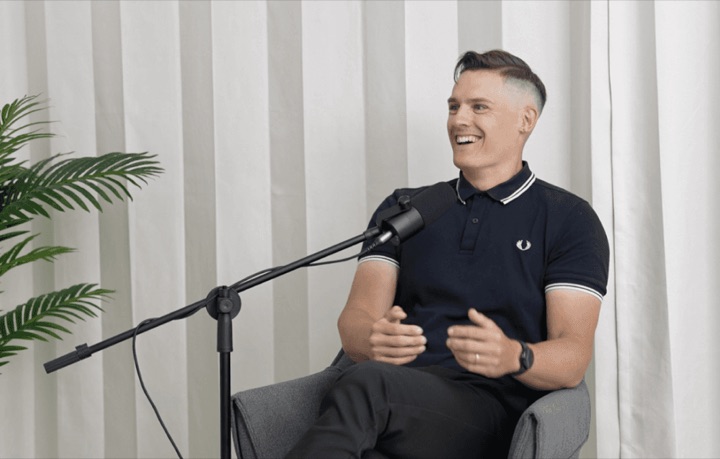
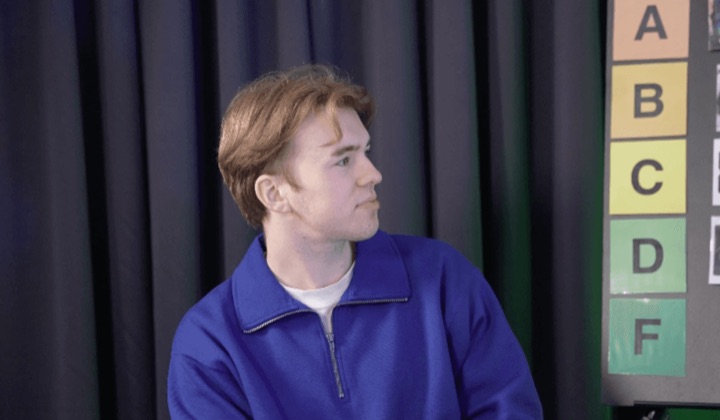
The wide, the close-up
and the good audio, synced.
A and B camera, with the sound on a separate recorder.
Selects syncs all three, then switches angles on the speaker and builds the cut you ask for.
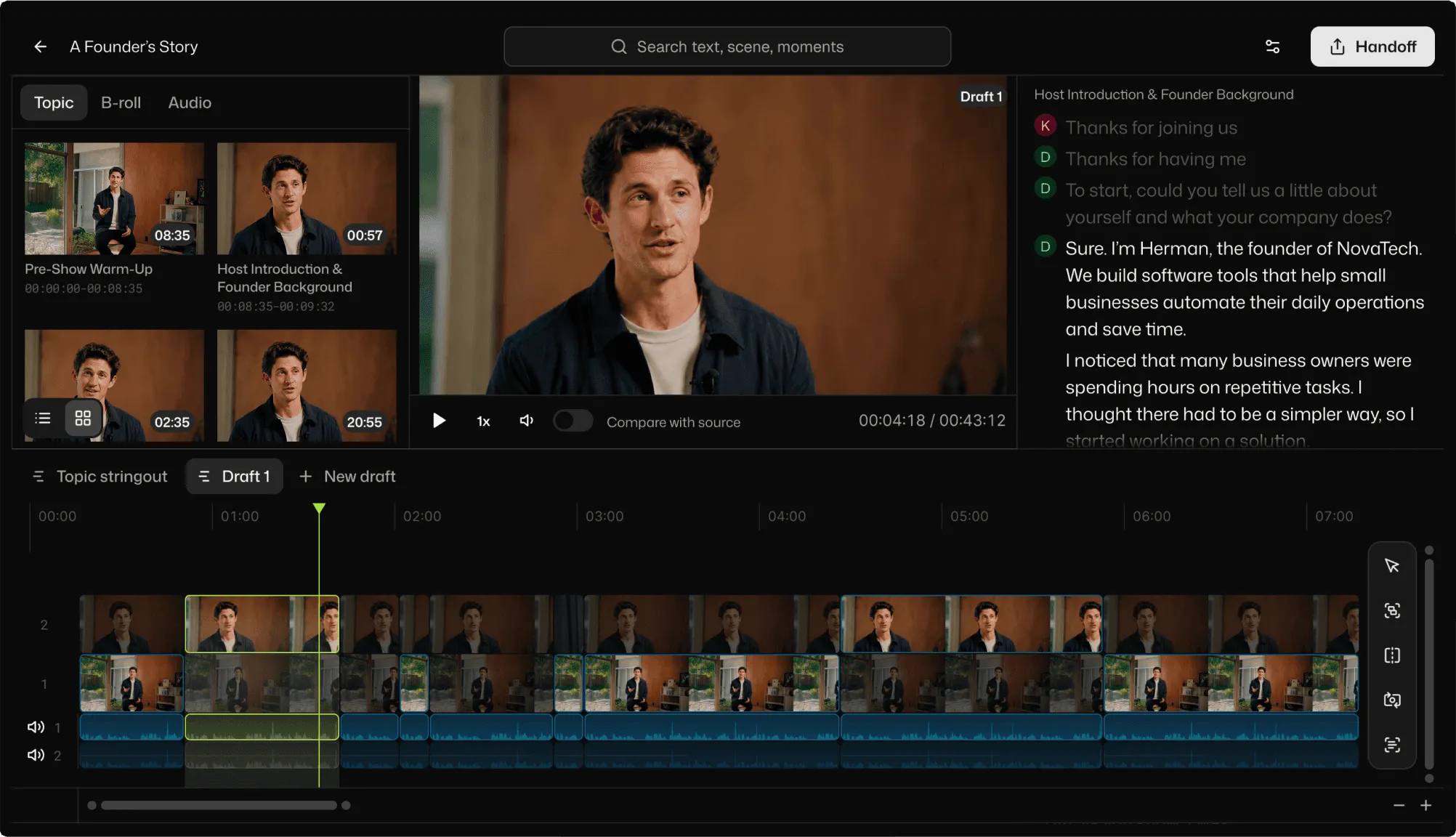
A standard interview setup is fiddly to edit. A wide, a close-up, and a separate recorder for the good audio, because the camera sound never cuts it.
Before you make a single creative call, the prep takes the morning. Line up all three, check the cameras didn't drift over a long take, keep the recorder audio under everything, then decide wide or close for every answer. Every shoot, the same housekeeping.
Drop in the folder of raw media
Sync it, then ask for the edit
Export the video, or hand it off
Three cameras, a boom and two lavs? Selects lines them up by audio waveform or by timecode. One project holds 10 or more cameras, plus separate lav, boom and wireless audio.
Analysis matches each speaker to their mic, so nobody solos tracks to work out which lav was on which guest. Play each mic only while its speaker talks, or keep every track open.
Ask chat to switch cameras and it follows the speaker, avoids jump cuts and goes wide at natural moments. Set your own rules in plain words, like hold this angle for at least five seconds.
Ask for the cut you need: the strongest answers in order, the questions gone, the pause before each reply trimmed. Selects builds it on a real timeline, and every answer you left out is still there to put back.
| Editing 2 cam · 1h raw video | Editing manually | Selects |
|---|---|---|
| Total time | 6h 00m | 0h 20m |
| Multicam sync | 30m | included |
| Chunk into topics | 1h | included |
| Color label | 30m | included |
| Delete unnecessary clips | 1h | included |
| Transcribe | Impossible | included |
| Cut long silences | 1h | included |
| Cut filler words | 1h | included |
| Select best takes | 1h | included |
Professionals are already seeing the payoff.
The client said they wanted it super fast.And the only reason I'm not worriedis because we are using Selects.

The Chef Gal (@dachefgyal)
DP, Producer & Editor based in NYC
This will actually look at the video,and it'll catch those reaction shots,those subtleties that all others are gonna miss.

Brent Pierce
Podcast Studio & Video Production Company Owner
Honestly,this is one of the best editing toolsI've tried in a long time.

Serge Morgotch
Video Editing Educator & Creator
This is what AI should really be about,helping us filmmakersrather than taking our job.

Luca Epifani
Filmmaker & Video Creator
A brand-new AI editing softwarethat has literally changedmy 20-year workflow overnight, permanently.

DJ Kerr
Video Editor / Motion Graphics Artist
The client said they wanted it super fast.And the only reason I'm not worriedis because we are using Selects.
The Chef Gal (@dachefgyal)
DP, Producer & Editor based in NYC
This will actually look at the video,and it'll catch those reaction shots,those subtleties that all others are gonna miss.
Brent Pierce
Podcast Studio & Video Production Company Owner
Honestly,this is one of the best editing toolsI've tried in a long time.
Serge Morgotch
Video Editing Educator & Creator
This is what AI should really be about,helping us filmmakersrather than taking our job.
Luca Epifani
Filmmaker & Video Creator
A brand-new AI editing softwarethat has literally changedmy 20-year workflow overnight, permanently.
DJ Kerr
Video Editor / Motion Graphics Artist
It syncs your cameras to the separate recorder, transcribes every answer by speaker, and builds a first cut when you ask for one.
Then direct it in chat: keep the strongest answers, drop the questions, cut the pause before she starts talking. It works on a single camera too.
Yes. Sync lines the recorder up with both cameras by audio waveform or by timecode, and analysis matches each speaker to their audio source.
Ask chat to switch cameras and it cuts between the wide and the close-up on the speaker, avoiding jump cuts. Tell it the main angle for each person, or a rule like stay on the close-up for answers and go wide on the questions.
Yes. Ask chat to put an answer back, move it earlier or drop it, or change the timeline by hand. Your source files are never changed, so everything you shot stays available.
Analysis takes about 20 minutes per hour of video, and you can keep working while it runs as long as Selects stays open.
If all you need is the sync, you can hand off the synced timeline without analyzing it at all.
Your cut on its own tracks, with speaker labels and clip links to your original media.
Premiere gets a .prproj with bins that mirror your Selects folders, color labels and a multicam sequence. Final Cut Pro gets an .fcpxml, DaVinci Resolve a .drp and Avid Media Composer an .aaf.
Effects, color grades, titles and volume changes don't transfer, and transitions become plain cuts.
Yes. Check names and terms lists the names and terms analysis found, and a correction applies to every clip and draft in the project, including clips you add later.
Explore our help center for all articles