Describe the shot
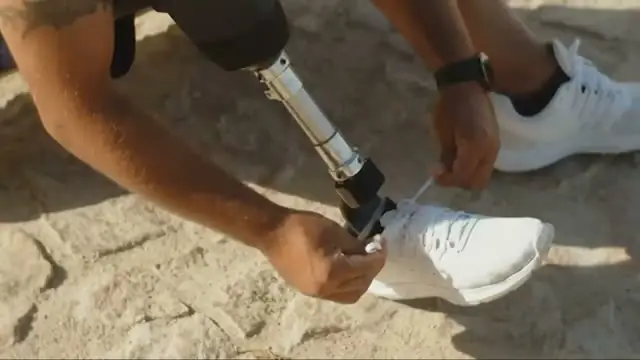
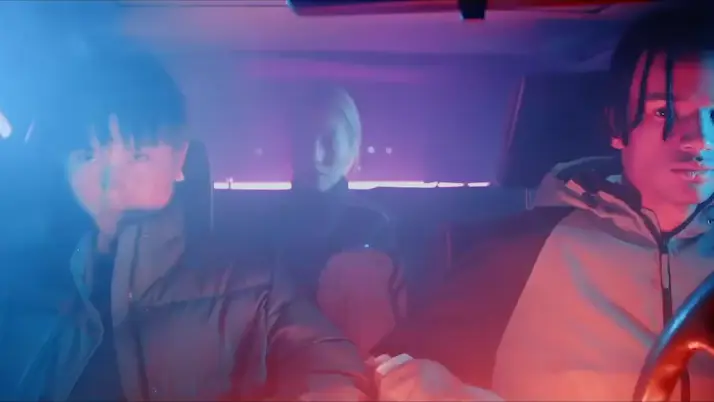
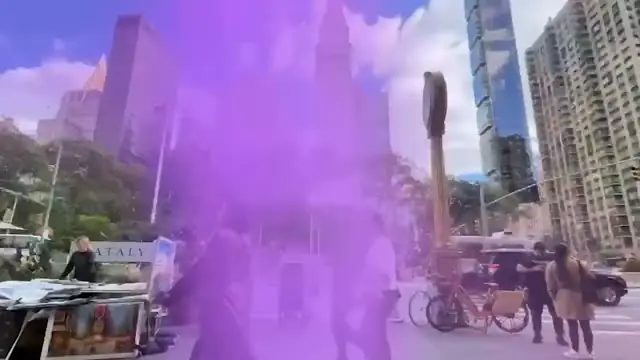
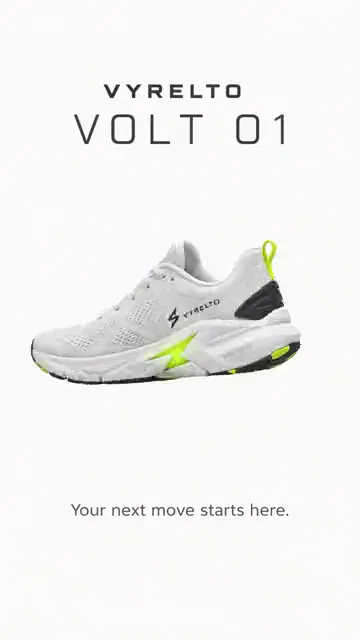
The drone pass, the night drive, the product on a clean surface. Check the prompt and the credit cost, generate, and the shot lands on your timeline above your footage, up to 30 seconds long.
No drone shot?
Describe one.
Ask for a cutaway and Selects searches your own footage first. When the shot isn't there, describe it and Selects generates it onto your timeline.
Free plan, no credit card required
Prompt: I don't have a drone shot. Make one of the coastline for the intro, then land on the waterfall
The drone pass, the night drive, the product on a clean surface. Check the prompt and the credit cost, generate, and the shot lands on your timeline above your footage, up to 30 seconds long.
Selects has watched everything you shot, so ask for the wide of the workshop or hands on the keyboard and it finds them by what's in the frame. Generate only what isn't there.
Shot it on a single camera? Ask for a close-up, a side profile or a wider view of the same take, so the cut has somewhere to go.
Type what you want the way you'd tell an editor. These are the kind of prompts that work.
Prompt: Make a shot of the bottle turning slowly on a clean white counter for the end card
Prompt: Generate a night drive through the city in the rain for the cold open, about 8 seconds
Prompt: I only had one camera on the demo. Give me a close-up of the same take for the punchline
Drop in your footage
Describe the shot you're missing
Cut it in, then export
Professionals are already seeing the payoff.
The client said they wanted it super fast.And the only reason I'm not worriedis because we are using Selects.

The Chef Gal (@dachefgyal)
DP, Producer & Editor based in NYC
This will actually look at the video,and it'll catch those reaction shots,those subtleties that all others are gonna miss.

Brent Pierce
Podcast Studio & Video Production Company Owner
Honestly,this is one of the best editing toolsI've tried in a long time.

Serge Morgotch
Video Editing Educator & Creator
This is what AI should really be about,helping us filmmakersrather than taking our job.

Luca Epifani
Filmmaker & Video Creator
A brand-new AI editing softwarethat has literally changedmy 20-year workflow overnight, permanently.

DJ Kerr
Video Editor / Motion Graphics Artist
The client said they wanted it super fast.And the only reason I'm not worriedis because we are using Selects.
The Chef Gal (@dachefgyal)
DP, Producer & Editor based in NYC
This will actually look at the video,and it'll catch those reaction shots,those subtleties that all others are gonna miss.
Brent Pierce
Podcast Studio & Video Production Company Owner
Honestly,this is one of the best editing toolsI've tried in a long time.
Serge Morgotch
Video Editing Educator & Creator
This is what AI should really be about,helping us filmmakersrather than taking our job.
Luca Epifani
Filmmaker & Video Creator
A brand-new AI editing softwarethat has literally changedmy 20-year workflow overnight, permanently.
DJ Kerr
Video Editor / Motion Graphics Artist
No. Selects works from what you shot. Chat searches your analyzed footage by what's on screen and places the cutaways it finds, and you generate the shots that aren't there.
Up to 30 seconds with Seedance 2.5, and up to 15 seconds with Seedance 2.0 Fast. To go longer, use Extend video on the result and describe what happens next.
Yes. In the Generate video app, Edit video takes a clip of about 2 to 30 seconds and changes it from a description, like make it snow, keeping its motion. Upscale raises a clip's resolution, up to 4K depending on the model.
Yes. Generating video runs on Selects credits, and the cost shows above the Generate button before you start. Nothing is generated, and nothing is charged, until you click it.
Onto your draft, above your other video, where the playhead was when you clicked Generate. It's also added to your project and saved to your Downloads folder.
Leave that file where it is. Your project reads the shot from it, so moving or deleting it takes the clip offline.
Yes. The Generate image app makes one to four images per run, with a choice of Nano Banana Pro, GPT Image 2 or Seedream 5 Pro. Use it for a product still, a title card background or a reference for a video shot.
Explore our help center for all articles
Download Selects and make your first edit today.
Free plan, no credit card required