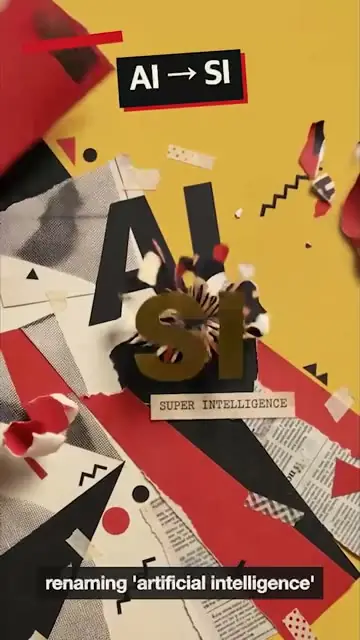
Motion graphics from a sentence
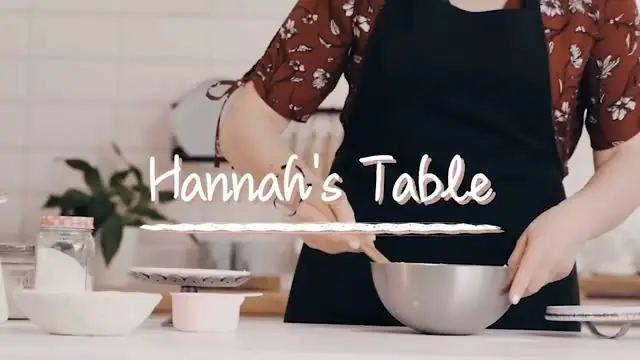
"Every time I say a number, put it on screen." Titles, callouts and animated text, made from what you ask for rather than dragged out of a template.
One demo shoot.
Every version it needs.
Film the product once, on one camera if that's all you have.
Selects adds the callouts, fills the missing shots, and cuts every length you need.
Free plan, no credit card required
Prompt: Turn the Volt 01 renders into a 15s vertical spot. One feature per beat with its name on screen, and end on MEET VOLT 01
Prompt: Match the pacing and cuts of this Reel. My clips are the mascara and skin close-ups, keep the serif titles on the open
Prompt: Cut the ums and the dead air while I look for the right folder
A product demo needs a close-up of every feature, a callout for every number, and a version for every place it runs: the landing page, the launch post, the vertical for social.
The shoot never gets all of it, and a reshoot costs a day. Selects fills the gaps and cuts each version, so the demo is ready when the product is.
"Every time I say a number, put it on screen." Titles, callouts and animated text, made from what you ask for rather than dragged out of a template.
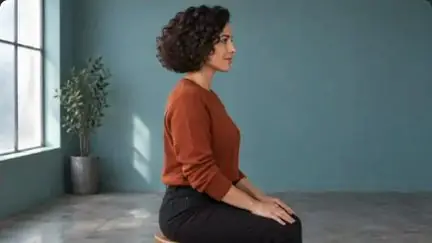
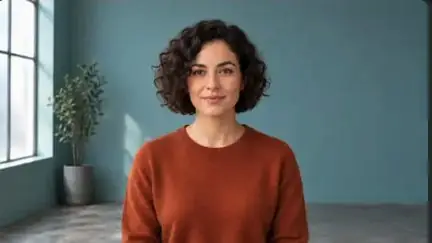
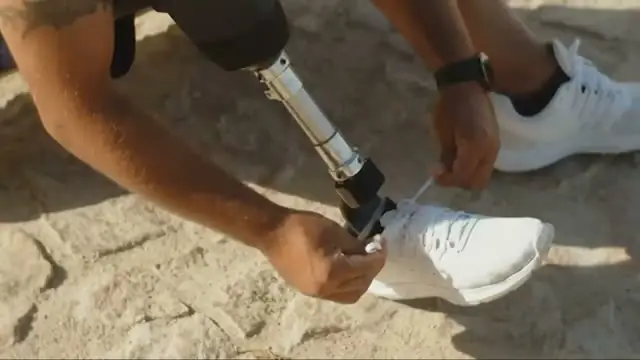
Describe the shot and Selects makes it: the drone pass, the night drive, the product on a clean surface. It lands on the timeline next to your real footage, ready to cut.
Shot the demo on a single camera? Ask for a close-up, a side profile or a wider view of the same take, and the cut has somewhere to go.
Ask for the full walkthrough, a 60-second cut and a vertical one, and each comes back as its own edit. Reframe fills the new edges when a shot goes from 16:9 to 9:16.
| One demo · 3 versions | Editing manually | Selects |
|---|---|---|
| Total time | 8h 00m | 0h 45m |
| Pick the best take of each feature | 1h | included |
| Animate the callouts | 3h | included |
| Get the shots you missed | 2h | included |
| Cut the 60s and the 15s | 1h | included |
| Reframe for vertical | 30m | included |
| Caption every version | 30m | included |
Professionals are already seeing the payoff.
The client said they wanted it super fast.And the only reason I'm not worriedis because we are using Selects.

The Chef Gal (@dachefgyal)
DP, Producer & Editor based in NYC
This will actually look at the video,and it'll catch those reaction shots,those subtleties that all others are gonna miss.

Brent Pierce
Podcast Studio & Video Production Company Owner
Honestly,this is one of the best editing toolsI've tried in a long time.

Serge Morgotch
Video Editing Educator & Creator
This is what AI should really be about,helping us filmmakersrather than taking our job.

Luca Epifani
Filmmaker & Video Creator
A brand-new AI editing softwarethat has literally changedmy 20-year workflow overnight, permanently.

DJ Kerr
Video Editor / Motion Graphics Artist
The client said they wanted it super fast.And the only reason I'm not worriedis because we are using Selects.
The Chef Gal (@dachefgyal)
DP, Producer & Editor based in NYC
This will actually look at the video,and it'll catch those reaction shots,those subtleties that all others are gonna miss.
Brent Pierce
Podcast Studio & Video Production Company Owner
Honestly,this is one of the best editing toolsI've tried in a long time.
Serge Morgotch
Video Editing Educator & Creator
This is what AI should really be about,helping us filmmakersrather than taking our job.
Luca Epifani
Filmmaker & Video Creator
A brand-new AI editing softwarethat has literally changedmy 20-year workflow overnight, permanently.
DJ Kerr
Video Editor / Motion Graphics Artist
Yes. Cut it from what you have and generate the rest: describe the shot, like the product on a clean white surface, slow push-in, and it lands on the timeline next to your footage. Each generated clip runs up to 30 seconds.
Generation runs on credits, and Selects shows the cost before it starts.
Yes. Ask chat for titles and animated callouts, like every time I say a number, put it on screen. Change the text or timing by hand afterward.
Ask for it. Each length and aspect ratio comes back as its own edit. For vertical, set the frame size to 1080×1920, then reposition shots by hand or use Reframe in the Generate video app, which fills the new edges on clips up to 60 seconds.
Yes. Drop in the screen recording with the rest of your footage and ask chat where it goes, like show the dashboard whenever I mention the report. Selects searches your footage by what's on screen and proposes the placements before it makes them.
Yes. The Selects MCP lets Claude desktop, Claude Code, Codex or OpenClaw edit in Selects, with the Selects desktop app running on the same computer. Agent editing through MCP uses no Selects credits. Analysis still does.
Yes. Hand off the draft as a Premiere project and each draft becomes a sequence, with your folders, tracks and links to the original media. Callouts and other motion graphics arrive as gaps, so the designer builds the final versions there.
Final Cut Pro, DaVinci Resolve and Avid Media Composer hand off the same way.
Explore our help center for all articles
Download Selects and make your first edit today.
Free plan, no credit card required