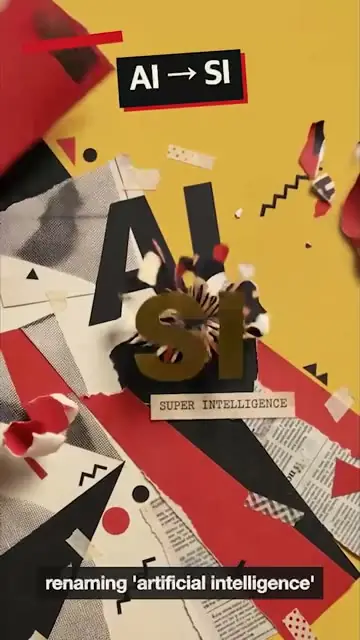
From a sentence
Describe the title, the lower third or the callout the way you'd brief a designer. Selects builds it and puts it on your timeline, with no template to dig through first.
Describe the graphic.
Watch it move.
Ask for titles, lower thirds, callouts and animated text in a sentence. Selects builds each one and times it to what's said in your video.
Free plan, no credit card required
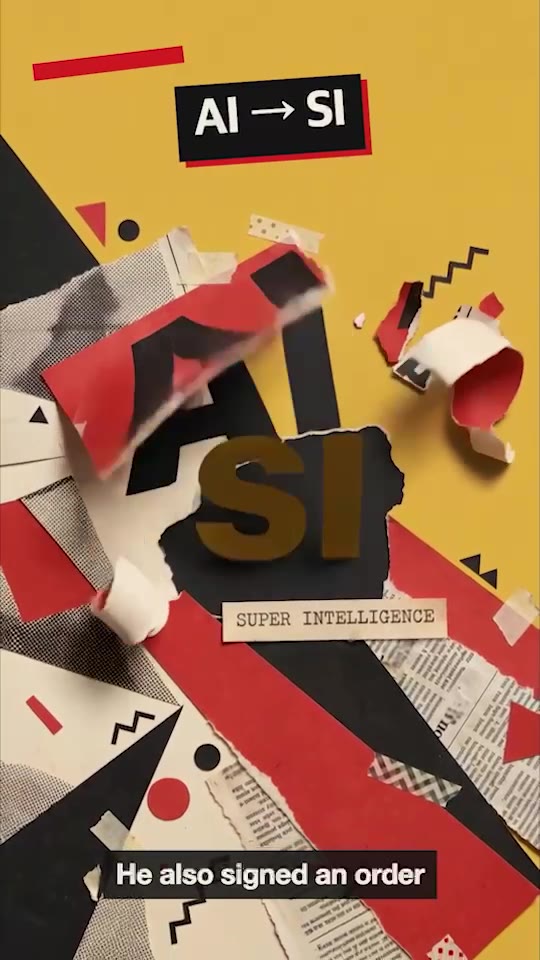
Prompt: Every time I say a year or a number, put it on screen as a torn newsprint card
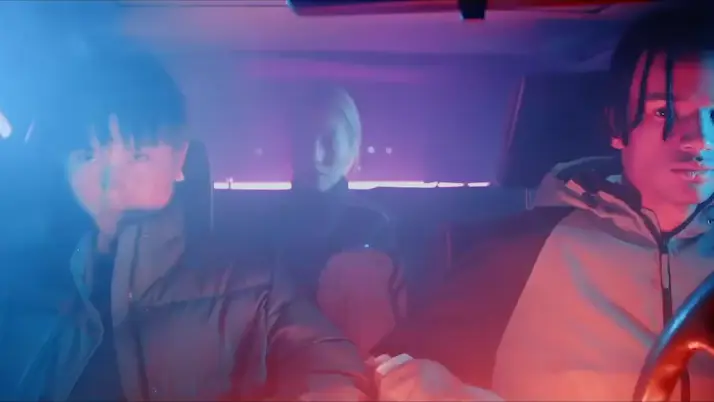
Prompt: Slam in MEET THE CHARACTERS, then drop Pixel, Nova and Byte in over their name tags
Describe the title, the lower third or the callout the way you'd brief a designer. Selects builds it and puts it on your timeline, with no template to dig through first.
Ask for a card every time you say a year or a number, and each one shows up as you say it. Selects works from the transcript, so the timing comes from your voice, not from a guess.
Name your typeface and colors in the prompt. Style the captions to match, typeface, fill and size, and save the look as a preset so the next video starts from it.
Type what you want the way you'd tell an editor. These are the kind of prompts that work.
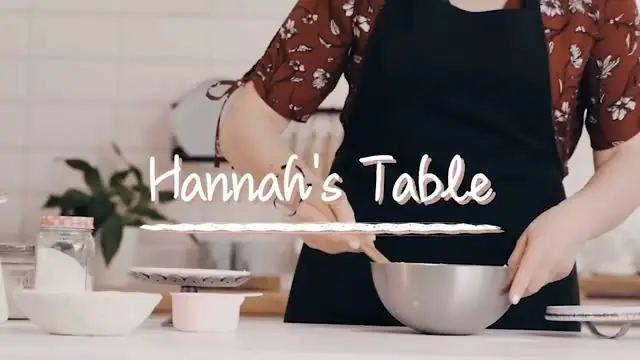
Prompt: Add a lower third with each guest's name and title the first time they speak
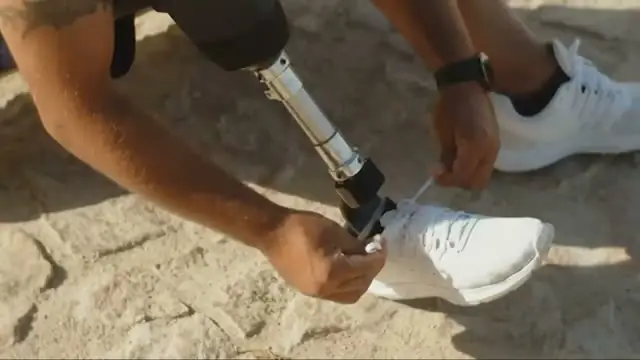
Prompt: When I say the price, pop it up next to the product in big yellow type
Prompt: Open on an animated title with the episode name, then cut to my first line
Drop in your video
Say what goes on screen, and when
Fine-tune, then export the video
Professionals are already seeing the payoff.
The client said they wanted it super fast.And the only reason I'm not worriedis because we are using Selects.

The Chef Gal (@dachefgyal)
DP, Producer & Editor based in NYC
This will actually look at the video,and it'll catch those reaction shots,those subtleties that all others are gonna miss.

Brent Pierce
Podcast Studio & Video Production Company Owner
Honestly,this is one of the best editing toolsI've tried in a long time.

Serge Morgotch
Video Editing Educator & Creator
This is what AI should really be about,helping us filmmakersrather than taking our job.

Luca Epifani
Filmmaker & Video Creator
A brand-new AI editing softwarethat has literally changedmy 20-year workflow overnight, permanently.

DJ Kerr
Video Editor / Motion Graphics Artist
The client said they wanted it super fast.And the only reason I'm not worriedis because we are using Selects.
The Chef Gal (@dachefgyal)
DP, Producer & Editor based in NYC
This will actually look at the video,and it'll catch those reaction shots,those subtleties that all others are gonna miss.
Brent Pierce
Podcast Studio & Video Production Company Owner
Honestly,this is one of the best editing toolsI've tried in a long time.
Serge Morgotch
Video Editing Educator & Creator
This is what AI should really be about,helping us filmmakersrather than taking our job.
Luca Epifani
Filmmaker & Video Creator
A brand-new AI editing softwarethat has literally changedmy 20-year workflow overnight, permanently.
DJ Kerr
Video Editor / Motion Graphics Artist
Yes. Describe the idea in the chat box on the Home screen, and Selects builds the video from scratch with motion graphics and text. It can add AI generated video, images and voice where the idea needs them.
No. Text, graphics and motion graphics don't transfer in a handoff. They arrive in your editor as gaps on the timeline, and Selects warns you before the handoff when it finds them.
To keep them, export a video from Selects, where they're burned in. Or hand off the cut and build the graphics in your editor.
Chat on Selects models uses credits. Connect your own paid Claude or ChatGPT plan, or drive Selects from your AI app over MCP, and chat builds them on your plan without using Selects credits.
Analysis always runs on Selects credits, so graphics timed to your speech need the footage analyzed first.
Yes. The Effects app has titles, lower thirds, pull quotes and stickers in its Overlay tab. Change one to fit and save it as a preset, and it's there in every project.
Yes. The graphics sit on a real timeline with the rest of the edit. Fix one by hand, or tell chat what to change the way you would a designer, like make the name card smaller and move it left.
Explore our help center for all articles
Download Selects and make your first edit today.
Free plan, no credit card required