
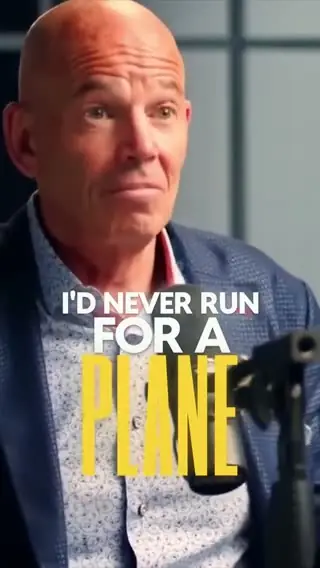
Finds the moments worth posting
Selects reads the whole timeline, not just the transcript, and pulls out the hooks, the laughs and the hot takes. Ask for a number, a length or a subject, like the one about pricing.
Your long video
has shorts in it.
Selects watches the whole recording, finds the moments worth posting and cuts up to 10 shorts at a time. Each one arrives as its own draft.
Free plan, no credit card required
Prompt: Pull 8 shorts out of the full tier list episode, one per ranking, vertical, start each on the reaction
Prompt: Create 3 short form clips of this podcast
Selects reads the whole timeline, not just the transcript, and pulls out the hooks, the laughs and the hot takes. Ask for a number, a length or a subject, like the one about pricing.
Ask for 9:16 and the frame follows whatever matters in the shot, so the speaker or the product stays in it. Nudge any shot by hand if you want it framed differently.
Describe the look once, word by word or small and soft, and every short in the batch wears it. Tune the font, fill and size by hand after.
Clip highlights has ready-made templates built by the Selects team. Pick one, click Recreate, add what it asks for, and Selects cuts your footage in that style.
Type what you want the way you'd tell an editor. These are the kind of prompts that work.
Prompt: Find the three best answers about pricing and make each one a short
Prompt: Start every short on a line that makes sense without context, no "so" or "and"
Prompt: Keep each one between 30 and 45 seconds and end on a full sentence
Drop in the long video
Ask for the shorts you want
Tweak each draft, then post
| Cutting 10 shorts · 1h podcast | Editing manually | Selects |
|---|---|---|
| Total time | 4h 50m | 0h 25m |
| Find the moments worth posting | 1h | included |
| Trim each one to length | 1h | included |
| Start each on a hook | 30m | included |
| Reframe to vertical | 1h | included |
| Caption every clip | 1h | included |
| Export each one | 20m | included |
Professionals are already seeing the payoff.
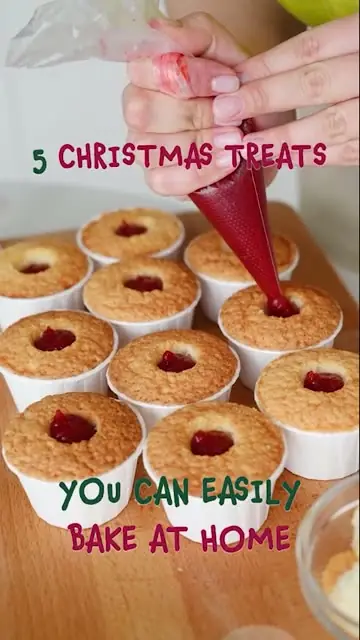
The client said they wanted it super fast.And the only reason I'm not worriedis because we are using Selects.

The Chef Gal (@dachefgyal)
DP, Producer & Editor based in NYC
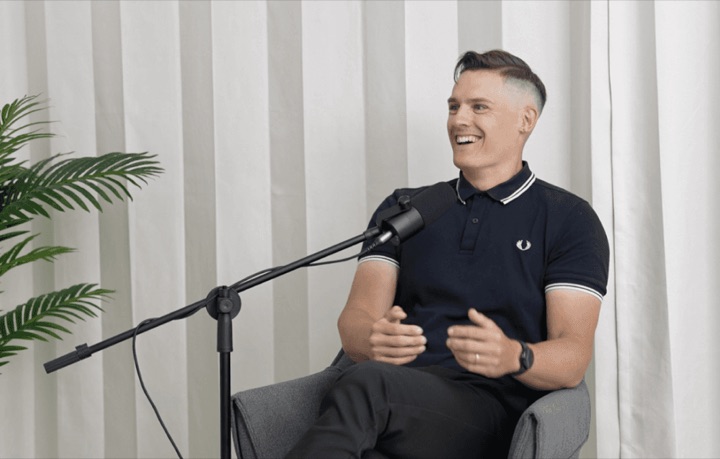
This will actually look at the video,and it'll catch those reaction shots,those subtleties that all others are gonna miss.

Brent Pierce
Podcast Studio & Video Production Company Owner
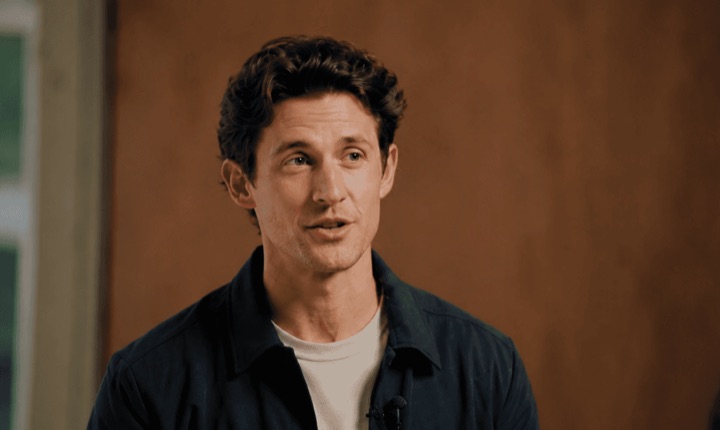
Honestly,this is one of the best editing toolsI've tried in a long time.

Serge Morgotch
Video Editing Educator & Creator
This is what AI should really be about,helping us filmmakersrather than taking our job.

Luca Epifani
Filmmaker & Video Creator
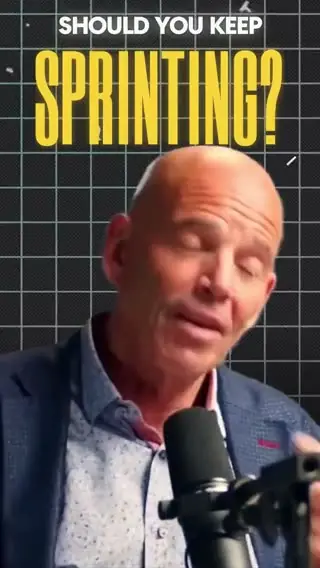
A brand-new AI editing softwarethat has literally changedmy 20-year workflow overnight, permanently.

DJ Kerr
Video Editor / Motion Graphics Artist
The client said they wanted it super fast.And the only reason I'm not worriedis because we are using Selects.
The Chef Gal (@dachefgyal)
DP, Producer & Editor based in NYC
This will actually look at the video,and it'll catch those reaction shots,those subtleties that all others are gonna miss.
Brent Pierce
Podcast Studio & Video Production Company Owner
Honestly,this is one of the best editing toolsI've tried in a long time.
Serge Morgotch
Video Editing Educator & Creator
This is what AI should really be about,helping us filmmakersrather than taking our job.
Luca Epifani
Filmmaker & Video Creator
A brand-new AI editing softwarethat has literally changedmy 20-year workflow overnight, permanently.
DJ Kerr
Video Editor / Motion Graphics Artist
Up to 10 at a time, each as its own draft. Ask again for the next batch from the same recording.
Chat cuts shorts from what you describe. Clip highlights starts from a template the Selects team built, so the layout, captions and pacing come with it.
In Clip highlights, Auto select can pick the clips for you. A template that works from a draft needs one with only video and audio on it, no captions, graphics or effects yet.
Shorts are cut from analyzed footage, and analysis runs on credits. Chat uses credits too, unless you connect your own paid Claude or ChatGPT plan. Some Clip highlights templates also say May use credits before you apply them.
You can download Selects and start on the Free plan, no credit card required.
Yes. Publish from Selects to YouTube or TikTok, up to 10 at a time to one platform. Each post keeps its own title and caption. Selects needs to stay open while they upload.
Yes. Every short is a regular draft on a real timeline. Move a cut, change a caption or swap the opening line by hand, or give chat another note.
Explore our help center for all articles
Download Selects and make your first edit today.
Free plan, no credit card required