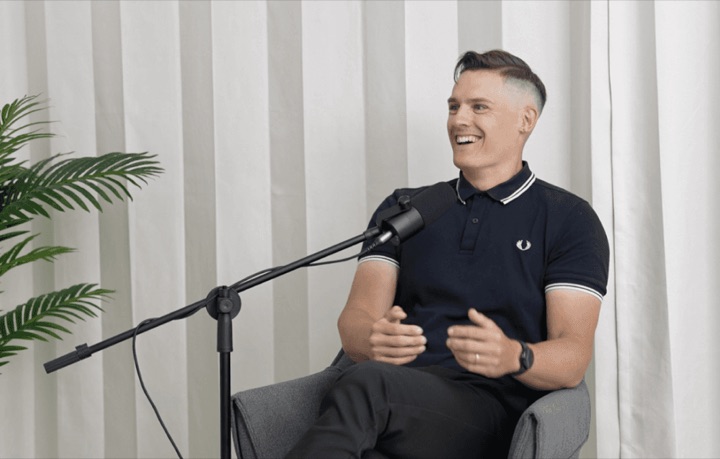
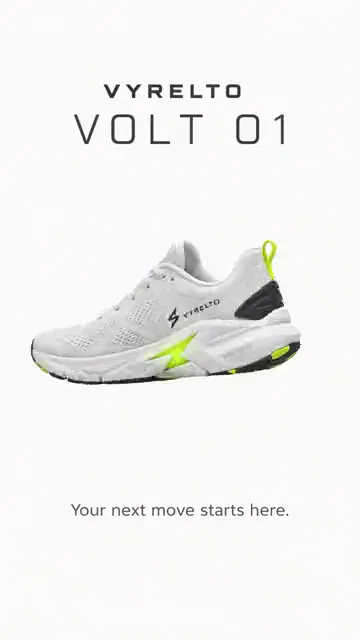
The frame follows the subject
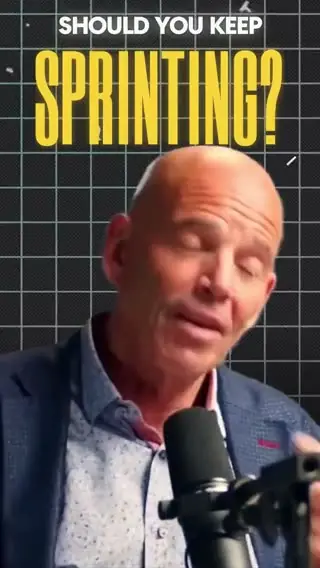
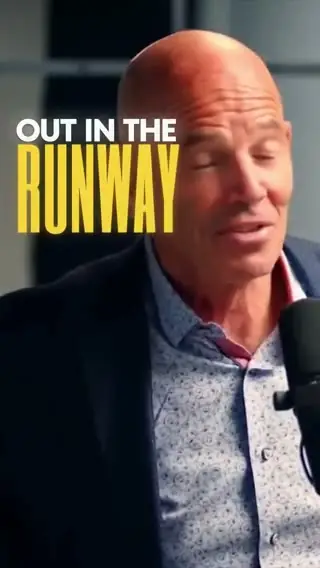
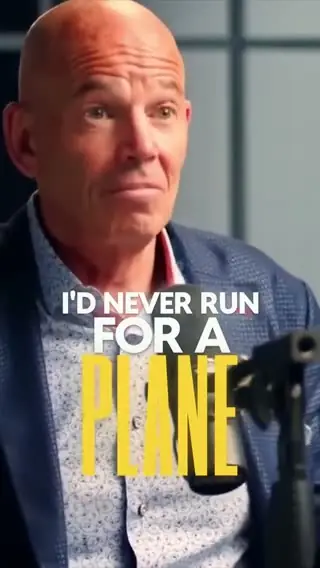
16:9 in, 9:16 out. The frame follows whatever matters in the shot, so the speaker, the hands or the product stays in it the whole time.
Go vertical without
losing the subject.
16:9 in, 9:16 out. Selects keeps the speaker, the hands or the product in frame, and you can move any shot by hand.
Free plan, no credit card required
16:9 in, 9:16 out. The frame follows whatever matters in the shot, so the speaker, the hands or the product stays in it the whole time.
Take a multicam conversation to 1080×1920 and the switching still cuts to whoever is talking. If a face sits too close to the edge, move or scale that shot in the Adjust tab.
Ask for shorts from a long video and say vertical. Selects cuts up to 10 at a time, each its own draft, already in the shape you asked for.
Type what you want the way you'd tell an editor. These are the kind of prompts that work.
Prompt: Cut this panel to 9:16 and stay on whoever is talking, even when they're at the edge of the shot
Prompt: Make this interview 9:16 for Shorts and keep her face in frame
Prompt: Make a square version of this cut for the feed too
Prompt: Go vertical, but keep the whole bottle in the shot when I hold it up
Drop in your video
Ask for the new shape
Nudge any shot, then post
Professionals are already seeing the payoff.
The client said they wanted it super fast.And the only reason I'm not worriedis because we are using Selects.

The Chef Gal (@dachefgyal)
DP, Producer & Editor based in NYC
This will actually look at the video,and it'll catch those reaction shots,those subtleties that all others are gonna miss.

Brent Pierce
Podcast Studio & Video Production Company Owner
Honestly,this is one of the best editing toolsI've tried in a long time.

Serge Morgotch
Video Editing Educator & Creator
This is what AI should really be about,helping us filmmakersrather than taking our job.

Luca Epifani
Filmmaker & Video Creator
A brand-new AI editing softwarethat has literally changedmy 20-year workflow overnight, permanently.

DJ Kerr
Video Editor / Motion Graphics Artist
The client said they wanted it super fast.And the only reason I'm not worriedis because we are using Selects.
The Chef Gal (@dachefgyal)
DP, Producer & Editor based in NYC
This will actually look at the video,and it'll catch those reaction shots,those subtleties that all others are gonna miss.
Brent Pierce
Podcast Studio & Video Production Company Owner
Honestly,this is one of the best editing toolsI've tried in a long time.
Serge Morgotch
Video Editing Educator & Creator
This is what AI should really be about,helping us filmmakersrather than taking our job.
Luca Epifani
Filmmaker & Video Creator
A brand-new AI editing softwarethat has literally changedmy 20-year workflow overnight, permanently.
DJ Kerr
Video Editor / Motion Graphics Artist
Ask chat, like reframe this for vertical and keep the speaker in frame. Selects makes the draft 9:16 with the subject still in the shot.
To do it yourself, set the frame size to 1080×1920 and move or scale each shot in the Adjust tab.
3840×2160, 1920×1080, 1080×1920, 1080×1080, 1440×1080 and 1080×1440, plus the original size or any custom size. The first clip you place sets a new draft's frame size until you change it.
Use Reframe in the Generate video app. It changes the shape of a clip, for example from 16:9 to 9:16, recenters it and fills in the new edges. It works on clips up to 60 seconds and runs on credits.
Yes. In the Adjust tab, set any shot's position, scale from 1 to 400%, rotation and flip. There's no crop control, so use scale and position, or a mask.
The frame size does. Position and scale changes don't carry over to Adobe Premiere, Final Cut Pro or DaVinci Resolve, so a reframed cut is best exported from Selects or reframed again in your editor.
Explore our help center for all articles
Download Selects and make your first edit today.
Free plan, no credit card required