

Logged by topic, searchable by shot
Analysis transcribes every interview by speaker, sorts it into topics and describes every clip. Ask for every answer about the flood, or the harbor at first light, and it's on a timeline.
Every interview logged.
Every shot searchable.
Drop in every interview and every card of B-roll.
Selects transcribes it, sorts it by topic and finds any shot you describe, so the first stringout is one sentence away.
Free plan, no credit card required
Prompt: I don't have a drone shot. Make one of the coastline for the intro, then land on the waterfall
A documentary is found in the edit, and finding it starts with watching all of it: every sit-down, every walk-and-talk, every hour of B-roll from a shoot you half remember. Before there is a story, there is a log.
Then the transcripts, the stringouts by subject, the paper cut, and the sync on a two-camera interview with a lav on the subject. That is weeks of the edit, and none of it is a cut yet.
Analysis transcribes every interview by speaker, sorts it into topics and describes every clip. Ask for every answer about the flood, or the harbor at first light, and it's on a timeline.
Export the transcripts with timecodes and speaker names, write the paper cut, and attach it to chat. Selects finds the take behind each line and cuts them in your order.
No drone, no permit, no second trip. Describe the coastline at dusk and Selects generates it, up to 30 seconds a clip, on the timeline next to your footage.
Hand off a .prproj, .fcpxml or .drp with every edit point, track, speaker label and link to your original media. Grade, mix and title it there, since effects, color and text don't carry over.
| First assembly · 6h interviews, 4h B-roll | Editing manually | Selects |
|---|---|---|
| Total time | 20h 00m | 4h 30m |
| Sync the interview cameras and audio | 1h | included |
| Transcribe the interviews | 6h | included |
| Log the B-roll | 4h | included |
| Build stringouts by topic | 4h | included |
| Turn the paper cut into a timeline | 3h | included |
| Source a missing establishing shot | 2h | included |
Professionals are already seeing the payoff.
The client said they wanted it super fast.And the only reason I'm not worriedis because we are using Selects.

The Chef Gal (@dachefgyal)
DP, Producer & Editor based in NYC
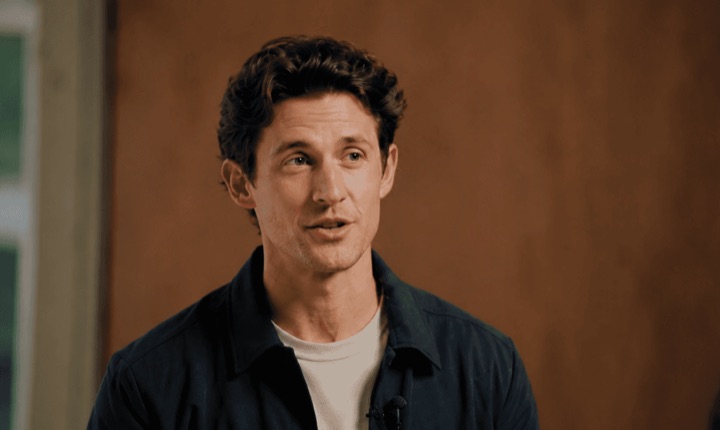
This will actually look at the video,and it'll catch those reaction shots,those subtleties that all others are gonna miss.

Brent Pierce
Podcast Studio & Video Production Company Owner
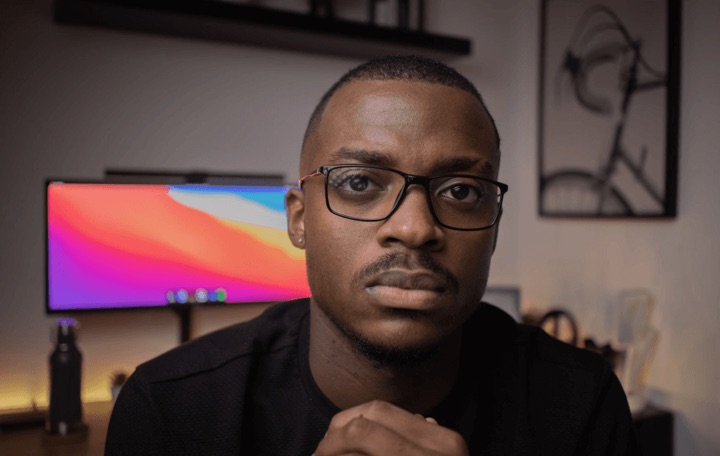
Honestly,this is one of the best editing toolsI've tried in a long time.

Serge Morgotch
Video Editing Educator & Creator
This is what AI should really be about,helping us filmmakersrather than taking our job.

Luca Epifani
Filmmaker & Video Creator
A brand-new AI editing softwarethat has literally changedmy 20-year workflow overnight, permanently.

DJ Kerr
Video Editor / Motion Graphics Artist
The client said they wanted it super fast.And the only reason I'm not worriedis because we are using Selects.
The Chef Gal (@dachefgyal)
DP, Producer & Editor based in NYC
This will actually look at the video,and it'll catch those reaction shots,those subtleties that all others are gonna miss.
Brent Pierce
Podcast Studio & Video Production Company Owner
Honestly,this is one of the best editing toolsI've tried in a long time.
Serge Morgotch
Video Editing Educator & Creator
This is what AI should really be about,helping us filmmakersrather than taking our job.
Luca Epifani
Filmmaker & Video Creator
A brand-new AI editing softwarethat has literally changedmy 20-year workflow overnight, permanently.
DJ Kerr
Video Editor / Motion Graphics Artist
Yes. Analysis transcribes every interview word by word in 90+ languages, labels who is speaking, sorts each file into topics and subtopics, and writes a short description of every clip, so B-roll is searchable by what's on screen.
It takes about 20 minutes per hour of video, counted file by file, and you can keep working while it runs. A project has no limit on total footage, and each file can be up to 10 hours long.
Check names and terms lists the names and places analysis found, and one correction fixes every clip and draft in the project.
Yes. Attach the paper cut to chat and Selects matches each line to the take it came from, then cuts them in your order.
If a subject said a line twice, ask chat to keep the best take. Scanned PDFs can't be read, so attach a file with real text in it.
Yes. Selects syncs 10 or more camera angles plus separate lav, boom and wireless audio, by audio waveform or by timecode, and matches each voice to its mic.
Then ask chat to switch cameras, with a rule if you have one, like stay on the close-up while she answers and go wide between questions. Waveform sync needs sound that overlaps, so a camera that recorded no audio is placed by hand.
Yes. Describe it in Generate video, like a slow drone pass over the coastline at dusk, and Selects generates it, up to 30 seconds a clip on Seedance 2.5. It lands in your draft at the playhead and in the project next to your footage.
Generation runs on credits, and the cost is shown before you generate. It is generated, not filmed, so label it wherever your film's standards ask you to.
Yes. Paste the narration script into Generate audio and pick a voice, or ask chat for a voiceover. ElevenLabs v3 suits narration and reads up to 5,000 characters a run.
Seed Audio 1.0 can match a voice from up to three short reference clips. The voice speaks the language the script is written in, and you swap in the real read once it's recorded.
It doesn't have to. Let Selects do the logging, the stringouts and the first assembly, then hand the cut to Adobe Premiere (.prproj), Final Cut Pro (.fcpxml), DaVinci Resolve (.drp) or Avid Media Composer (.aaf) to finish.
Edit points, tracks, speaker labels and links to your original media come across. Premiere mirrors your Selects folders as bins, and Premiere and DaVinci Resolve can bring topic titles in as markers.
Effects, color, text and audio levels don't. Transitions arrive as plain cuts and graphics as gaps, so the grade, the mix and the titles happen in your editor.
Explore our help center for all articles
Download Selects and make your first edit today.
Free plan, no credit card required