Multi-camera auto sync and switch
Drop in every camera.
Get back a switched cut.
Selects syncs every camera and mic by sound, then cuts to whoever's talking, even on one shared mic.
Free plan, no credit card required
The multicam edit,
without the busywork
Sync
Waveform and timecode sync
10 or more camera angles, plus separate lav, boom and wireless audio. Selects lines them up by audio waveform, or by timecode if you shot with it, and holds them in sync to the end even when camera clocks drift.
Per-speaker mics
Analysis matches each speaker to their audio source. Play each speaker's mic only while they talk, or keep every track open.
Switching
Speaker switching
Selects knows who's speaking from their face as well as their voice, so one shared mic is enough. It avoids jump cuts, and you set the rules in plain words, like hold each angle for at least five seconds.
Reaction cutaways
A laugh, a nod, a raised eyebrow. The listener gets the shot for a beat, then the cut goes back to the speaker.
Focus check
When an angle goes out of focus, Selects switches away from it and holds on a sharp one until it's back.
Wides on topic change
A new chapter opens on the wide, so the viewer sees the room again before the next close-up.
Product inserts
"Look at this hinge" cuts to the overhead. Made for tech reviews, unboxings and anything held up to the camera.
Angles and handoff
Angles from one camera
Shot it on a single camera? Ask for a close-up, a side profile or a wider view of the same take, and the cut has somewhere to go.
Nested multicam handoff
Hand off to Adobe Premiere or DaVinci Resolve with the multicam nested, so you keep switching angles there, or as a flat cut on stacked tracks.
Just say it
Type what you want the way you'd tell an editor. These are real prompts, and the clips are what came back.
Prompt: Sync all four cameras and the officiant's lav. Vows audio under the walk out
Prompt: Stay on whoever's talking, but hold each angle for at least five seconds
Prompt: Cut to the listener's reaction now and then during the long answers
Prompt: Open on the wide and go back to it every time we change topic
Prompt: Cut to the overhead every time she talks about the lens
Prompt: Sync the three cameras and the Zoom recorder by timecode
How it works
Drop in every camera and mic
Ask for the sync and the switching
Fine-tune, then export










Built for broadcast turnaround
Broadcast and production teams use Selects to get multicam shows to a first cut while the episode is still news, then finish in the editor they already run.
- to prep a 2-hour, 5-camera edit
- 6.5 h → 20 min
- cameras and mics synced in one pass
- 10+
- less editing time across 10,000+ projects
- 80%
Works great for
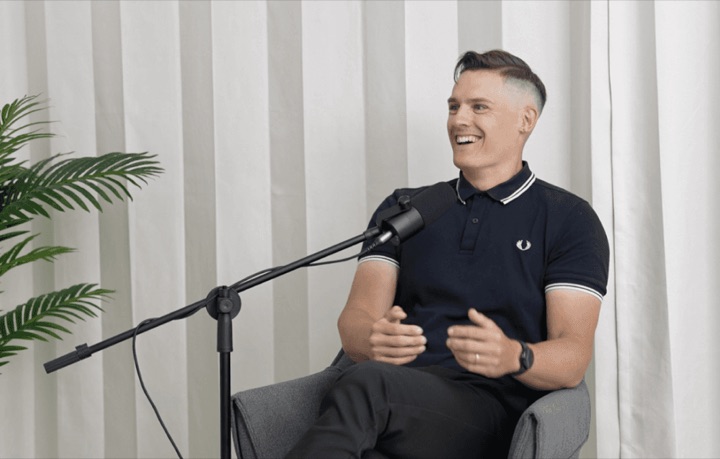
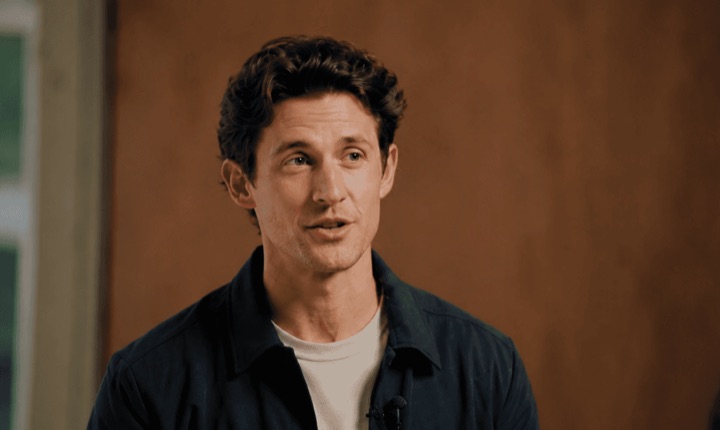
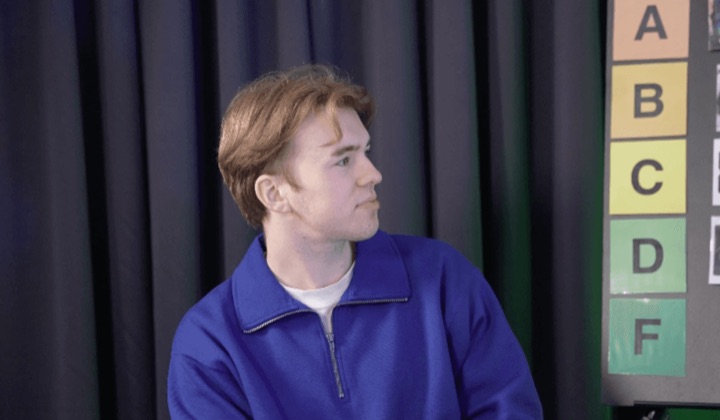
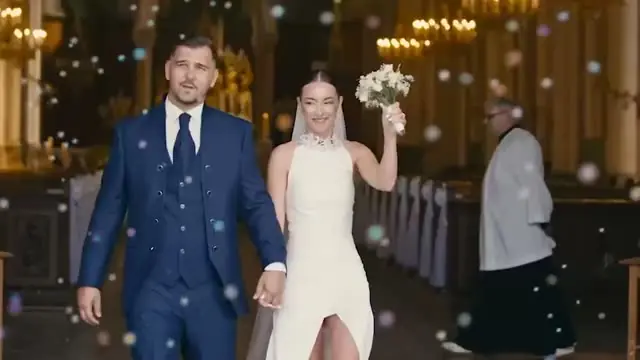
10,000+ projects,
80% time reduced.
Professionals are already seeing the payoff.
The client said they wanted it super fast.And the only reason I'm not worriedis because we are using Selects.

The Chef Gal (@dachefgyal)
DP, Producer & Editor based in NYC
This will actually look at the video,and it'll catch those reaction shots,those subtleties that all others are gonna miss.

Brent Pierce
Podcast Studio & Video Production Company Owner
Honestly,this is one of the best editing toolsI've tried in a long time.

Serge Morgotch
Video Editing Educator & Creator
This is what AI should really be about,helping us filmmakersrather than taking our job.

Luca Epifani
Filmmaker & Video Creator
A brand-new AI editing softwarethat has literally changedmy 20-year workflow overnight, permanently.

DJ Kerr
Video Editor / Motion Graphics Artist
The client said they wanted it super fast.And the only reason I'm not worriedis because we are using Selects.
The Chef Gal (@dachefgyal)
DP, Producer & Editor based in NYC
This will actually look at the video,and it'll catch those reaction shots,those subtleties that all others are gonna miss.
Brent Pierce
Podcast Studio & Video Production Company Owner
Honestly,this is one of the best editing toolsI've tried in a long time.
Serge Morgotch
Video Editing Educator & Creator
This is what AI should really be about,helping us filmmakersrather than taking our job.
Luca Epifani
Filmmaker & Video Creator
A brand-new AI editing softwarethat has literally changedmy 20-year workflow overnight, permanently.
DJ Kerr
Video Editor / Motion Graphics Artist
Related features
FAQ
How many cameras can Selects sync?
10 or more camera angles in one project, plus separate lav, boom and wireless audio. A project can hold several synced timelines, and one draft can pull from more than one of them.
How does multicam sync work?
By audio waveform by default, or by timecode if your cameras recorded it. Selects doesn't read a visual slate, but a clap helps because it's loud.
Sync can fail when two files share no audio, a file is under about 10 seconds, the sound is very noisy, or a camera recorded no audio. Place those clips by hand with markers.
Will long recordings drift out of sync?
No. Every camera and recorder runs on its own clock, and over an hour they slide apart by a few frames. Selects corrects that drift along the whole recording, not only at the start, so the voices still match the lips at the end of the show.
How does automatic camera switching work?
You ask chat for it. By default it cuts to whoever is speaking, avoids jump cuts and goes wide at natural moments. It can ask how the cut should feel, how often to go wide, how often to show reactions, and which angle is each person's main one.
Any rule you can say works, like cut back to the host whenever she looks into the lens.
Does switching need a separate mic for each person?
No. Selects tells who's speaking from the picture as well as the sound, so switching works from one shared mic. A mic per person still helps the sound, and when you have them, analysis matches each voice to its own mic.
What happens when a camera goes out of focus?
Selects switches away from it. The soft angle isn't used for that stretch, and the cut holds on a sharp one until it's back in focus.
Can I switch angles by hand?
Yes. Press 1 to 9 to switch cameras on the Premiere shortcut preset, or Alt+1 to 9 on the Final Cut Pro and DaVinci Resolve presets. You can also right-click a clip and pick its video or audio track.
Can I bring in a multicam I already synced?
Yes. Import a synced timeline from a .prproj, .fcpxml or Final Cut 7 .xml file. FCPXML multicam clips come in as synced timelines, one angle per track. Retimed clips and nested sequences are skipped.
Does the multicam carry over to Premiere or DaVinci Resolve?
Yes. Both handoffs have an option to nest the multicam, so you keep switching angles in your editor. Effects, transitions and color don't carry over, so finish those there.
Is Selects a PluralEyes alternative?
Yes. PluralEyes is no longer developed. Selects syncs by audio waveform or timecode as it did, then does the camera switching too, and hands the result to Adobe Premiere, Final Cut Pro or DaVinci Resolve.
Is it a Premiere plugin?
No. Selects is a desktop app for macOS and Windows. The multicam edit happens there, and you hand it to Adobe Premiere, Final Cut Pro or DaVinci Resolve to finish.
Explore our help center for all articles
Video anything.
Download Selects and make your first edit today.
Free plan, no credit card required