

Search by what's on screen
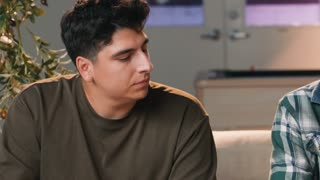
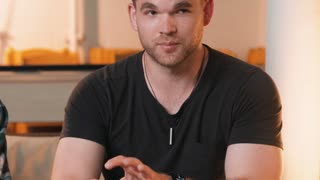
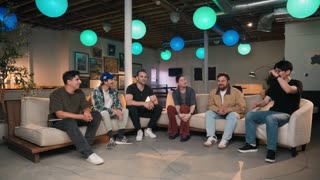
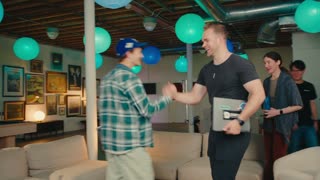
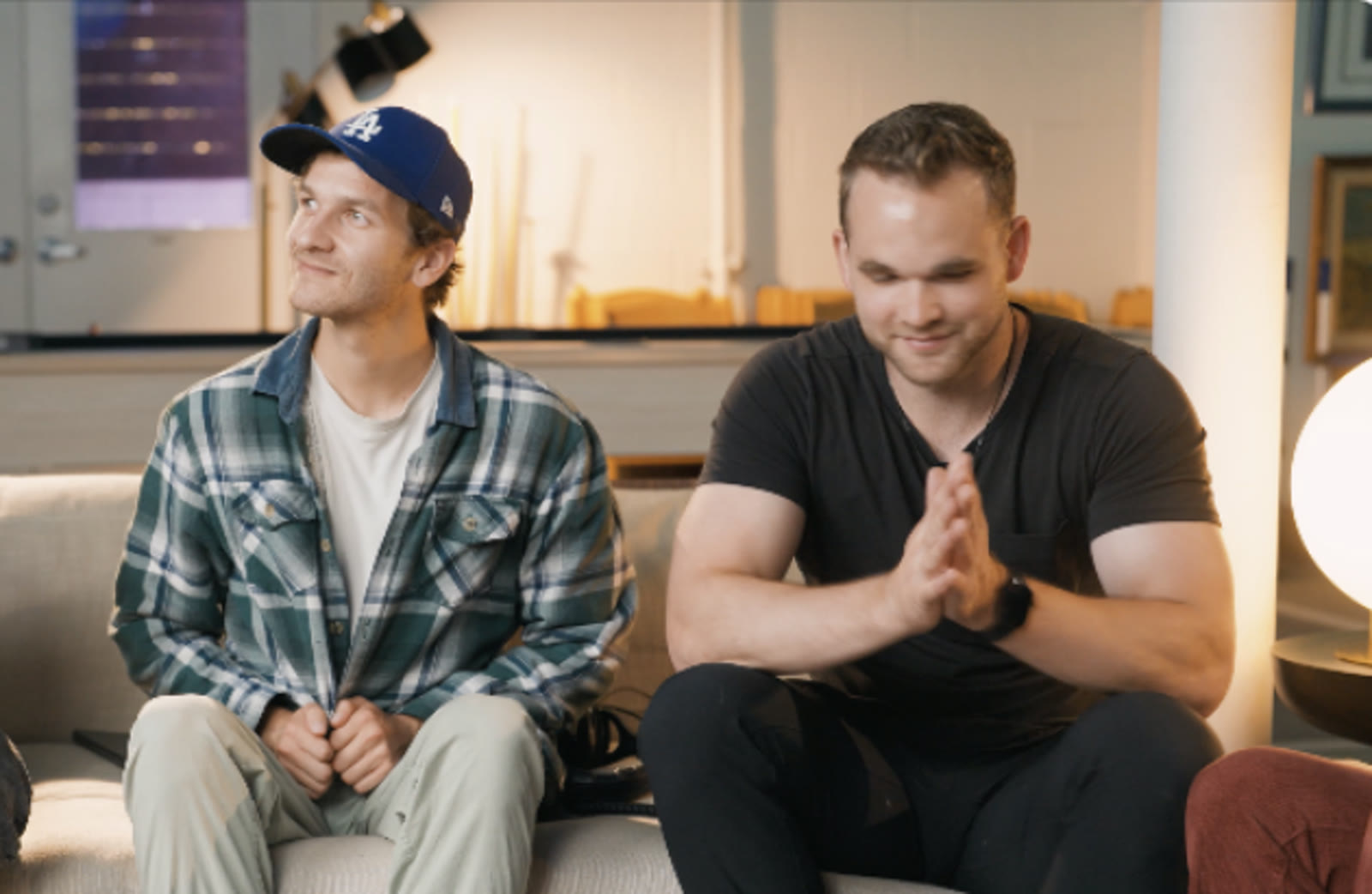
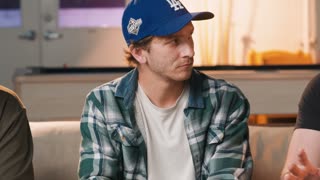
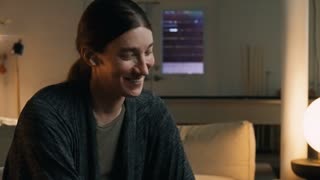
Type what you're looking for, like laughing or a hand on the door, and Scene search returns the shots that show it. Switch to Text to search what was said, in one file, every file or one draft.
Find the shot by
describing it.
Selects watches your footage and learns who's in it, what they said and what happens in every shot. Then you find any shot by asking for it.
Free plan, no credit card required
Type what you're looking for, like laughing or a hand on the door, and Scene search returns the shots that show it. Switch to Text to search what was said, in one file, every file or one draft.
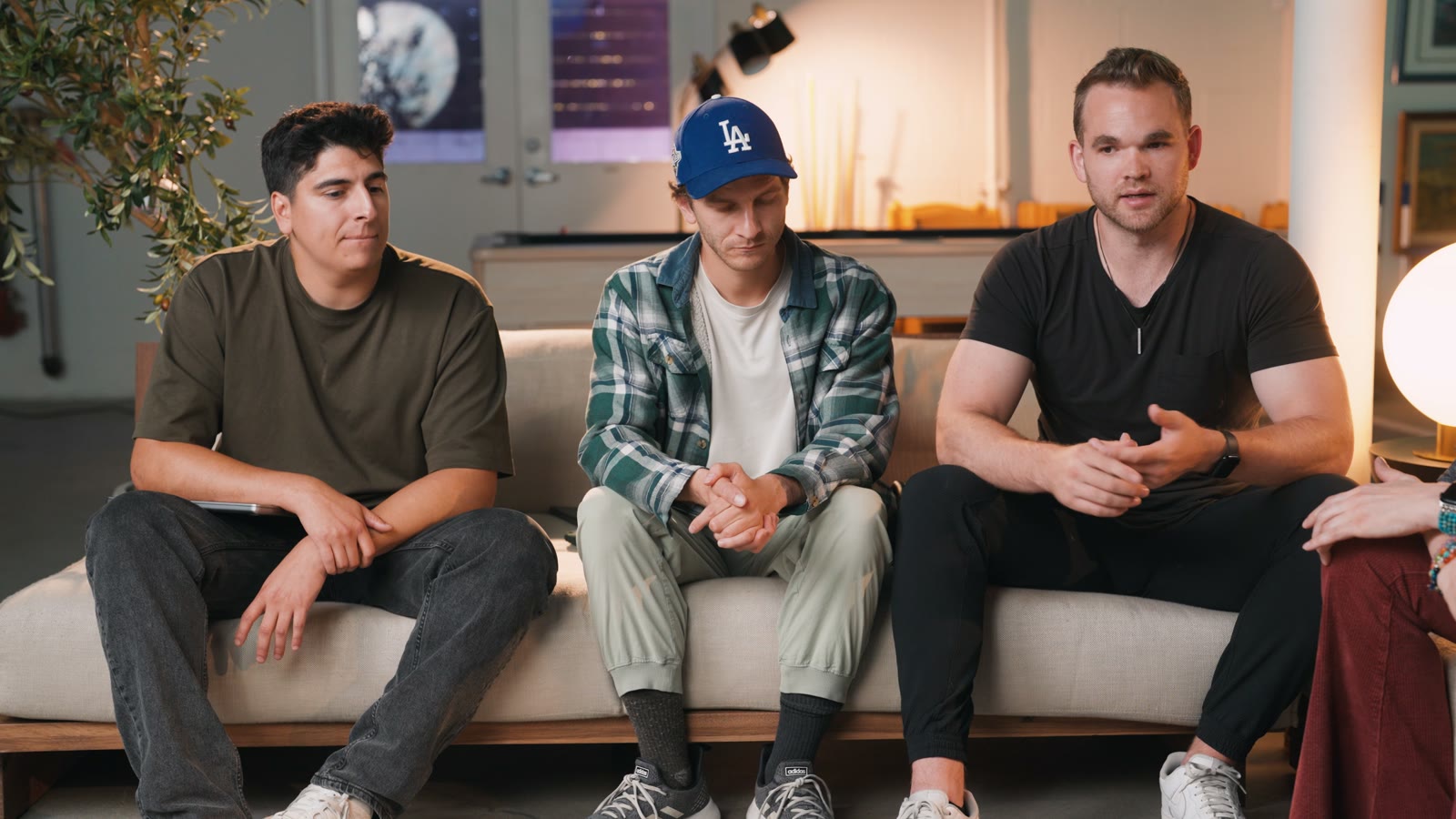
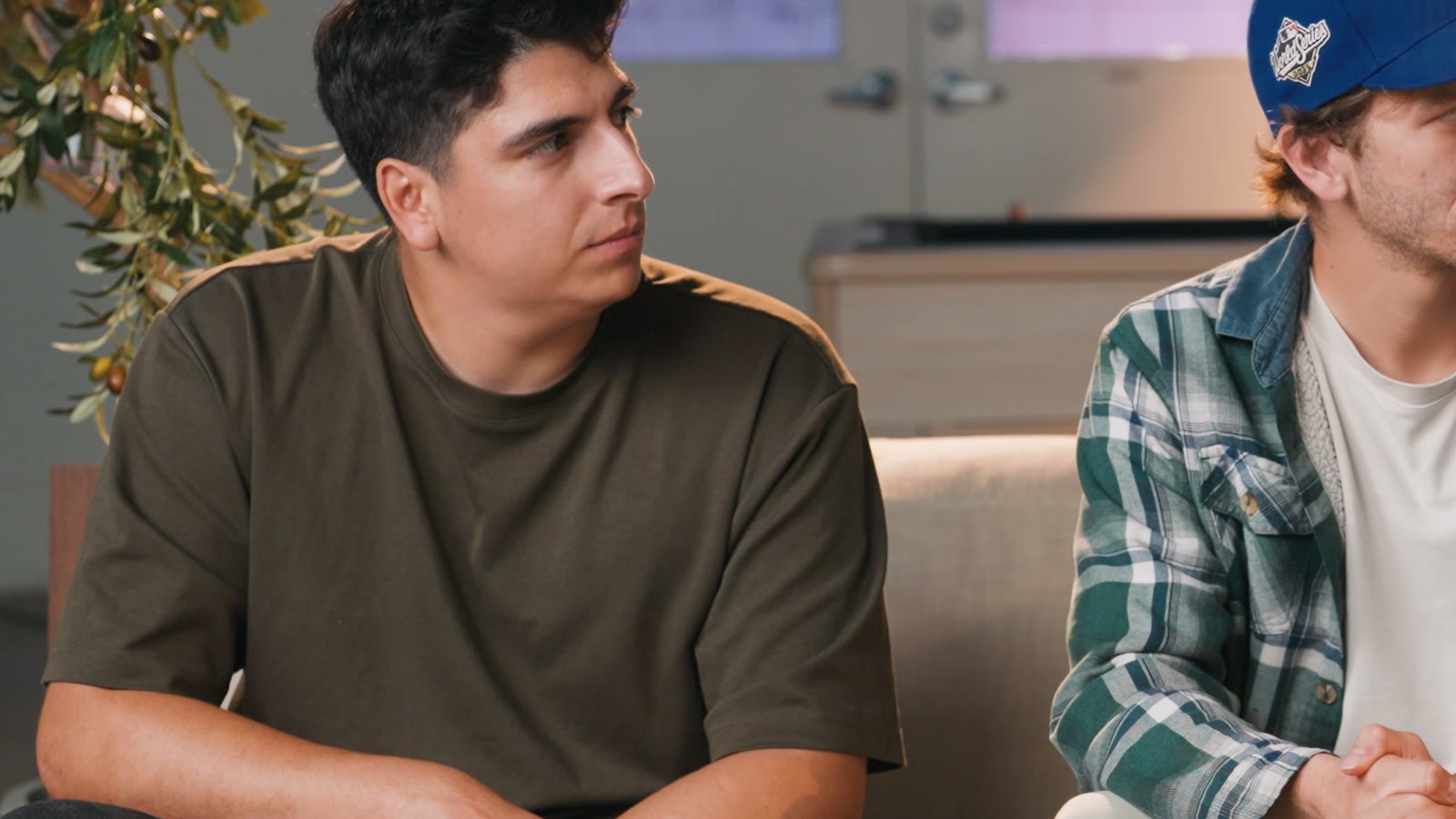
Analysis finds each speaker and matches them to a face and a mic. Name someone once and the name follows them through the project. A voice with no face is marked off camera.
Ask chat to group your retakes and it keeps the best one, with a note on why the others missed. Open the group to swap in a different take.
Each file is split into topics and subtopics as it's analyzed. Rename them, and drag a topic onto the timeline to place that whole section.
Type what you want the way you'd tell an editor. These are real prompts, and the clips are what came back.
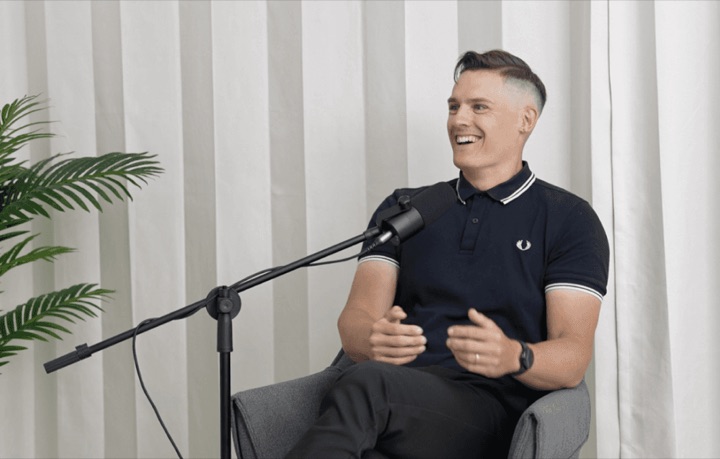
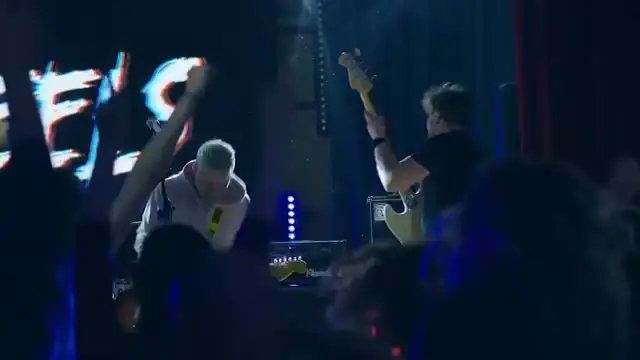
Prompt: Find every moment the crowd jumps on a drop and string them together
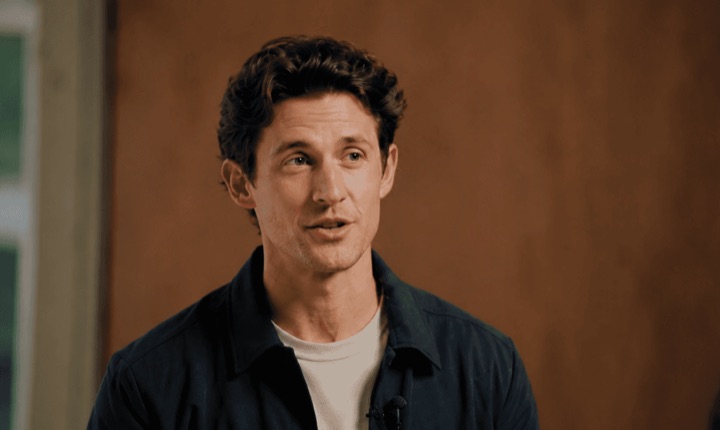
Prompt: Find the wide shot where they're both standing at the whiteboard
Prompt: Pull every shot where the blue bottle is on the table
Prompt: Check the gimbal footage for shake and blur, then fix the bad shots
Prompt: Group my takes of the intro and keep the best one
Drop in your footage and analyze it
Describe the shot or the line
Cut it in, then export
| Finding shots · 2h of interview footage | Editing manually | Selects |
|---|---|---|
| Total time | 3h 45m | 0h 45m |
| Scrub every clip for the shot | 1h | included |
| Log who is on camera | 30m | included |
| Transcribe to find a quote | 1h | included |
| Compare retakes of each answer | 45m | included |
| Check for soft or shaky shots | 30m | included |
Professionals are already seeing the payoff.
The client said they wanted it super fast.And the only reason I'm not worriedis because we are using Selects.

The Chef Gal (@dachefgyal)
DP, Producer & Editor based in NYC
This will actually look at the video,and it'll catch those reaction shots,those subtleties that all others are gonna miss.

Brent Pierce
Podcast Studio & Video Production Company Owner
Honestly,this is one of the best editing toolsI've tried in a long time.

Serge Morgotch
Video Editing Educator & Creator
This is what AI should really be about,helping us filmmakersrather than taking our job.

Luca Epifani
Filmmaker & Video Creator
A brand-new AI editing softwarethat has literally changedmy 20-year workflow overnight, permanently.

DJ Kerr
Video Editor / Motion Graphics Artist
The client said they wanted it super fast.And the only reason I'm not worriedis because we are using Selects.
The Chef Gal (@dachefgyal)
DP, Producer & Editor based in NYC
This will actually look at the video,and it'll catch those reaction shots,those subtleties that all others are gonna miss.
Brent Pierce
Podcast Studio & Video Production Company Owner
Honestly,this is one of the best editing toolsI've tried in a long time.
Serge Morgotch
Video Editing Educator & Creator
This is what AI should really be about,helping us filmmakersrather than taking our job.
Luca Epifani
Filmmaker & Video Creator
A brand-new AI editing softwarethat has literally changedmy 20-year workflow overnight, permanently.
DJ Kerr
Video Editor / Motion Graphics Artist
Selects analyzes your footage first, then searches what it learned. Analysis writes a word-level transcript, splits each file into topics, finds the speakers and writes a short description of every clip.
After that you can search by what's on screen, by what was said, or just ask chat for the shot in plain words.
Yes. Scene search finds shots by objects, actions, settings and people, and shows them as thumbnails. Text search covers what was said, with Replace if a word was transcribed wrong.
Only analyzed files are searchable, and Scene search can't find blur. For that, ask chat to check the footage.
Yes, when you ask chat to check. It finds shaky, blurry and out-of-focus stretches and marks them in red on the original file. It isn't part of analysis, so nothing is flagged until you ask.
Then say fix the blurry shots. On multicam, Selects switches to a clean angle of the same person. It only removes footage when there's one camera or no clean angle.
About 20 minutes for every hour of video. You can keep working while it runs, but Selects has to stay open.
Analysis runs on credits. A failed analysis is never charged, and a file that's already analyzed is never charged twice.
More than 90, including Korean, Japanese, Chinese and Spanish. It also handles speakers who switch between English and Spanish mid-sentence.
Fix it once in Check names and terms. Analysis pulls out the proper nouns it heard, and a correction applies to every clip and draft in the project, and to clips you analyze later.
Explore our help center for all articles
Download Selects and make your first edit today.
Free plan, no credit card required