


An AAF linked to your original media
Choose Avid Media Composer under Handoff to and pick where to save the AAF. Double-click it and the cut opens in Media Composer, every clip referencing your original media.
Prep in Selects.
Finish in Media Composer.
Selects syncs your cameras, finds the best takes and builds the rough cut, then hands it off as an AAF that opens in Media Composer, linked to your original media.
Free plan, no credit card required
Choose Avid Media Composer under Handoff to and pick where to save the AAF. Double-click it and the cut opens in Media Composer, every clip referencing your original media.
The edit points, track layout and speaker labels come across, so the sequence you open is the cut you made in Selects.
Selects syncs every camera and mic by waveform or timecode and switches angles when you ask, so the logging and the syncing are done before the AAF is written.
Type what you want the way you'd tell an editor. These are the kind of prompts that work.
Prompt: Cut the 40 minute interview down to 12. Keep the answers about the founding and drop the small talk
Prompt: Find every shot of the workshop and put them in a folder called Workshop
Prompt: Sync the three cameras and cut to whoever is talking
Drop in the whole shoot
Ask for the sync, the selects or the rough cut
Hand off, then double-click the .aaf
| Prepping an interview · 2 cam, 1h raw video | Editing manually | Selects |
|---|---|---|
| Total time | 3h 30m | 0h 45m |
| Sync both cameras and both mics | 30m | included |
| Transcribe and mark the topics | 1h | included |
| Cut long silences and filler words | 1h | included |
| Switch camera by speaker | 1h | included |
Professionals are already seeing the payoff.
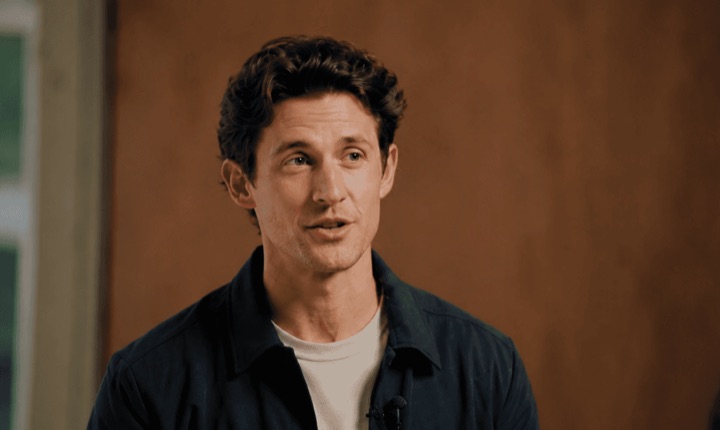
The client said they wanted it super fast.And the only reason I'm not worriedis because we are using Selects.

The Chef Gal (@dachefgyal)
DP, Producer & Editor based in NYC
This will actually look at the video,and it'll catch those reaction shots,those subtleties that all others are gonna miss.

Brent Pierce
Podcast Studio & Video Production Company Owner
Honestly,this is one of the best editing toolsI've tried in a long time.

Serge Morgotch
Video Editing Educator & Creator
This is what AI should really be about,helping us filmmakersrather than taking our job.

Luca Epifani
Filmmaker & Video Creator
A brand-new AI editing softwarethat has literally changedmy 20-year workflow overnight, permanently.

DJ Kerr
Video Editor / Motion Graphics Artist
The client said they wanted it super fast.And the only reason I'm not worriedis because we are using Selects.
The Chef Gal (@dachefgyal)
DP, Producer & Editor based in NYC
This will actually look at the video,and it'll catch those reaction shots,those subtleties that all others are gonna miss.
Brent Pierce
Podcast Studio & Video Production Company Owner
Honestly,this is one of the best editing toolsI've tried in a long time.
Serge Morgotch
Video Editing Educator & Creator
This is what AI should really be about,helping us filmmakersrather than taking our job.
Luca Epifani
Filmmaker & Video Creator
A brand-new AI editing softwarethat has literally changedmy 20-year workflow overnight, permanently.
DJ Kerr
Video Editor / Motion Graphics Artist
The edit points, tracks and speaker labels, with every clip referencing your original media.
No. Effects, color and text overlays stay behind in a handoff, and transitions arrive as cuts.
If you grade and finish in Media Composer, that's where they happen.
Adobe Premiere (.prproj), Final Cut Pro (.fcpxml) and DaVinci Resolve (.drp). Every handoff carries the same cut, so you can finish in whichever editor your team uses.
Explore our help center for all articles
Download Selects and make your first edit today.
Free plan, no credit card required