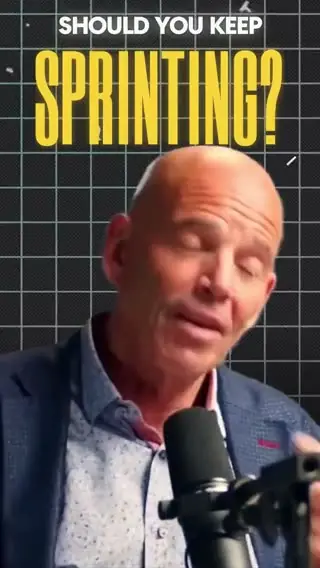
Clip highlights
Selects reads the whole timeline and pulls out the moments worth posting.
You have the taste. Selects has the skills.
Just talk to your AI video editor and get that edit.
Say what you want in plain words. No timeline, no tutorials. Ask for a three-minute highlight that stays on whoever is talking, tighter pacing, or captions in your style, then keep giving notes the way you would to an editor.
See a video you love? Drop the link, add your footage, and Selects rebuilds the cuts, pacing, captions and effects around your content.
Most AI editors only read the transcript. Selects sees your shots, faces, and best takes, so the edit is built on what you filmed, not just what you said.
Selects does the work, you make the calls. Open any result on a real timeline and fix it by hand.
Full video editing features, captions, AI generated videos, motion graphics, clipping, tools you build yourself, on the newest AI models. One subscription instead of six.
Selects reads the whole timeline and pulls out the moments worth posting.
Describe the shots you need and Selects generates them, ready to cut into your edit.
Titles and animated text from a sentence, not a template.
Every angle and mic lined up, and it knows who's speaking.
Describe the look once and every scene in the cut wears it.
Ask for the controls you want and Selects builds the panel. Then tune it by hand.
Multicam sync, a real timeline, and a clean handoff to Premiere, Final Cut, Resolve and Avid.
Creator campaign videos and the editors' shoot.
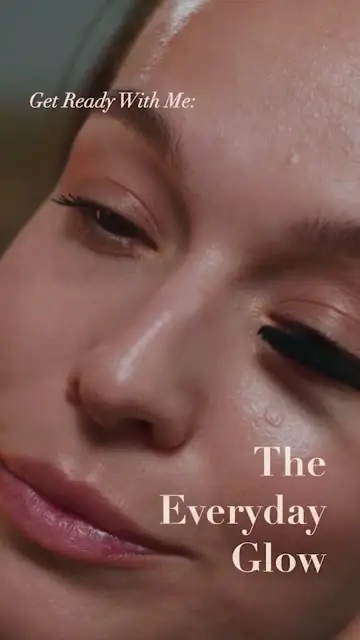
Match the pacing and cuts of this Reel. My clips are the mascara and skin close-ups, keep the serif titles on the open
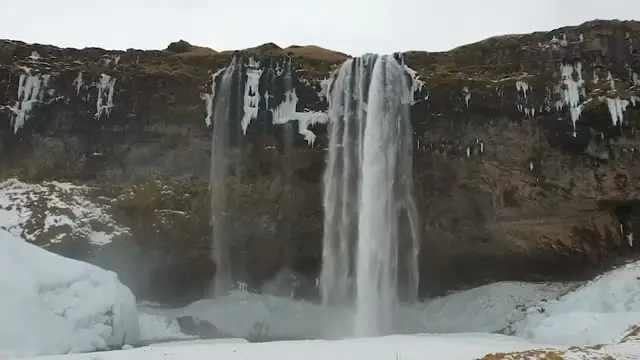
I don't have a drone shot. Make one of the coastline for the intro, then land on the waterfall
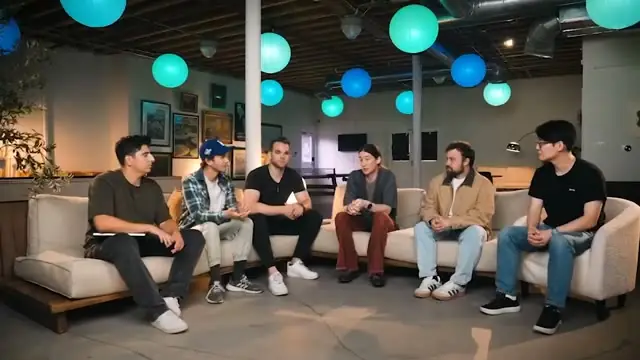
This is episode 14. Remember how I edited 12 and 13: same cut pacing, same lower thirds, 20 second intro
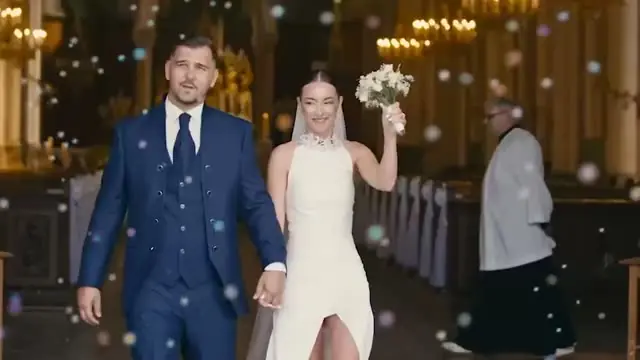
Sync all four cameras and the officiant's lav. Vows audio under the walk out
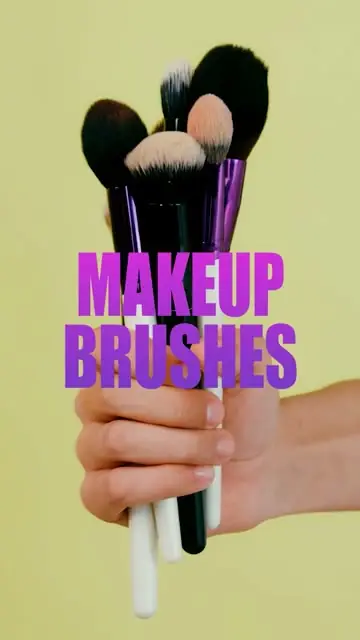
Build me a slider for how hard the zooms hit on each brush
Have Claude cut the three launch takes into a 15s teaser and hand it to Premiere for our motion designer
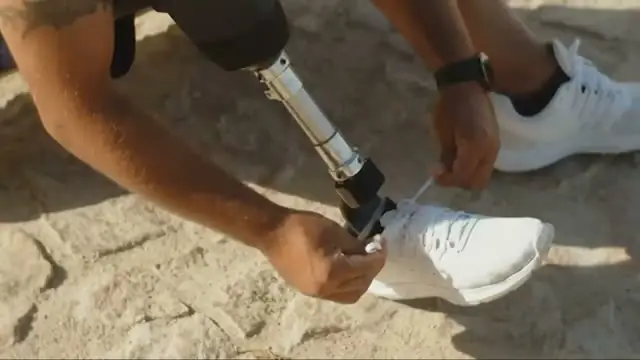
Use this channel's cold open structure. Five seconds of build before the first word, end on READY?
Make the captions pop word by word, I talk fast in this one
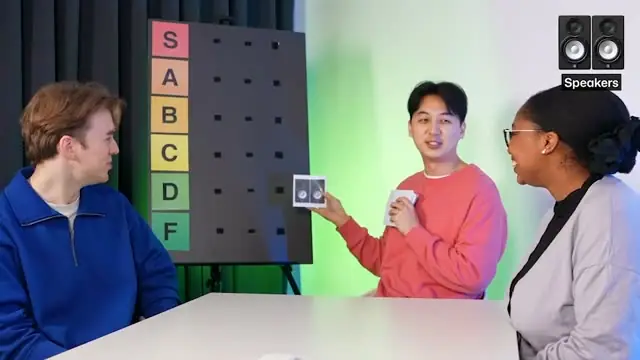
Pull 8 shorts out of the full tier list episode, one per ranking, vertical, start each on the reaction

Find what's working in holiday baking videos right now and cut my version from today's piping footage
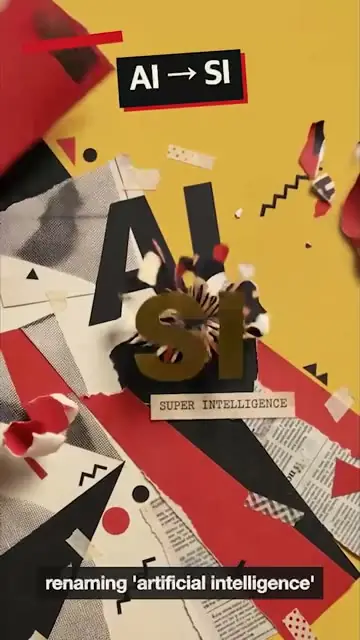
Every time I say a year or a number, put it on screen as a torn newsprint card
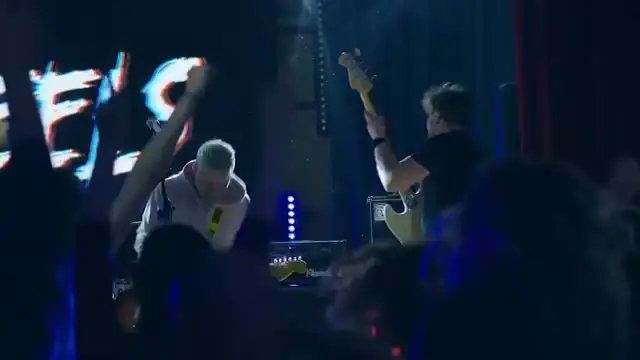
Find every moment the crowd jumps on a drop and string them together
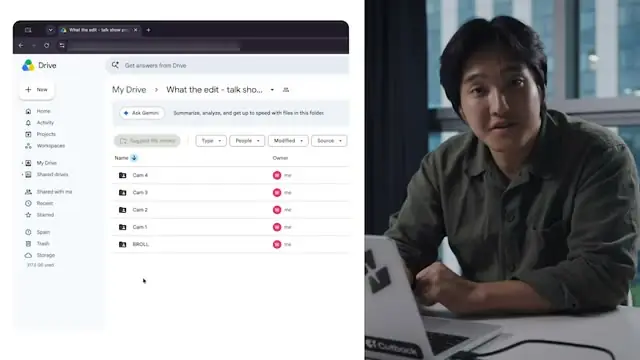
Cut the ums and the dead air while I look for the right folder
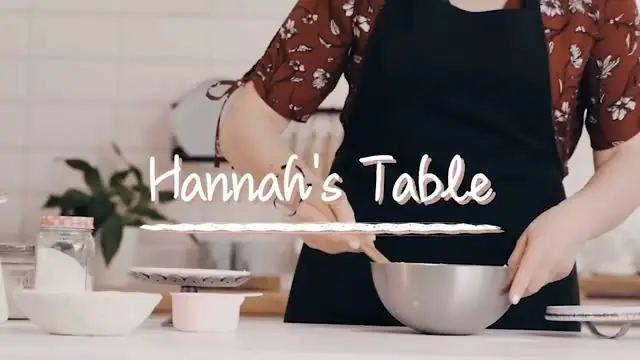
Reframe this for vertical and keep my hands and the bowl in frame the whole time
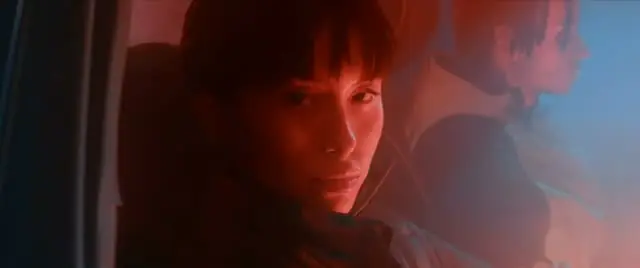
Nine performance passes. Find the best take of every line and cut to the beat
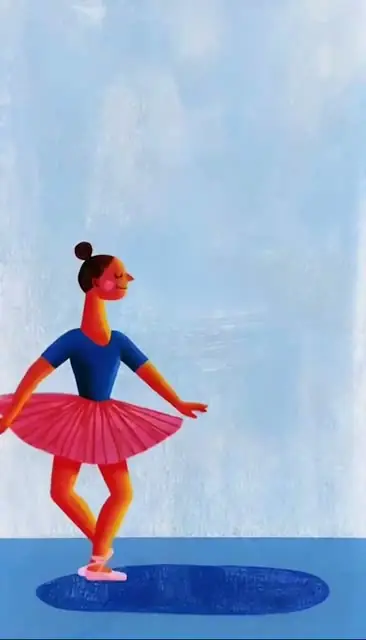
Add Spanish captions to the narration, small and soft, and keep them clear of her feet
An AI video editor you talk to. Say what you want, or paste a link to a video you like, and Selects makes the edit from your footage.
It watches the video, not just the transcript, so it knows your shots, faces and best takes. Every result opens on a real timeline you can change by hand.
Almost anything that lives on a timeline:
No. Selects can generate shots from a description, and turn a link to an article into a narrated explainer.
If you do have footage, it edits yours first and only generates what's missing.
Drop in a link to a video whose style you like, then add your footage. Selects rebuilds that video's cuts, pacing, captions and effects around your content.
It copies the edit, not the clip. What ends up on screen is yours.
Yes. Every result opens on a real timeline. Fix any cut, caption or graphic by hand, or keep giving notes in chat the way you would to an editor.
Yes. The Free plan is a full video editor: multi-track timeline editing and export, captions, effects, templates and motion graphics, editing with your ChatGPT or Claude, and handoff to Adobe Premiere, Final Cut Pro, DaVinci Resolve and Avid Media Composer. No credit card required.
Paid plans add footage analysis, AI generated video, images and voiceover, and multicam sync.
Yes, on every plan, Free included. Any edit hands off as a project file you keep working in.
Yes. Selects connects to Claude Code, Claude Desktop, Codex in ChatGPT and OpenClaw over MCP. Your agent can search your footage, make the cuts and export from one prompt.
Explore our help center for all articles