
Any look, in one sentence
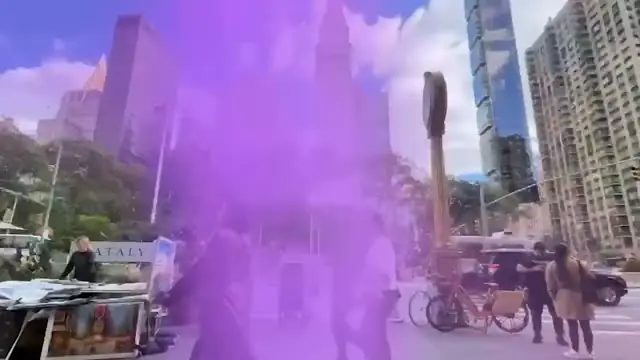
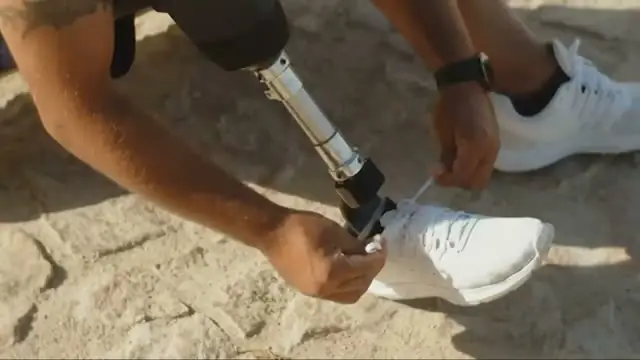
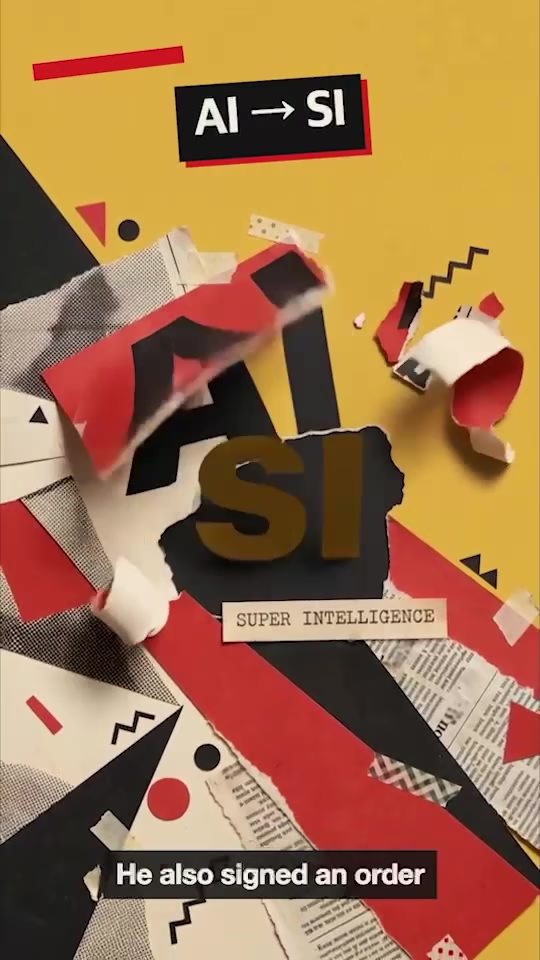
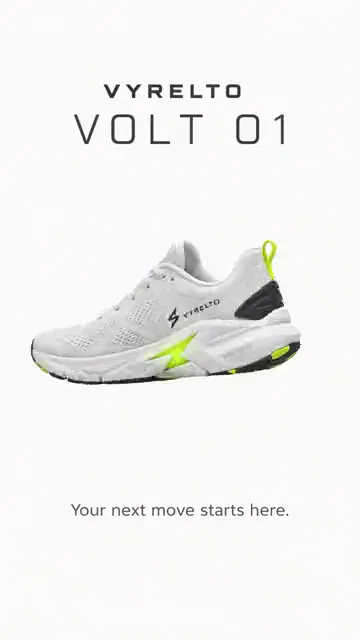
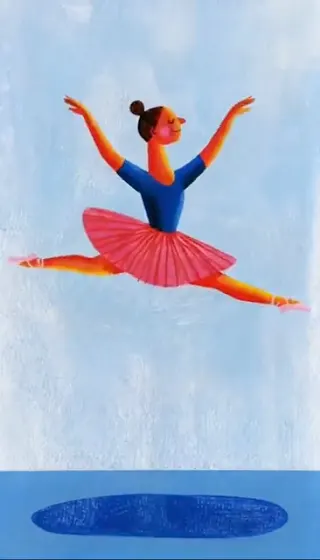
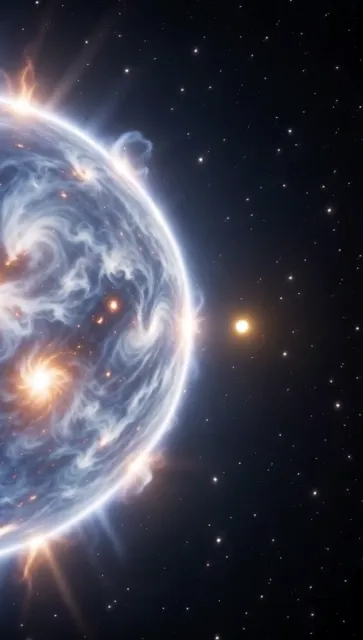
Painted, cinematic or 3D animated: describe the style with the subject and pick the model that suits it, from Nano Banana Pro to GPT Image and Seedream.
Any image you can imagine,
in your timeline.
Nano Banana Pro, GPT Image, FLUX and more, inside your editor.
Painted, cinematic or 3D animated: describe the style with the subject and pick the model that suits it, from Nano Banana Pro to GPT Image and Seedream.
GPT Image 2 draws fine detail and readable text, and can leave the background transparent, so a logo or a title card lies over your footage.
Add the still as a reference in Generate video and describe what happens next. The image becomes a shot on the same timeline.
Type what you want the way you'd tell an editor. These are the kind of prompts that work.
Prompt: A clean product still of the bottle on white marble, soft window light, 16:9 for the end card
Prompt: A thumbnail background: a messy desk at night, monitor glow, room on the left for the title
Prompt: Our logo as a flat white mark on a transparent background, to sit over the intro
Prompt: @Image1 as a hand-drawn storyboard frame, same framing
Open your draft
Describe the image, or add a reference
Place it, then export
Professionals are already seeing the payoff.
The client said they wanted it super fast.And the only reason I'm not worriedis because we are using Selects.

The Chef Gal (@dachefgyal)
DP, Producer & Editor based in NYC
This will actually look at the video,and it'll catch those reaction shots,those subtleties that all others are gonna miss.

Brent Pierce
Podcast Studio & Video Production Company Owner
Honestly,this is one of the best editing toolsI've tried in a long time.

Serge Morgotch
Video Editing Educator & Creator
This is what AI should really be about,helping us filmmakersrather than taking our job.

Luca Epifani
Filmmaker & Video Creator
A brand-new AI editing softwarethat has literally changedmy 20-year workflow overnight, permanently.

DJ Kerr
Video Editor / Motion Graphics Artist
The client said they wanted it super fast.And the only reason I'm not worriedis because we are using Selects.
The Chef Gal (@dachefgyal)
DP, Producer & Editor based in NYC
This will actually look at the video,and it'll catch those reaction shots,those subtleties that all others are gonna miss.
Brent Pierce
Podcast Studio & Video Production Company Owner
Honestly,this is one of the best editing toolsI've tried in a long time.
Serge Morgotch
Video Editing Educator & Creator
This is what AI should really be about,helping us filmmakersrather than taking our job.
Luca Epifani
Filmmaker & Video Creator
A brand-new AI editing softwarethat has literally changedmy 20-year workflow overnight, permanently.
DJ Kerr
Video Editor / Motion Graphics Artist
The major image models, in one place:
One to four per run. Set Images before you click Generate. A prompt can be up to 4,000 characters.
Yes. Under Add references, choose Add current frame, Add selected clip or Add file, then describe the change and point at the image with @, like @Image1 on a rainy street at night.
Yes, with GPT Image 2. Set Background to Transparent before you click Generate. It's the way to make a logo or graphic to lay over video.
Yes, in chat: ask to upscale a still and Selects runs it through an upscaler such as Topaz or Clarity.
The Generate image app doesn't upscale, so there, generate the image at a higher Resolution instead.
Yes. Ask in chat to cut out the subject, and Selects removes the background so the still sits over your video. To make a graphic with no background from the start, use GPT Image 2 with Background set to Transparent.
Yes. When the model can be priced in advance, the cost shows above the Generate button. Otherwise the credits charged show on the result once it's done.
Onto your draft, above your video, where the playhead was when you clicked Generate. It's also added to your project and saved to your Downloads folder, or the folder you set in Save media to.
Explore our help center for all articles