The Best CapCut Alternatives, by Why You're Leaving
Tired of CapCut paywalls or price hikes? Compare 6 CapCut alternatives by free plan, watermark, auto captions, price and where they run.

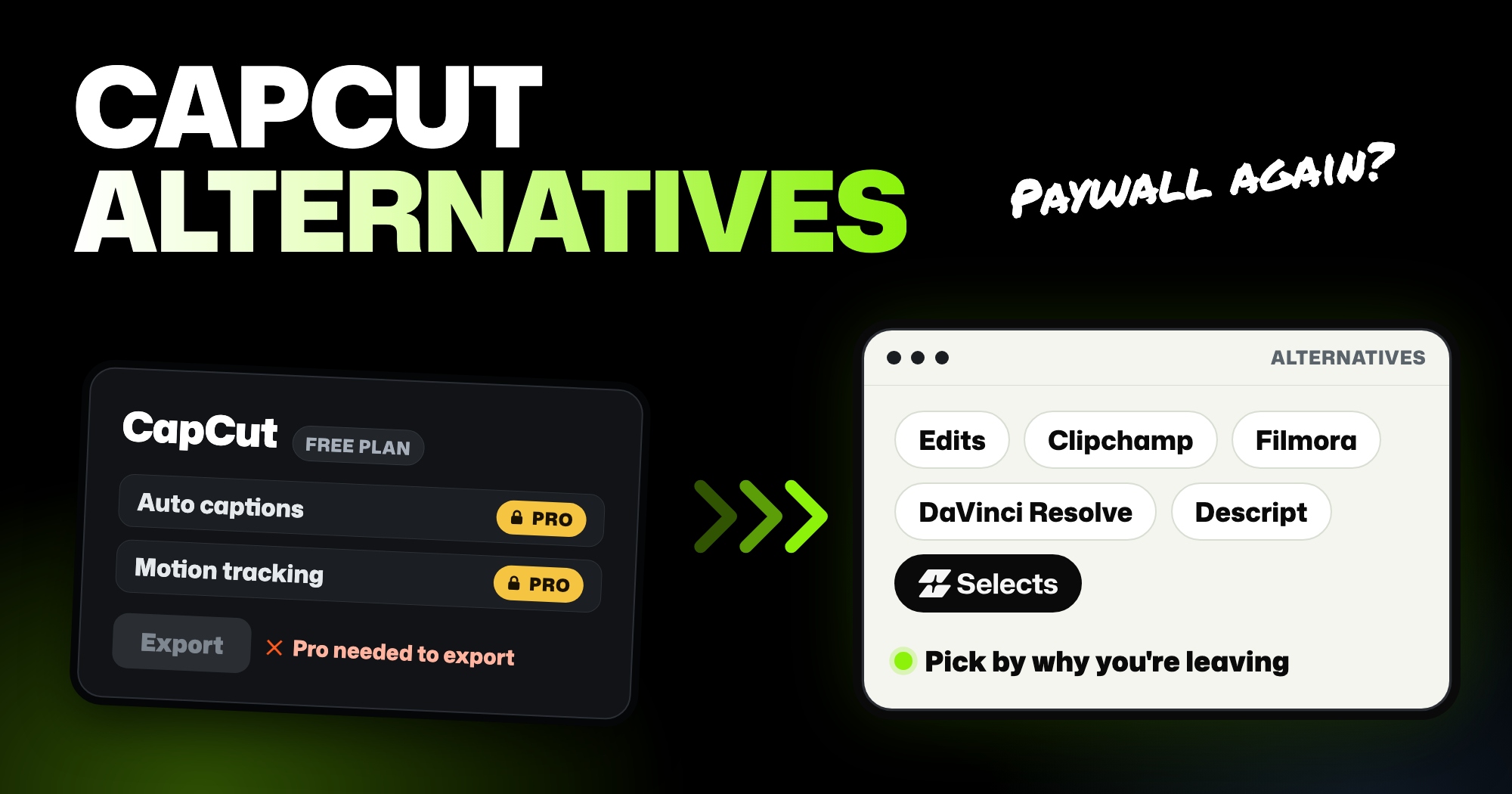
TLDR: The right pick among CapCut alternatives depends on why you're leaving and where you edit. On a phone or a Mac, Edits from Instagram is free and exports 4K with no watermark. On a computer, Clipchamp and DaVinci Resolve have free versions, Filmora costs less than CapCut Pro, and Selects edits from a chat request.
You've been editing in CapCut, and something changed. A tool you used every week now shows a Pro badge, or the price went up. Maybe you just don't trust where your videos go anymore. This guide covers the six CapCut alternatives worth trying: what each does better, where it falls short, and what it costs.
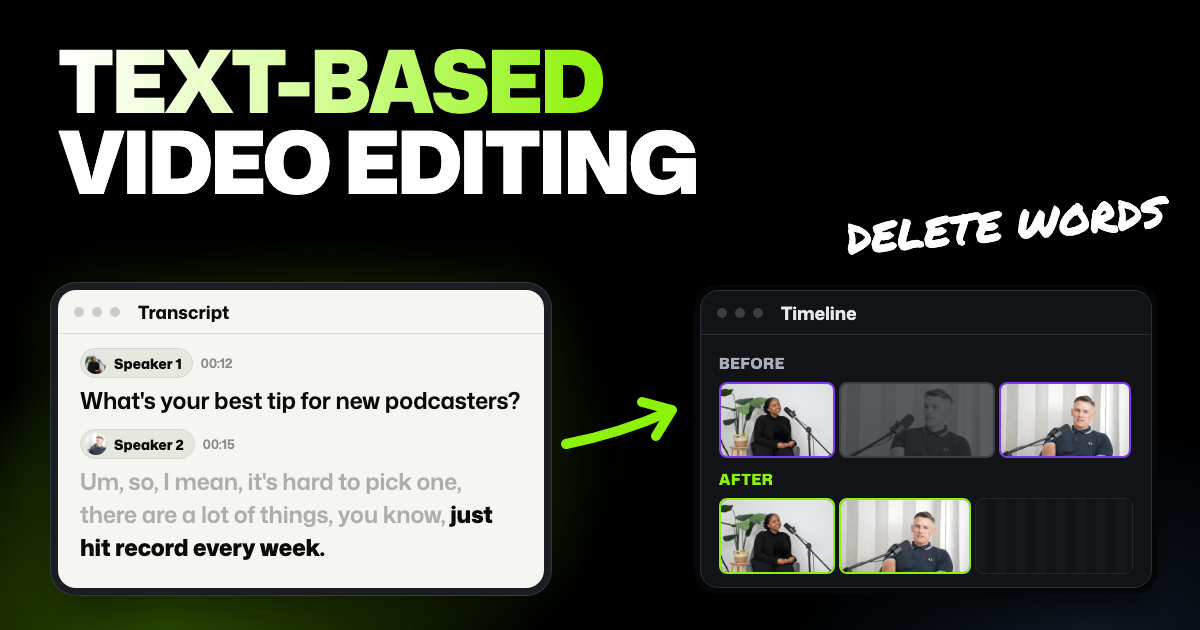
- Making talking videos or tutorials? Selects lets you cut by deleting words from the transcript, and it can make the first cut from a chat request. Descript edits the same way.
- Happy with CapCut except the price? Read the section on when to stay before you move.
We make Selects, one of the tools below. Prices are US prices from each company's own page, checked November 16, 2026. Plans change often, so open the link before you pay.
Why people leave CapCut
CapCut is still one of the most popular video editors there is. It's the top free app in Google Play's video editor category, with more than a billion downloads. Most complaints we read aren't about the editing itself. They're about what changed around it.
- Free tools keep moving behind a paywall. Two of the most-liked reviews on Google Play each have over 8,000 helpful votes. They name noise reduction, sound effects, filters and song extraction as tools that now need a paid plan. CapCut's own plan guide lists motion tracking and auto captions as Pro features.
- You find out at the last step. Free users can add Pro features while editing. CapCut's help page says the app asks for Pro when you try to export, so you either pay or rebuild those parts.
- The price went up. Pro is now $19.99 a month or $179.99 a year. CapCut's help center confirms the price increased and points to "upgrades to the membership plans."
- Watermarks on templates and paid assets. Editing by hand exports clean, but some templates and Pro effects add a watermark on the free plan.
- Worries about your content. A June 2025 terms update set off a wave of concern, and CapCut answered that it has never claimed ownership of your videos.
- It went dark once. On the night of January 18, 2025, CapCut went offline in the US along with TikTok, hours before the US ban took effect. Some users got access back the next day, but many creators went looking for a backup editor.
A writer at Android Authority put it plainly: CapCut is "a much worse app today" than it used to be. The reasons given were paywalls and constant notifications.
CapCut alternatives side by side
| Tool | Free plan | Cheapest paid plan | Runs on | Auto captions | Best for |
|---|---|---|---|---|---|
| CapCut (for reference) | Basic editing, free templates and effects; some templates and Pro assets add a watermark | Pro, $19.99 a month or $179.99 a year | Phone, Windows, Mac, browser | Pro feature | Social videos from templates |
| Edits | Free; 4K export with no watermark | Not listed (the app lists in-app purchases) | iPhone, Android, Mac with Apple silicon | Included free | Reels and TikToks made on a phone or Mac |
| Clipchamp | Up to 1080p, no watermark | Comes with Microsoft 365 Personal, $9.99 a month or $99.99 a year | Windows app, browser | Included free | Short videos on a computer, for free |
| DaVinci Resolve | Full professional editor, up to Ultra HD at 60 fps | Studio, $295 once | Windows, Mac, Linux | Studio only (feature list) | Long videos and color work |
| Filmora | Free version; exports carry a watermark | Basic, $49.99 a year | Windows, Mac (separate phone apps) | Uses AI credits (Advanced plan and up) | CapCut-style editing for less a year |
| Descript | 1 hour of media a month, 720p with a watermark | Hobbyist, $24 a month, or $16 billed yearly | Windows, Mac, browser | Included | Talking videos you'd rather edit as text |
| Selects | Free editor and export up to 4K, no watermark; 1,800 trial credits for AI | Starter, $20 a month, or $16 billed yearly | Windows 11, Apple Silicon Mac, browser | Uses credits (needs analysis) | Footage you film yourself, edited by asking |
The big split is phone or computer. CapCut runs on phones, Windows, Mac and the web. Edits comes closest, with phone apps and a Mac app, but nothing for Windows or the web. The rest are mainly computer tools.
Edits
- Good at: being free. Instagram's editor exports in 4K with no watermark and makes captions automatically. It has green screen, voice cleanup and a dashboard for your reels. A free Mac app adds a multi-track timeline, keyframes, color tools and direct posting to Instagram. It's rated 4.7 on Google Play from over 2 million reviews.
- Bad at: stability, and Windows. Top reviews on Google Play describe crashes, black videos after an update, effects vanishing on export and lost projects. There's no Windows or browser version, and the Mac app needs a Mac with Apple silicon (M1 or later).
- Price: free on phones and Mac. The phone store listings mention in-app purchases but don't say what they are.
- Best for: creators who post Reels and TikToks from a phone or Mac and want CapCut's free experience back.
Clipchamp
- Good at: free, clean exports on a computer. Microsoft's editor saves videos up to 1080p with no watermark, and AI subtitles, voiceovers and silence removal come with the free plan. That makes it a free stand-in for CapCut auto captions.
- Bad at: longer projects and Macs. Microsoft recommends videos of 10 minutes or less for the best performance. On a Mac it only runs in the browser, and 4K export needs a Microsoft 365 plan.
- Price: free. Premium comes with Microsoft 365 Personal, which costs $9.99 a month or $99.99 a year. See Clipchamp's plans.
- Best for: Windows users making short videos for social media, work or school.
DaVinci Resolve
- Good at: doing almost everything for free. The free version covers editing, color and audio, and it works with nearly all 8-bit formats up to Ultra HD at 60 fps. It runs on Windows, Mac and Linux, and there's no subscription at all.
- Bad at: being quick to learn, and AI. It has a lot of panels, and CapCut users will feel the jump. Its AI tools (the DaVinci Neural Engine) and text-based editing need the paid Studio version, and so do auto captions.
- Price: free. Studio is a one-time $295, marked down to $236 on November 16. See DaVinci Resolve Studio.
- Best for: YouTubers who've outgrown CapCut and want a professional editor without a monthly bill.
Filmora
- Good at: feeling familiar. Like CapCut, it's built around effects, transitions, titles and music, with a big library on paid plans. Basic and Advanced cost less than half of CapCut Pro's yearly price, and both multi-camera editing and motion tracking are on its feature list.
- Bad at: the free version and AI on the cheapest plan. Free exports carry a watermark, and Basic includes no AI credits. Speech-to-text, the tool behind captions, runs on AI credits, which start on the Advanced plan.
- Price: Basic is $49.99 a year. Advanced is $59.99 a year with 1,000 AI credits a month, and Premium is $99.99 a year with 2,000. There's also a one-time license for a single version. See Filmora's pricing.
- Best for: desktop CapCut users who like its style of editing but not its yearly price.
Descript
- Good at: editing talking videos as text. You cut a line by deleting it from the transcript, like editing a document. Captions, filler word removal and Studio Sound (voice cleanup) are built in.
- Bad at: the free plan and media hours. The free plan allows 1 hour of media a month and exports at 720p with a watermark. Hobbyist raises that to 10 hours a month.
- Price: free, then Hobbyist at $24 a month or $16 billed yearly. Creator is $35 a month or $24 billed yearly. See Descript's pricing.
- Best for: tutorials, explainers and talking-head videos where the words matter most.
Selects
Selects is an AI video editor. It first watches and listens to your footage: when each word is said, who says it, and what the camera shows. You then ask for the edit in chat and get a real timeline back to keep editing yourself.
Here's how that compared with EditPilot, CapCut's AI helper. A professional editor on our team gave each tool the same 7-minute talking-head recording with many retakes, and its script. Cut by hand, it came to 1:58.
Selects landed at 2:00 and EditPilot at 3:30, with one line still in three times. In a camera-switching test, CapCut also deleted and rearranged clips without being asked.
Each tool got one run, and our Selects and CapCut comparison has every result.
- Good at: editing footage you filmed, even long recordings, by asking for it, like "cut the retakes" or "make a 60-second version." It lines up footage from several cameras and makes shorts from one video, posting up to 10 at once to TikTok, YouTube or Instagram. Captions come from its word-by-word transcript, in a style you pick or describe.
- Bad at: quick template edits and phones. For a fast trend video built from a template, CapCut is quicker. There's no phone app: Selects runs in the browser or as a Windows 11 and Apple Silicon Mac app.
- Price: the editor and export are free, up to 4K with no watermark. Analysis (Selects watching and listening to your footage first), chat on Selects' AI models and generated media use credits. New accounts get 1,800 free trial credits, enough to analyze about 5 hours of video. After that, plans start at $20 a month ($16 billed yearly). See what each Selects plan includes.
- Best for: almost any video you film yourself: YouTube videos, vlogs, tutorials, courses, interviews, video podcasts, short clips and event videos.
When to stay with CapCut
If you make short videos from templates on your phone, CapCut is still hard to beat. Its template library and trending effects are why it got popular, and it runs on your phone, your computer and the web. So many people use it that a tutorial is easy to find for almost anything you want to try.
If your only problem is one paid feature, compare the cost first. CapCut Pro at $179.99 a year can work out cheaper than paying for two tools to replace it. And if you edit by hand without templates or Pro effects, the free plan still exports without a watermark.
Tips before you switch
- Finish or export your open projects first. A project file from one editor rarely opens in another. Save the finished videos, and keep your original clips.
- Don't delete the original footage. CapCut, like most editors, points to the files on your device. Its most-liked Google Play review describes an edit breaking after the photos in it were deleted.
- Test with a real project. Edit one video you'd actually post, start to finish. A 30-second test won't show you where captions, exports or crashes go wrong.
- Check what "free" covers. Free plans differ on watermarks, export quality and captions. The table above shows each one, so start with the limit that matters most to you.
FAQs
Is CapCut free?
Yes, CapCut has a free plan with basic editing, free templates and effects. Auto captions, motion tracking and other advanced AI tools need Pro. Some templates and paid assets add a watermark on the free plan, but videos you edit by hand export without one.
What's the CapCut Pro price?
CapCut's plan guide lists Pro at $19.99 a month or $179.99 a year, and a team plan from about $24.99 a month. It says prices vary by region and platform, so check the price in the app before you pay.
What's the best free CapCut alternative with no watermark?
On a phone or an Apple silicon Mac, Edits from Instagram exports 4K with no watermark for free. On Windows, Clipchamp exports 1080p with no watermark. Selects' editor exports up to 4K with no watermark too, though its AI features use credits.
Is CapCut banned in the US?
No. CapCut went offline in the US on the night of January 18, 2025, hours before the TikTok ban took effect. Some users got access back the next day. On November 16, 2026, it was the top Photo and Video app on the US App Store.