
A line, a link or a script
Start from a story in your head, a link, or your own script. No idea yet? Pick a trending topic.
One line of a story,
one narrated short.
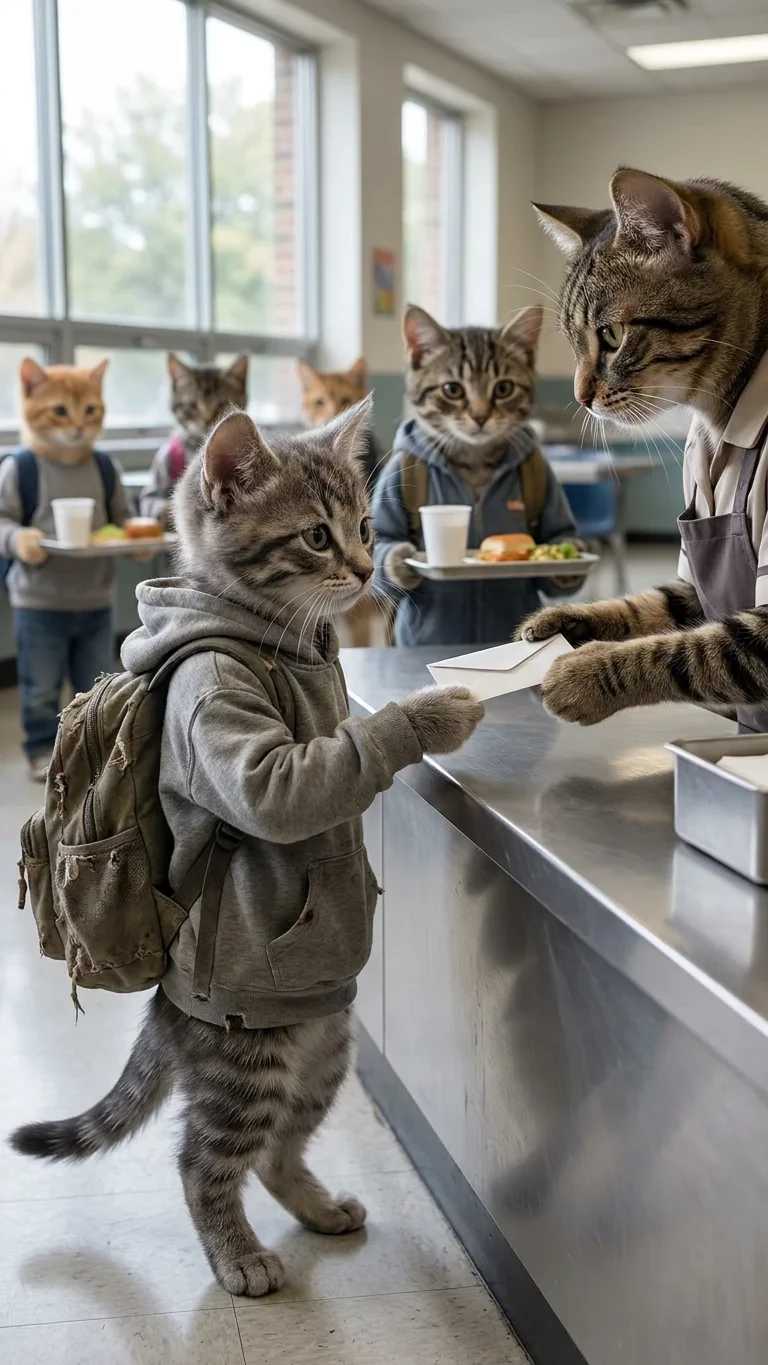

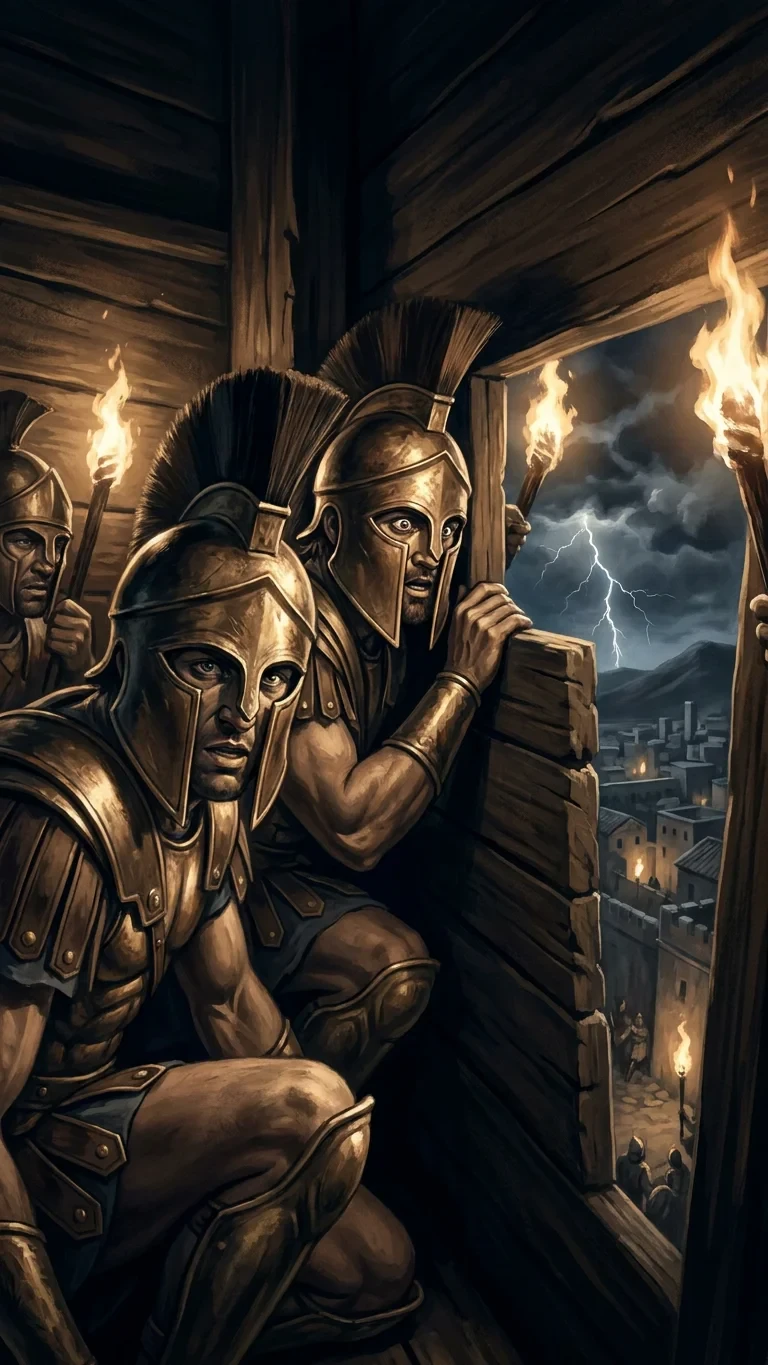
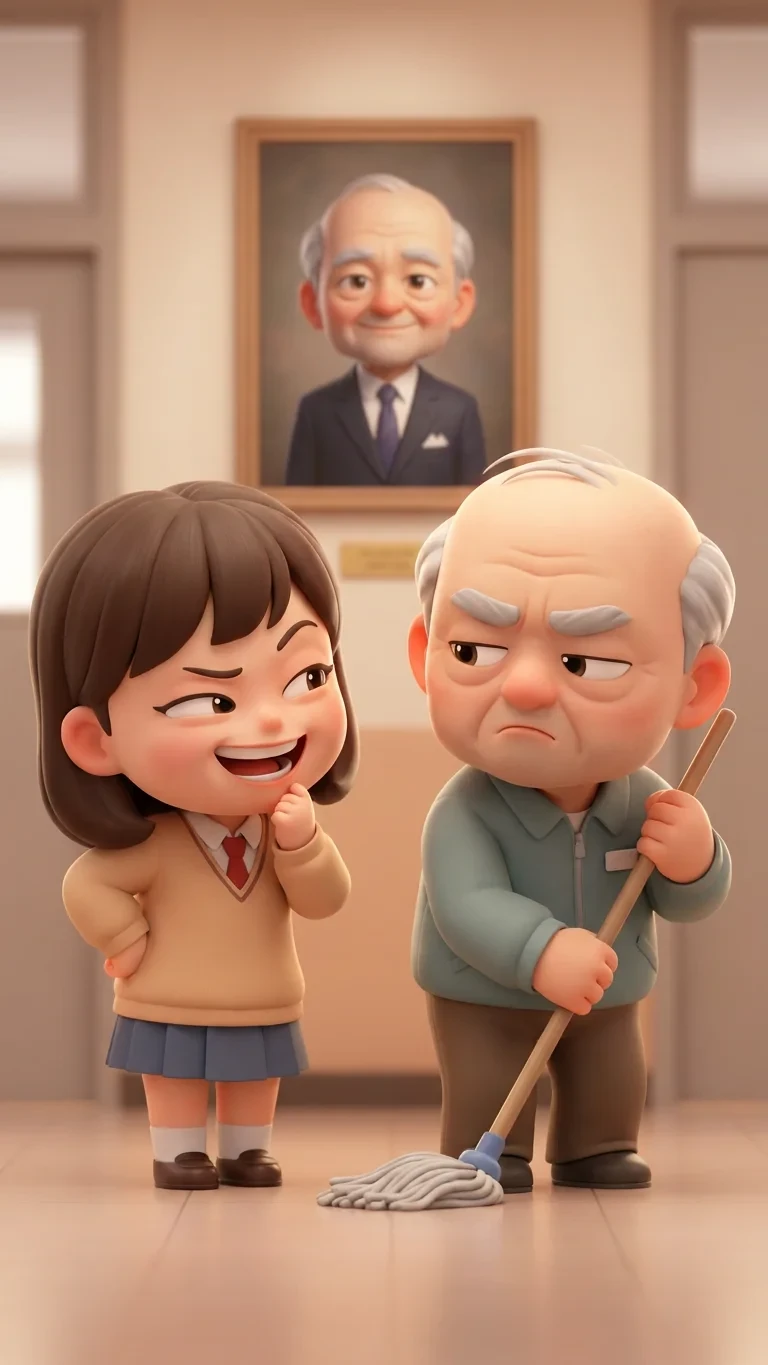
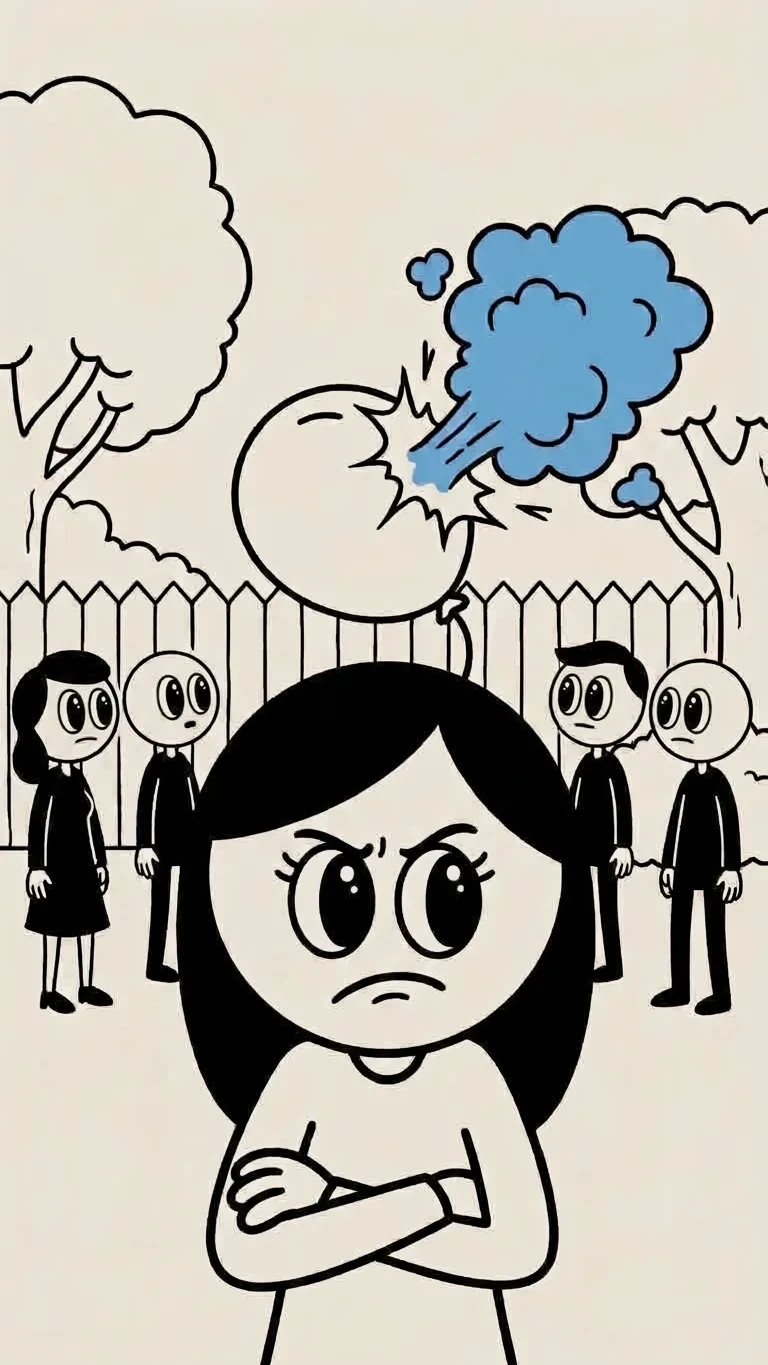
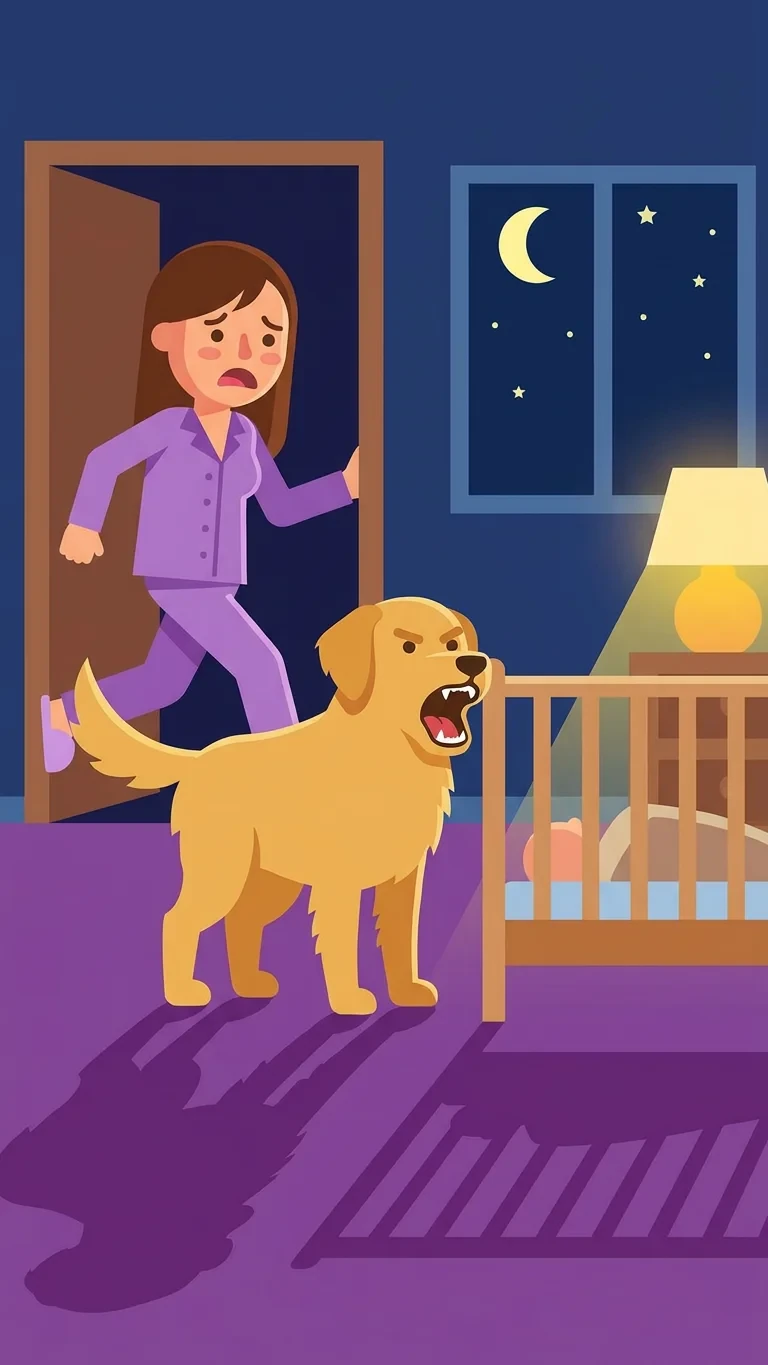
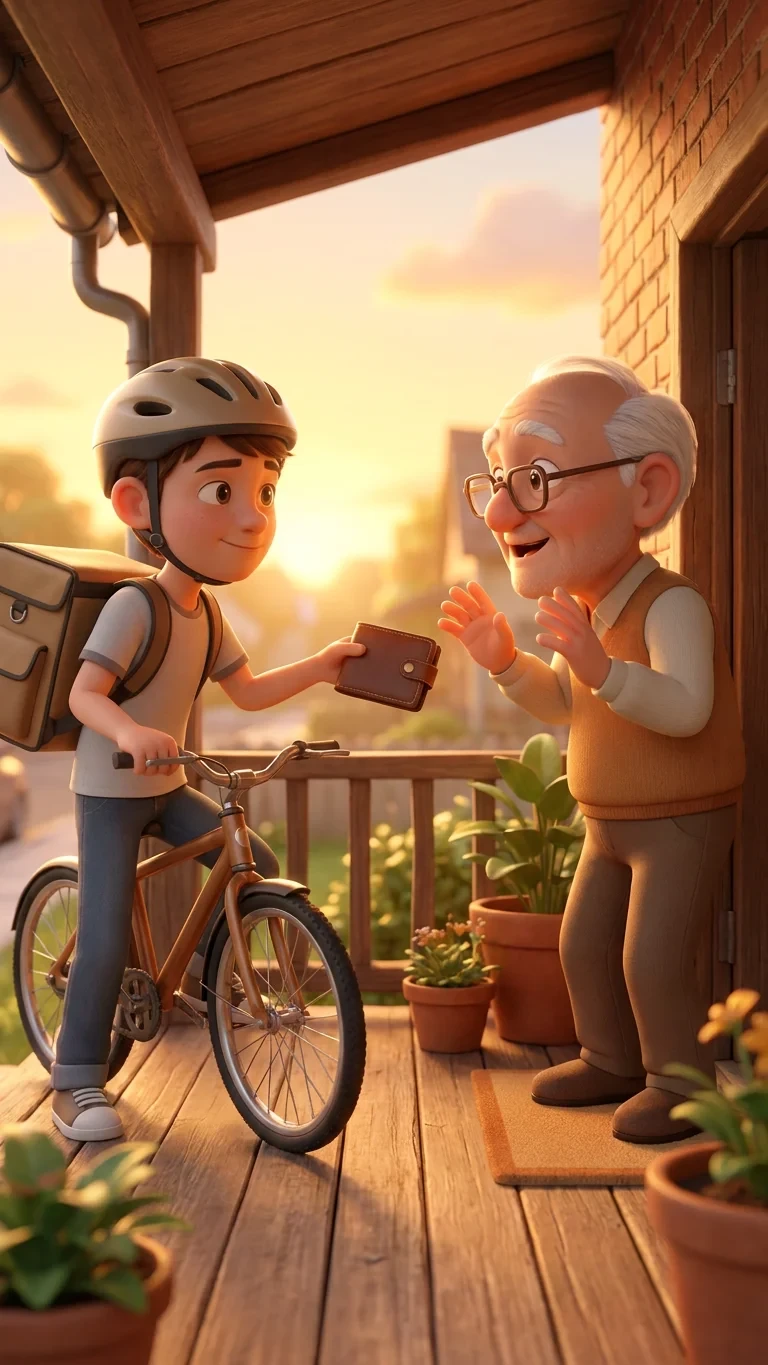

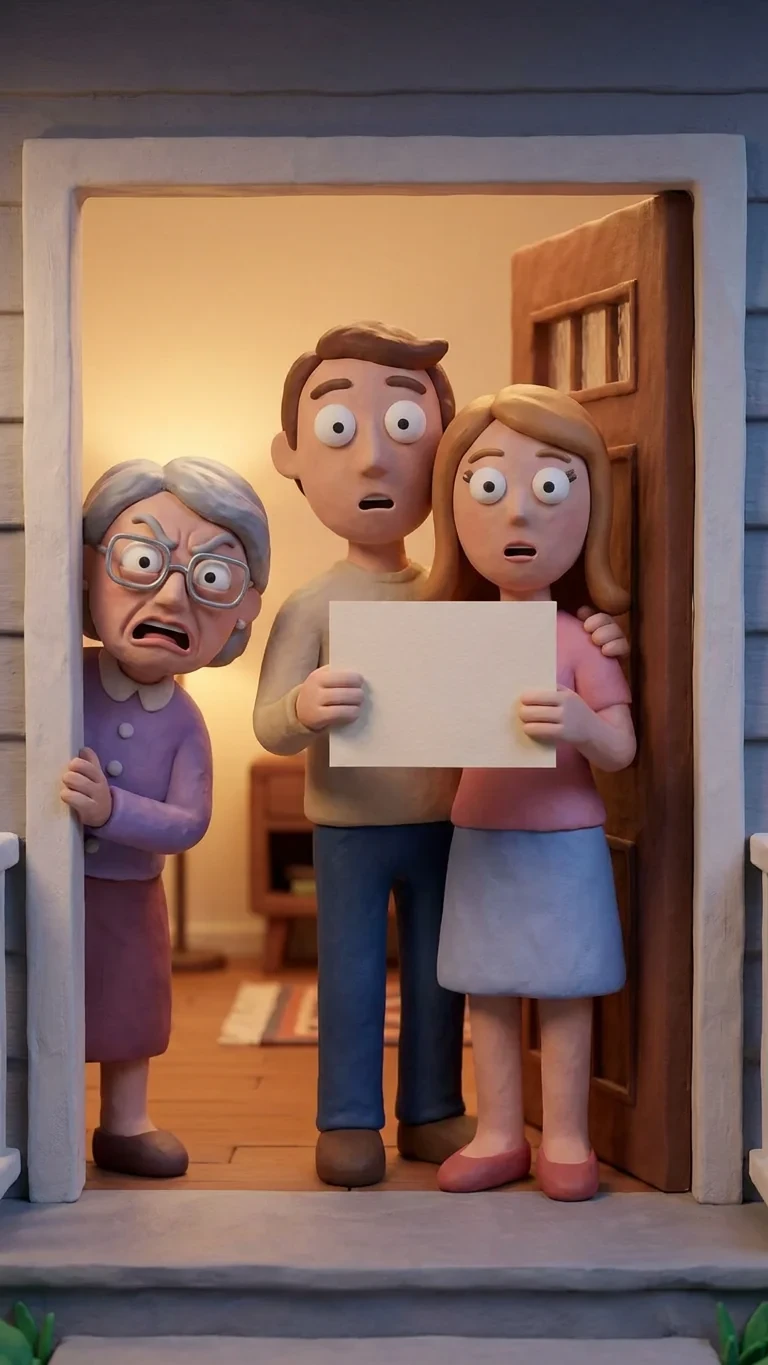
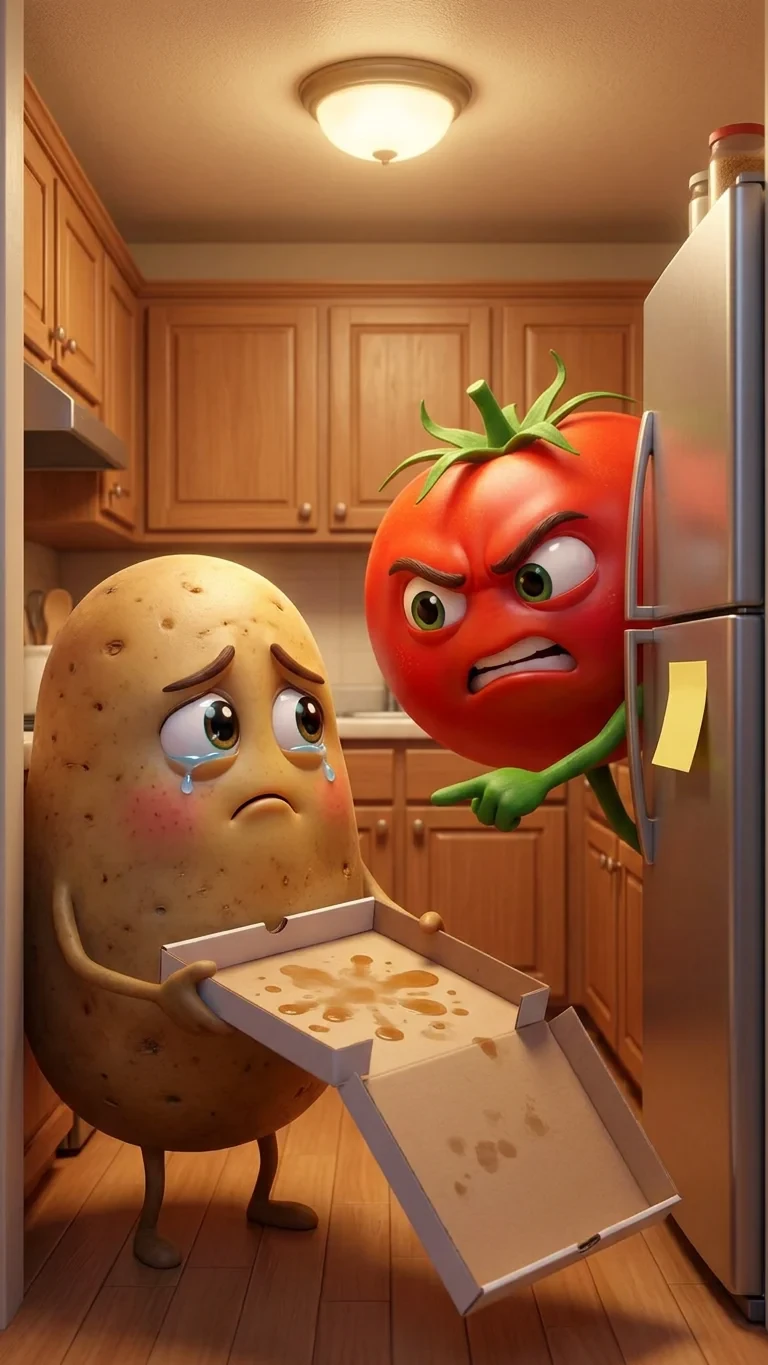

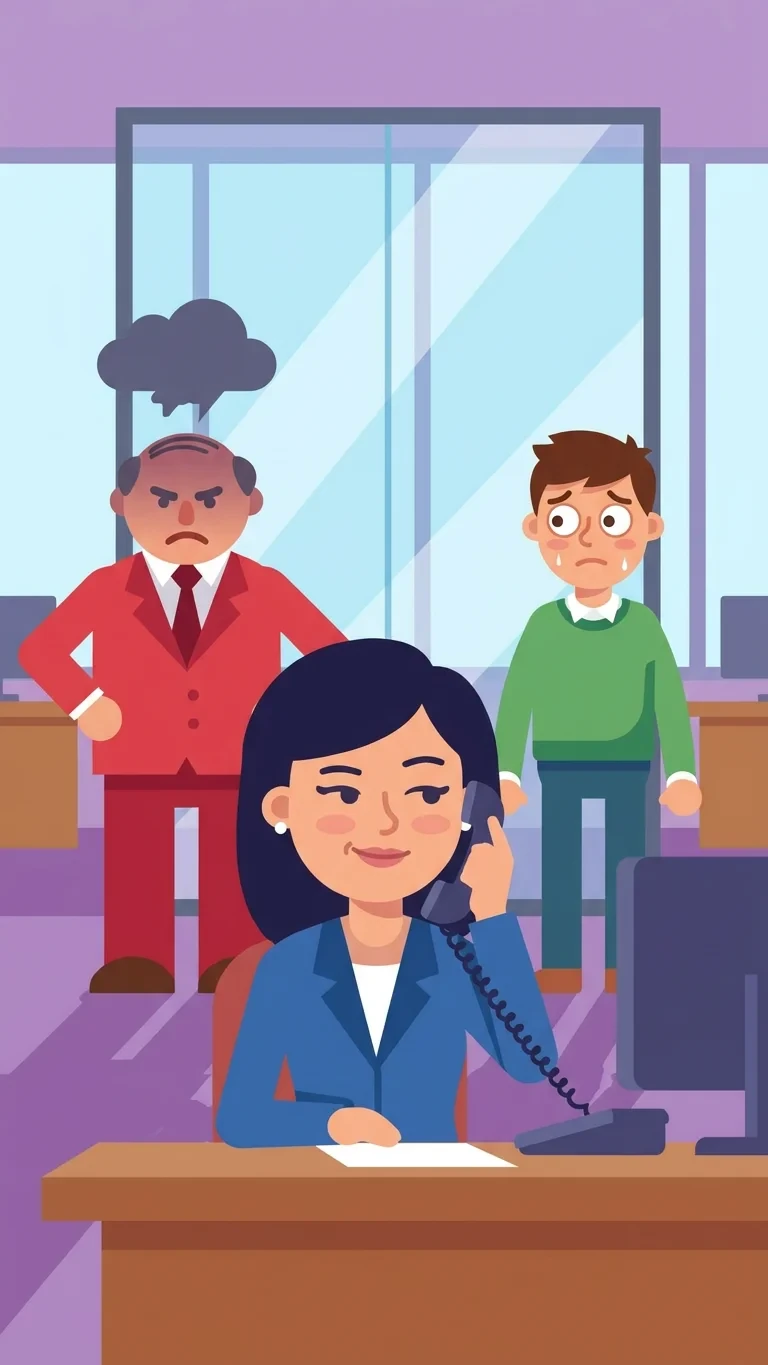

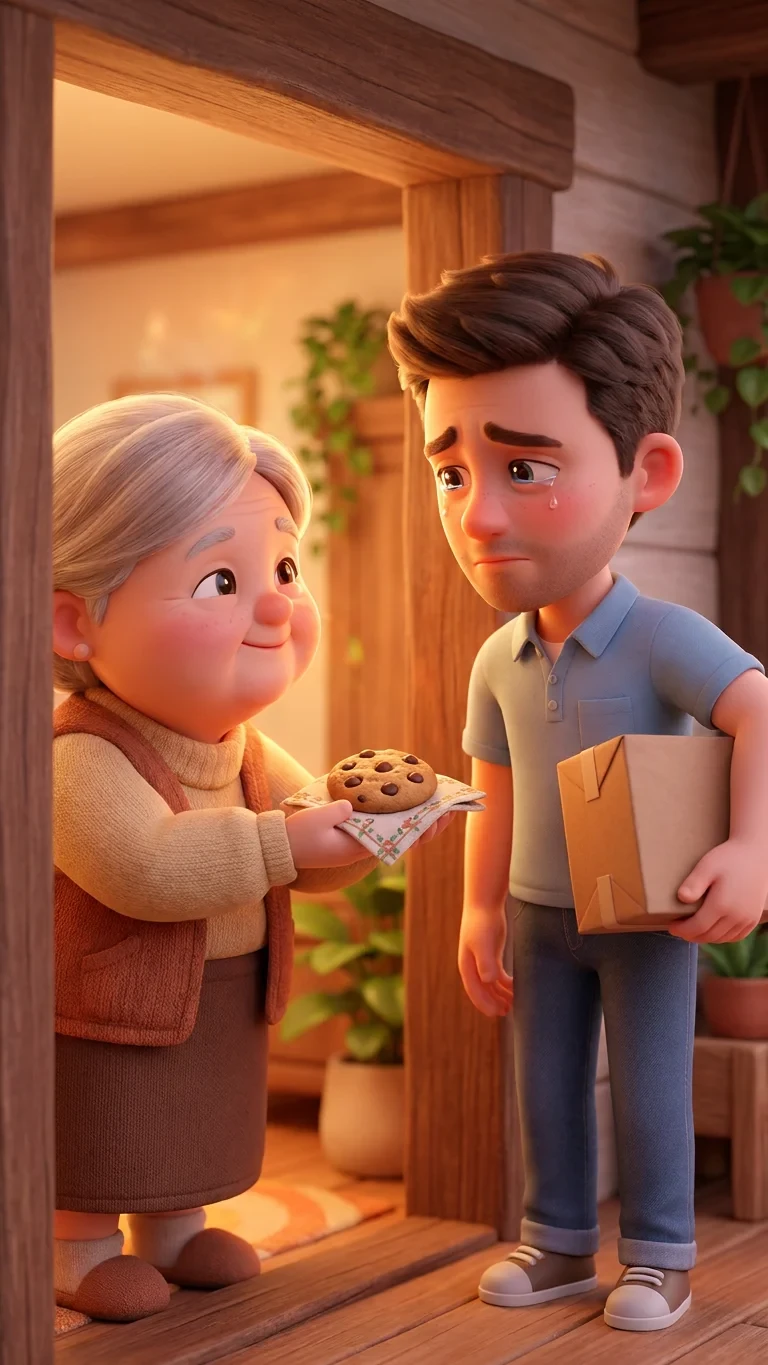
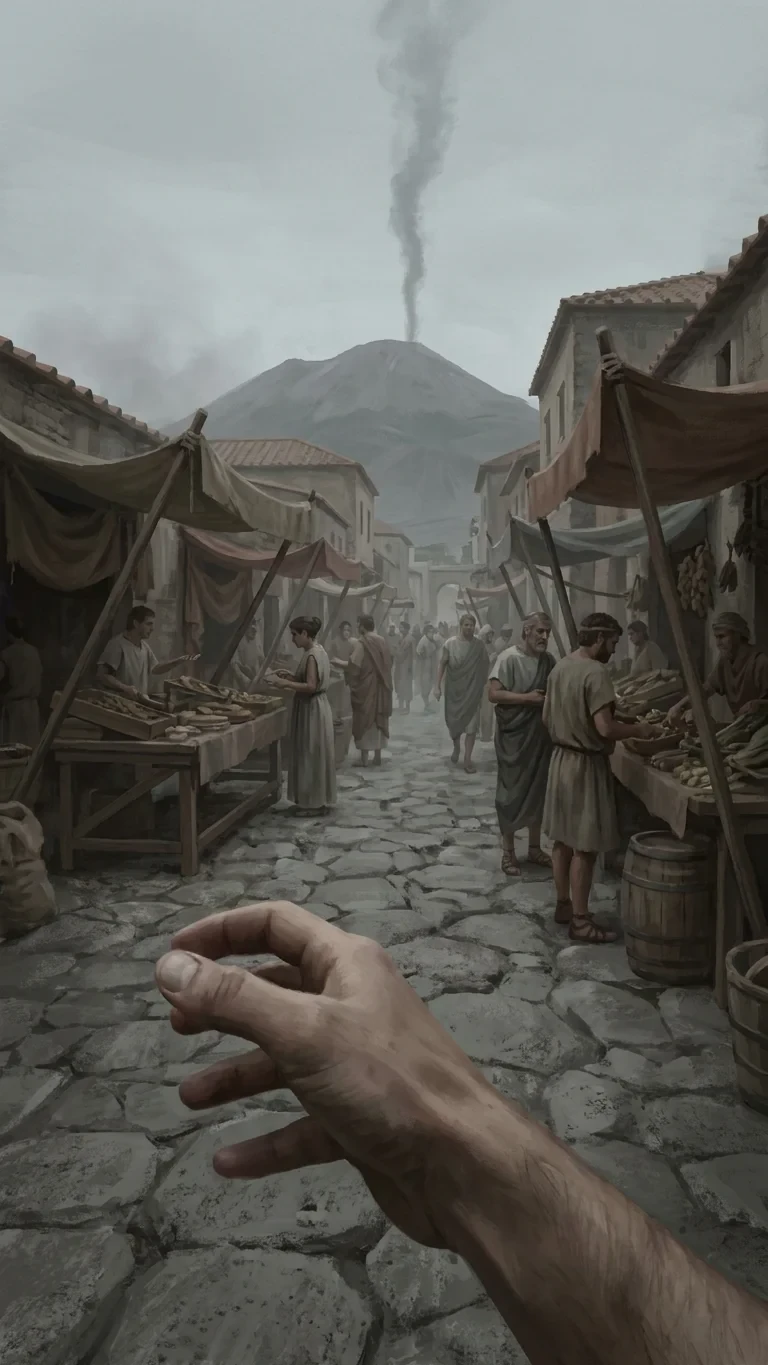
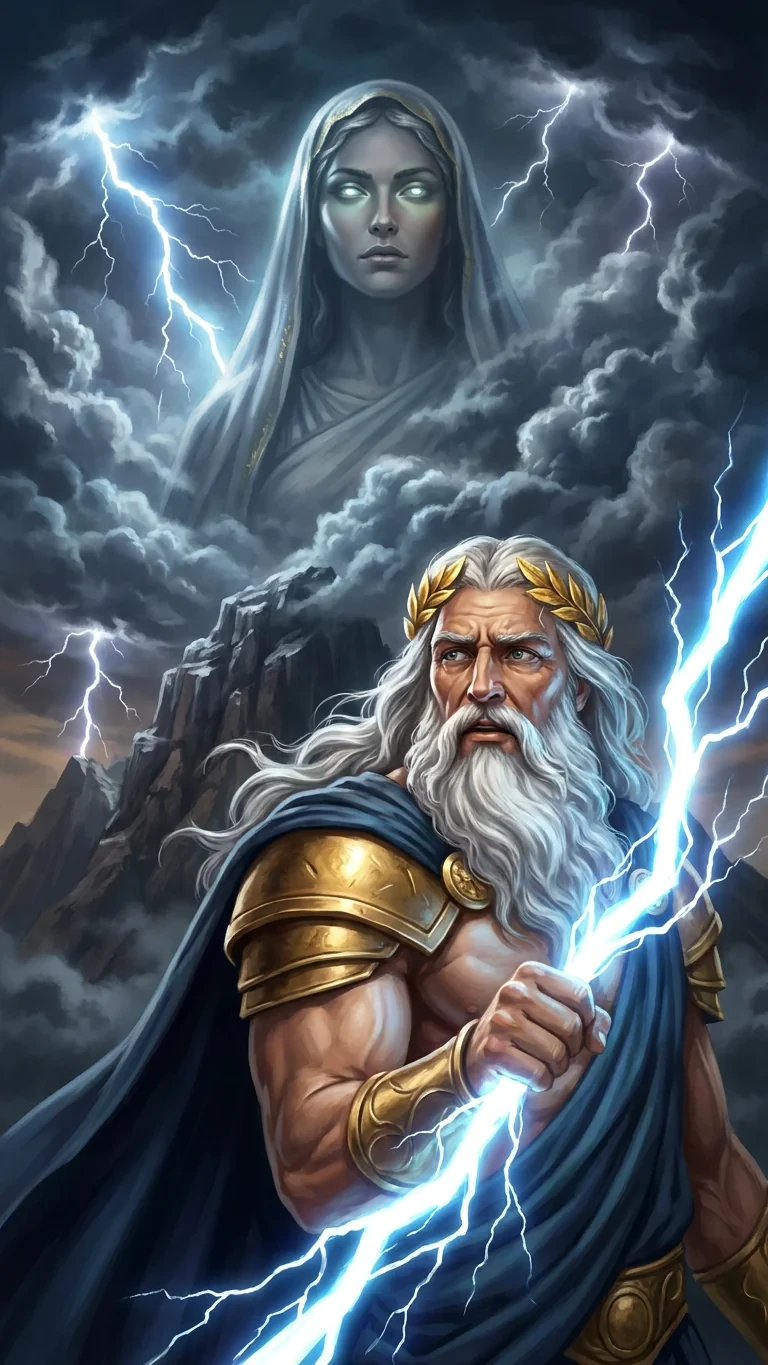
Give it one line of a story or a link, and Selects writes the script, draws the scenes and narrates the short. Change anything by saying so.
Start from a story in your head, a link, or your own script. No idea yet? Pick a trending topic.
Paste a link to a reference video and the scenes take their look from it. Or choose from twelve styles, or describe the look in words.
Pick a template, a voice and a font, and turn the title, captions and sound effects on or off. Scenes can also become AI video, which uses more credits.
Export the finished video right away. From the desktop app, post it straight to TikTok, YouTube or Instagram.
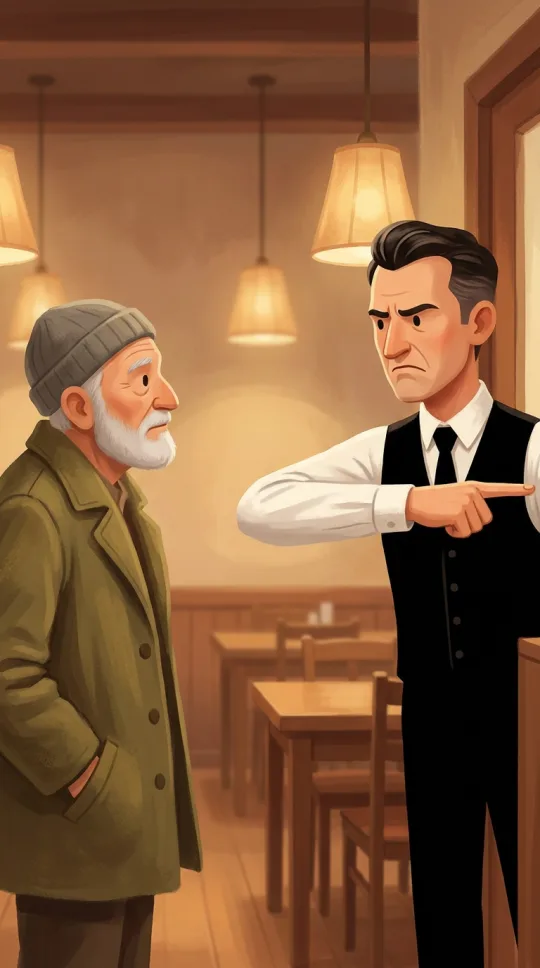
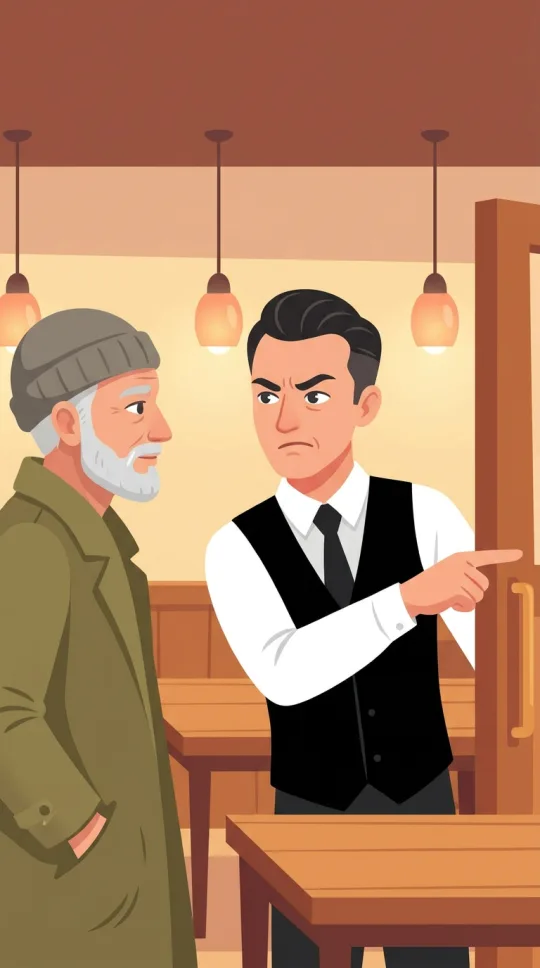
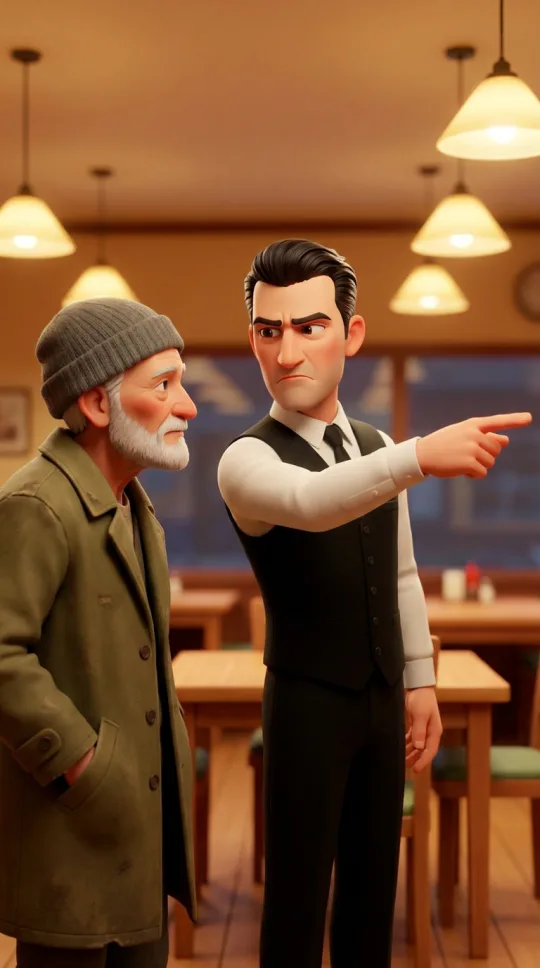
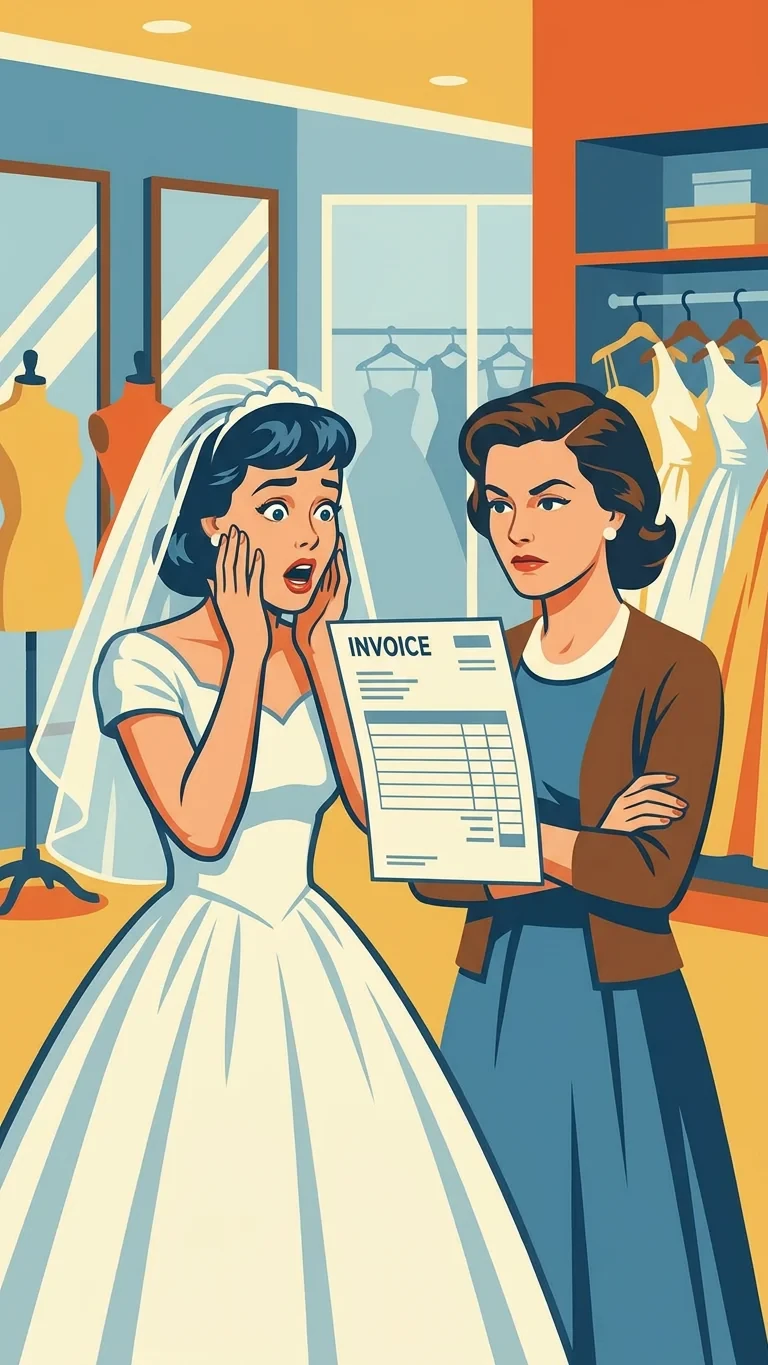
Pick one of twelve, including photoreal, 3D animation, webtoon, cinematic, toy figure, pixel art, clay and paper cut. You can also describe the style you want in words or paste a link to a reference.
No. One line is enough: the AI writes the script and draws the scenes. If you already have a script, paste it in as it is.
Yes. Writing the script, drawing the scenes and making the voice and video use credits, and every button that spends credits shows how many. The key scenes come first, so if you don't like them you can stop before the rest of the scenes and the video are made. Turning scenes into AI video uses more credits.
Yes. Before the video is made, you can pick a key scene by its number and say how to change it, or draw it again. The finished video is an ordinary timeline in your project, so you can edit it like any other, or tell the chat something like "make the captions bigger" or "add background music".
Explore our help center for all articles
We use cookies
We use cookies to help this site function, understand service usage, and support marketing efforts. Visit to change preferences anytime. View our Privacy Policy for more info.