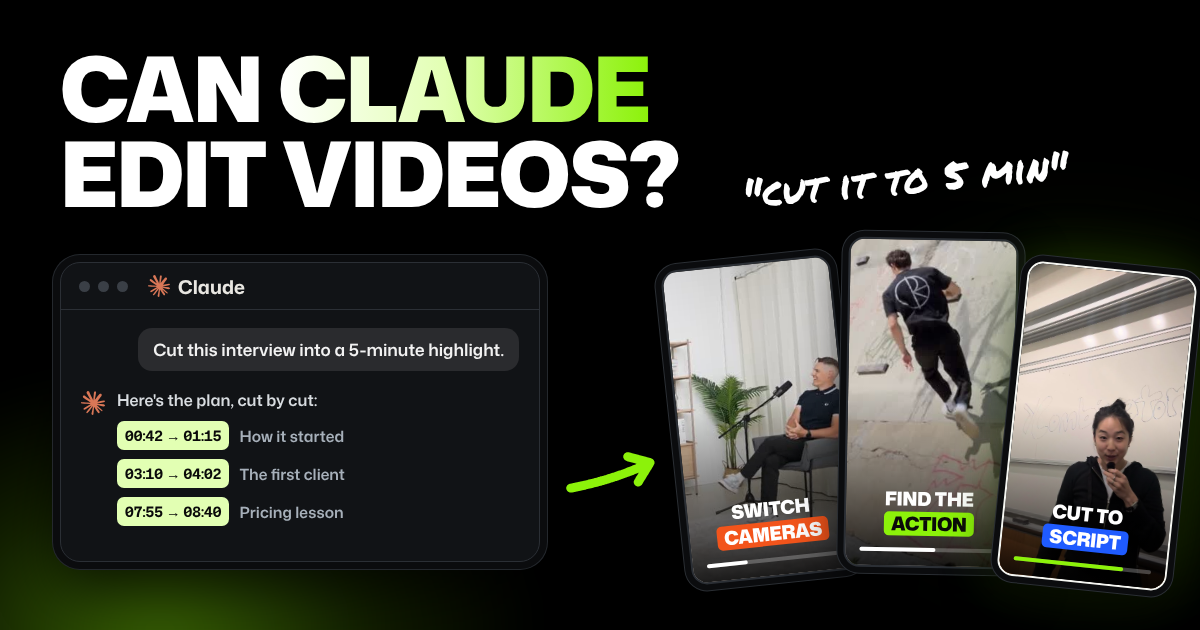
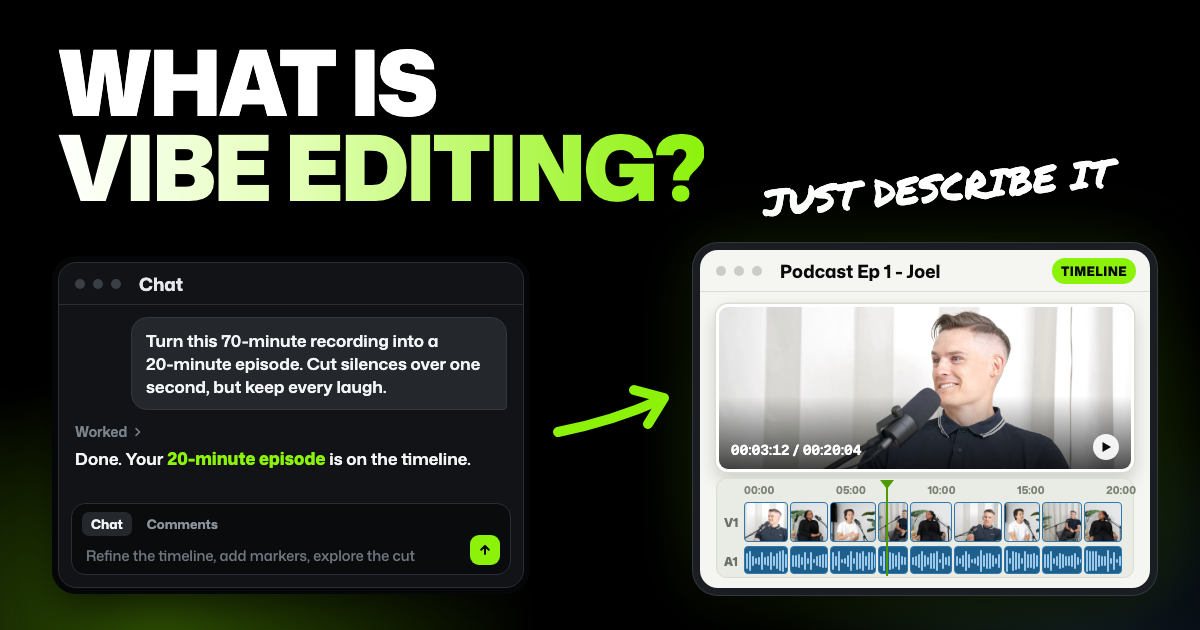
Can You Build Your Own Video Editor With Claude Skills?
You can build your own editor with a Claude video editing skill. What the harness, tools and upkeep take, and when an AI video editor saves time.

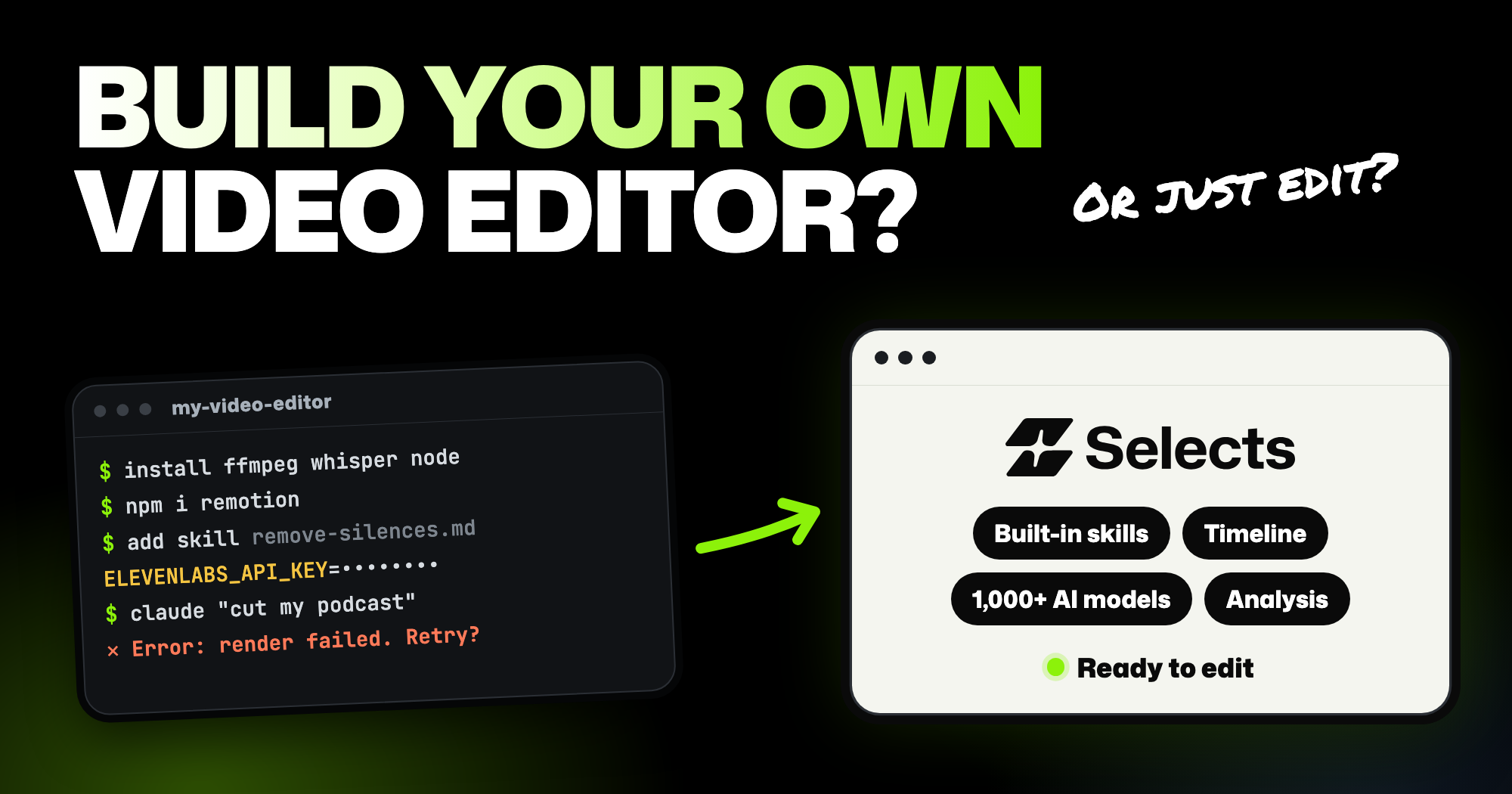
TLDR: Yes. Even if you don't code, Claude, ChatGPT or Codex can help you build your own video editing setup with skills. You also build and maintain everything around the AI: the tools, the rules and the fixes. That can be enough for short clips, but long videos need a real timeline, which an AI video editor already gives you.
You've seen someone on YouTube get Claude Code to cut their videos with a free skill pack. Now you're wondering why you'd pay for an editor if you could build your own. Here's what building one actually takes, so you can decide where your editing time goes.
- The AI isn't the hard part. Today's models can write most of the code for you.
- The setup around it is. You choose the tools, write the rules and fix what breaks.
- Someone else's skill pack fits their style. Plan on rounds of notes before it edits your way.
- Video length decides it. Short clips can work with an AI agent alone. Long videos need a timeline you can edit by hand.
Can you really build your own video editor with AI?
Yes, and you don't need to be a developer anymore. Simon Willison is a well-known programmer who writes about AI tools. He says that since Claude Opus 4.5, Claude Code's default result is generally the right thing.
I'm not technical, and I know what Claude and Codex can do. I also know how long editing already takes. An editing agency CEO estimates 30 to 60 minutes of work for every minute of finished video.
So the real question isn't "can I?" It's whether you want to spend that time building an editor or editing your video.
What you'd actually be building: the model, the harness and the skills
When you build your own setup, the AI model is only one piece. The rest has names.
| Piece | What it is | Kitchen version |
|---|---|---|
| Model | The AI itself, like Claude or GPT | The cook |
| Harness | Everything around the model that lets it work safely: the tools it can use, what it's allowed to touch, and how it checks its work | The kitchen |
| Skills | Saved instructions for one job, like "remove the silences this way" | The recipes |
LangChain, a company that builds AI agent tools, defines a harness as everything that "isn't the model itself". It's what stops the AI from doing odd things on your computer, or things you never asked for.
Anthropic, the company behind Claude, compares a skill to an onboarding guide for a new hire. It's a folder of instructions and scripts that Claude loads when the job comes up.
Here's how I think about it. A short clip is instant ramen. Your AI agent on its own is a portable gas burner in the living room. For ramen, that's fine.
A podcast, vlog or talking head video is lasagna. You need an oven, a pot, two burners and counter space. Nobody builds a kitchen in their living room for one lasagna. Editors made for AI agents are that kitchen, already fitted out, so you can get straight to cooking.
Why "remove the silences" isn't one instruction
Typing "remove the silences" to Claude is a shot in the dark. It has to guess every detail you didn't say:
- How quiet counts as silent? Room noise and breathing aren't silence to a computer unless you say so.
- How long a gap before it gets cut? Half a second, or two?
- How much space to leave around each word? Too little, and words get clipped.
- Should short pauses stay? Cut them all, and you get jump cuts: small jumps in the picture at each cut.
Real tools don't agree on the answers. Audacity's silence remover counts half a second of quiet as silence by default. Auto-Editor, a free silence-cutting tool, leaves 0.2 seconds of padding. Descript lets you set your own gap length.
People don't agree either. In my experience, vlogs need different rules than sit-down videos. In vlogs I only trim pauses longer than 1.5 seconds, and I keep laughs and quiet moments. In sit-down videos I trim anything over 0.8 seconds, but keep pauses after jokes and before key points.
Every one of those rules is a decision. Building your own skill means finding each one by trial and error.
Can you download someone else's Claude video editing skill?
You can, and it's a good way to learn. Just expect it to edit like the person who made it.
Herk Edit Kit, from YouTuber Nate Herk, is one of the most popular video editing kits on GitHub. Its settings come from studying his own top reels and dozens of rounds of his notes. The kit calls those numbers "a starting point for your own style, not as law."
That's honest, and it applies to every skill pack, free or paid. Anthropic's guide says good skills are tested with real usage. It adds that skills work differently depending on the model running them. So even a paid pack needs your notes on your footage before it cuts the way you would.
Anthropic also recommends installing skills only from trusted sources, because a skill can run scripts on your computer.
The tools you'd need to set up
Most Claude Code video editing setups glue together the same handful of tools:
- An AI coding agent: Claude Code or Codex, on a paid plan.
- ffmpeg: a free tool that cuts and joins video files from typed commands.
- Speech-to-text: Whisper on your computer, or a paid service like ElevenLabs. Paid services need an API key, a private code that links them to your setup.
- Coding tools: Node.js, Python and Git, installed and kept up to date.
- A caption or graphics tool: often Remotion, which turns code into video.
Andrej Karpathy, the AI researcher who coined "vibe coding", built an app this way. He found it fun as a demo, but a bit of a painful slog as a deployed, real app. Most of the pain was wiring services together.
Each edit also runs on your AI plan. A professional editor on our team had Claude edit a 1-minute video on its own. It cost $9.42 in tokens and took 40 minutes. The full results are on our Claude test page.
Short clips work. Long videos need a timeline
For a 30-second clip, an AI agent with a few tools can do the job. Many homemade kits render a finished video file. If a cut is wrong, you tell the agent and it renders again.
That breaks down on a 40-minute podcast or vlog. You'll want to nudge one cut, move a section or bring back a line. That's work you do by hand on a timeline, the strip where your clips sit in order.
Long footage also strains the AI itself. Our editor ran the same podcast through five AI video editors. Every one except Selects failed on footage longer than an hour.
People who edit long recordings with an agent mostly don't build their own editor. Developer Flavio Copes had an agent cut a 65-minute recording, and the agent drives the same editor he uses. He still watches every edit before it's saved. That's the kitchen, not the camping burner.
Who maintains it?
Building the editor takes the first weekend. Keeping it working takes every weekend after.
Jason Lemkin, founder of the startup community SaaStr, builds his own apps with AI. He writes that "every app you build is an app you now have to maintain".
Video tools show the same pattern. ButterCut is an open source AI editing tool. Its maintainer says keeping exports working across three editors is still hard. Another popular kit, video-use, has an open bug where its helpers break on Korean file names on Windows.
When your tool breaks, you or your AI agent fix it. Every fix costs time away from the video, and real money in AI tokens.
Build it or use an AI video editor?
Lemkin has a simple test: if a product is someone else's full-time job, pay them. Here's how that plays out for video.
| What you're weighing | Build your own with Claude, ChatGPT or Codex | Use an AI video editor like Selects |
|---|---|---|
| Setup | Install and connect the tools yourself | Install one app, or open it in your browser |
| Editing rules | Write and test every skill yourself | Built-in skills, plus your own |
| Long videos | Hard without a timeline | Timeline for hand edits |
| Upkeep | You fix what breaks | The editor's team fixes it |
| Control | Full control of every line of code | You control the edit, not the code |
| Cost | Your AI plan's usage, plus any paid services | Free editor; AI features use credits |
| Best for | Developers who make the same short format every week | Anyone who'd rather spend the time editing |
Building makes sense if you code, enjoy it and make one repeatable format. You get full control. Your files also stay on your computer, unless a tool sends audio out to transcribe. If you'd rather edit than maintain software, the setup is the expensive part.
Where Selects fits
We make Selects, an AI video editor built for AI agents to use. It's the kitchen, already fitted out: a timeline for hand edits, a harness, and dozens of built-in editing skills.
Before editing, Selects watches and listens to your footage. It knows where every word starts and ends, and who is speaking. That's what lets the AI cut on the word instead of guessing from a transcript.
Every model, already connected
A homemade setup means one account, one API key and one bill per service. In Selects, the models are already wired in, and AI features draw from one credit balance.
| What you need | What's already connected | Who pays |
|---|---|---|
| Understanding your footage | Selects' own AI model, which watches and listens: word timing, speakers and what's on screen | Selects credits |
| Chat that edits for you | ChatGPT models like Sol 6.1 and Claude models like Opus 5.5 | Selects credits |
| Your own AI plan | Claude Pro or Max, any paid ChatGPT plan, or a Gemini API key, in the desktop app | Your own plan, or Google for Gemini |
| Your own AI agent | Claude desktop, Claude Code, Codex and OpenClaw, through the Selects MCP | Your AI plan, plus credits for analysis |
| AI video | Veo 3.1, Kling 4.0, Seedance 2.5, Hailuo 2.3, Wan and Luma Ray | Selects credits |
| AI images | Nano Banana Pro, GPT Image 2, Seedream 5 and FLUX 2 | Selects credits |
| Voice, music and sound | ElevenLabs v3 and v4, MiniMax Speech, Lyria 3 and ElevenLabs Music, or your own Typecast voices | Selects credits, or your Typecast account |
| Upscaling and cleanup | Topaz upscaling, denoising and frame interpolation | Selects credits |
Those generation rows are only the popular picks. Selects' AI provider gives you more than 1,000 generation models in all, each one a search away inside the app. That's also why one app can replace a stack of subscriptions, as our comparison of all-in-one AI video editors shows.
The built-in skills hold the decisions you'd otherwise make by trial and error. Take silences: give it your numbers, and it follows them. Ask for "long pauses only" with no number, and it first looks at how this speaker pauses.
You can still bring your own way of working. Ask chat to save your rules as a skill, and later projects use them. Or let Claude Code or Codex edit on the Selects timeline through the Selects MCP, with your agent's own setup.
The Selects editor is free: edit, add captions and effects, and export with no watermark. Analysis and the AI features built on it use credits, which come with a paid plan. See Selects plans and credits.
Not sure Claude can handle your videos at all? Start with what Claude can watch, analyze and cut.
FAQs
Can ChatGPT or Codex build a video editor too?
Yes. Codex is OpenAI's coding agent, and it can install tools and write editing scripts like Claude Code. Codex also uses skills. The same trade-offs apply: you set up the tools, tune the skills and fix what breaks.
Do I need to know how to code?
Not to start, because the AI writes the code. You still install tools and run commands in a terminal, the window coders type commands into. When something breaks, you read the error and ask the AI to fix it.
Is a free Claude video editing skill good enough?
For learning, yes. For your own videos, expect a few rounds of notes. Every skill pack carries its creator's taste, from pause lengths to caption style.
Can I use my own skills in an AI video editor?
In Selects, yes. Ask chat to save how you work as a skill. Or connect Claude Code or Codex through the Selects MCP and bring your agent's setup with you.